Skip to content
Inovatica AGV
Menu
ROI Calculator Book a demo
AGV / AMR technology

System and control

From task intake to traffic control and fleet orchestration.

Technology and rollout

How AGV works

An AGV system starts by receiving a task, calculating its priority and assigning it to the right vehicle based on availability, location, carrier type and current process state.

Executive summary

AGV works well only when task logic, route planning and handover points are designed as one control model.

Business impact
less manual decision-making around task allocation and queues
more predictable material flow as load grows
Task dispatch

How tasks are sent to the AGV fleet

Five dispatch channels can work in parallel: button panels, a dedicated tablet app, individual sensors, camera-based visual detection and integrations with external systems. All feed the same supervisory layer and AGV fleet.

Manual trigger

Button panel

Industrial push-button panel and autonomous pallet truck in a warehouse Panel / LAN

Tasks can be issued manually by an operator using hardware button panels installed in agreed process points across the facility.

1

The operator presses the required button on the panel

2

The signal is sent over LAN to the supervisory system

3

The system selects an available AGV and dispatches the task

Mobile task entry

Tablet app

Operator submits an AGV transport order on a tablet mounted to a production-line column Tablet / app

An operator can issue a transport task from a dedicated app on an industrial tablet at the point of work. The request goes to Fleet Manager for assignment to an AGV.

1

The operator selects a defined transport task in the tablet app

2

The request reaches Fleet Manager for validation and assignment

3

An available AGV carries out the transport task

Automatic trigger

Sensors

Photoelectric sensor detects a pallet at a roller conveyor beside an AGV Sensor / signal

A sensor at a conveyor end or handover point can trigger a transport order as soon as a pallet reaches the defined position.

1

The sensor detects a pallet at the handover point

2

The signal is passed to the system

3

The transport task starts automatically for the fleet

Visual detection

Cameras

Machine-vision camera monitors multiple pallet positions as an AGV approaches Vision / zone status

Cameras above pallet zones track several positions at once. A local industrial computer recognizes which are occupied, free or ready for pickup and passes their status to Fleet Manager.

1

Cameras observe defined pallet positions and detect material ready for pickup

2

An industrial computer analyzes the images locally and sends position status

3

Fleet Manager creates a task and assigns an available AGV

System trigger

External systems

Industrial control terminal and AGV in a production warehouse ERP / MES / WMS

The platform can integrate with ERP, MES and WMS so external software becomes the source of tasks and receives execution feedback from AGV operations.

1

An external system generates the task

2

The task data is transferred to the supervisory layer

3

The AGV fleet executes it and the result returns to ERP, MES or WMS

System integration

WMS / MES / ERP integrations

Integration decides whether AGV really support the process or only execute trips without the full operating context.

Executive summary

Integration makes transport react to real process events instead of manual triggering outside the system.

Business impact
fewer empty trips and fewer exceptions handled outside software
clear responsibility split between AGV and WMS / MES / ERP

In warehouses and plants, the vehicle should react to upstream data: task status, station readiness, carrier ID, pick confirmation or process block. That is why we treat integrations as part of the rollout logic rather than a technical add-on after the fleet goes live.

We work with both lighter event exchange scenarios and deeper WMS, MES, ERP or SCADA connections. The goal is data consistency and clear responsibility: the upstream system knows when to trigger transport, and the AGV layer knows how to execute it safely and efficiently.

mapping of events and statuses between AGV and plant IT
integration with warehouse and production logic
clear exception handling, blocking and retry model
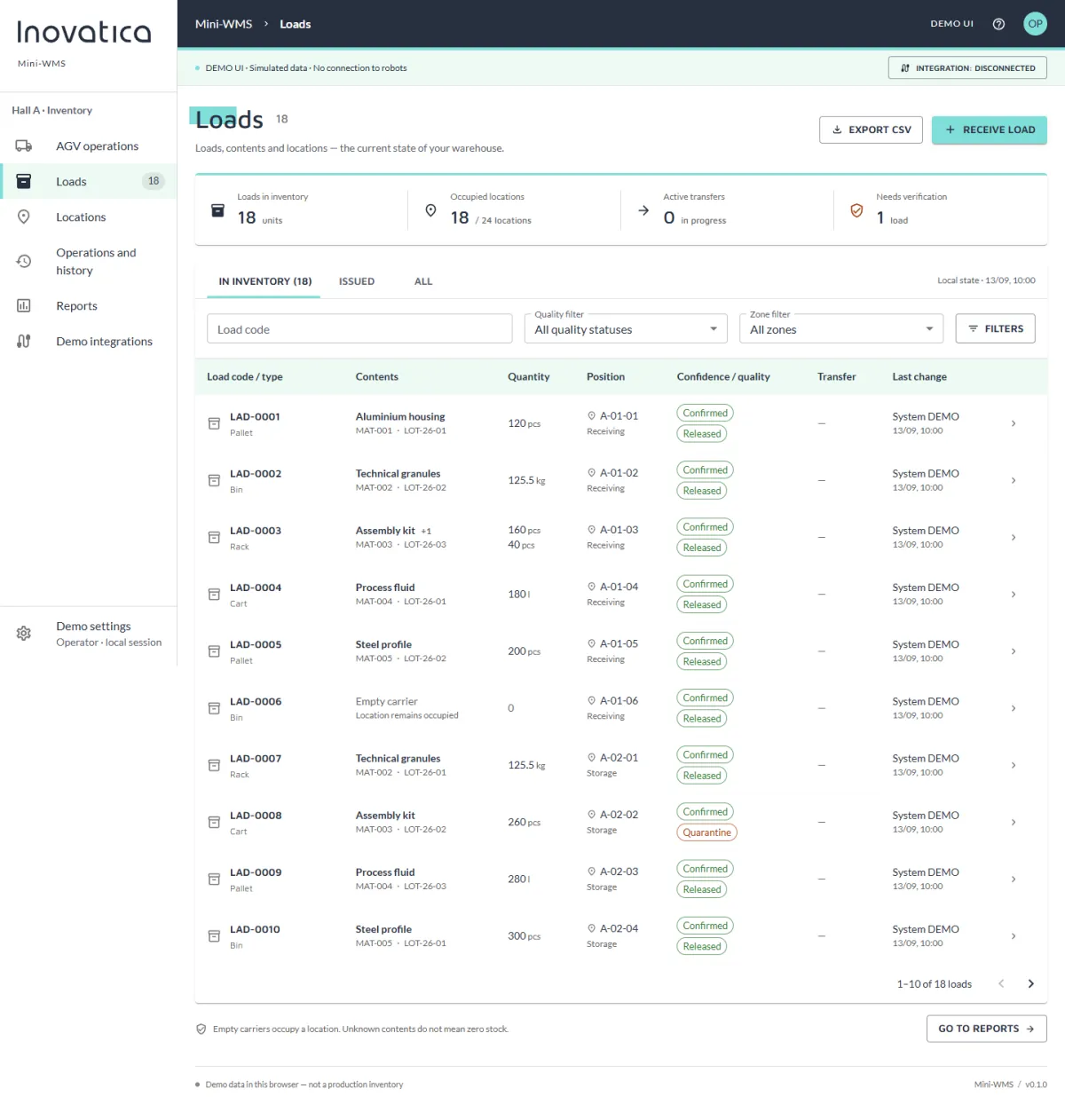
Mini‑WMS

See how load and location records can connect to AGV transport requests in the system demo.

Explore Mini‑WMS
Shared control layer

Different task sources, one orchestration model

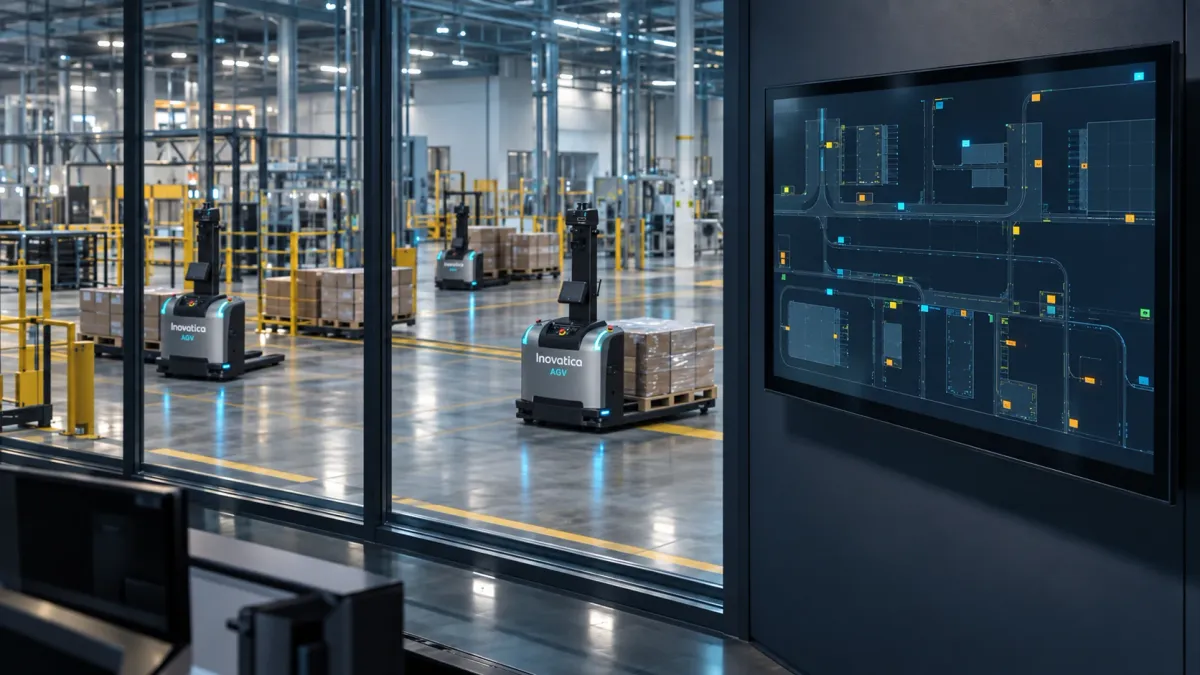
No matter where the signal comes from, the supervisory layer validates the request, selects the right vehicle and sends the task to the fleet with one consistent logic.

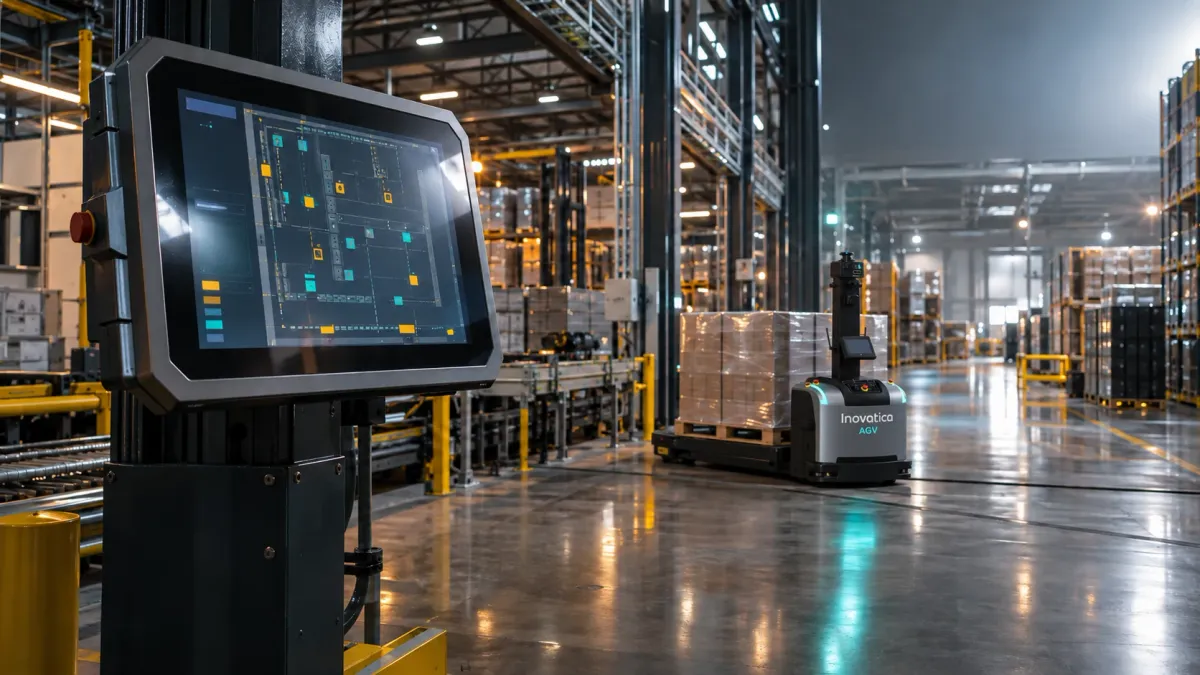
Warehouse AGVs viewed beside a fleet management screen
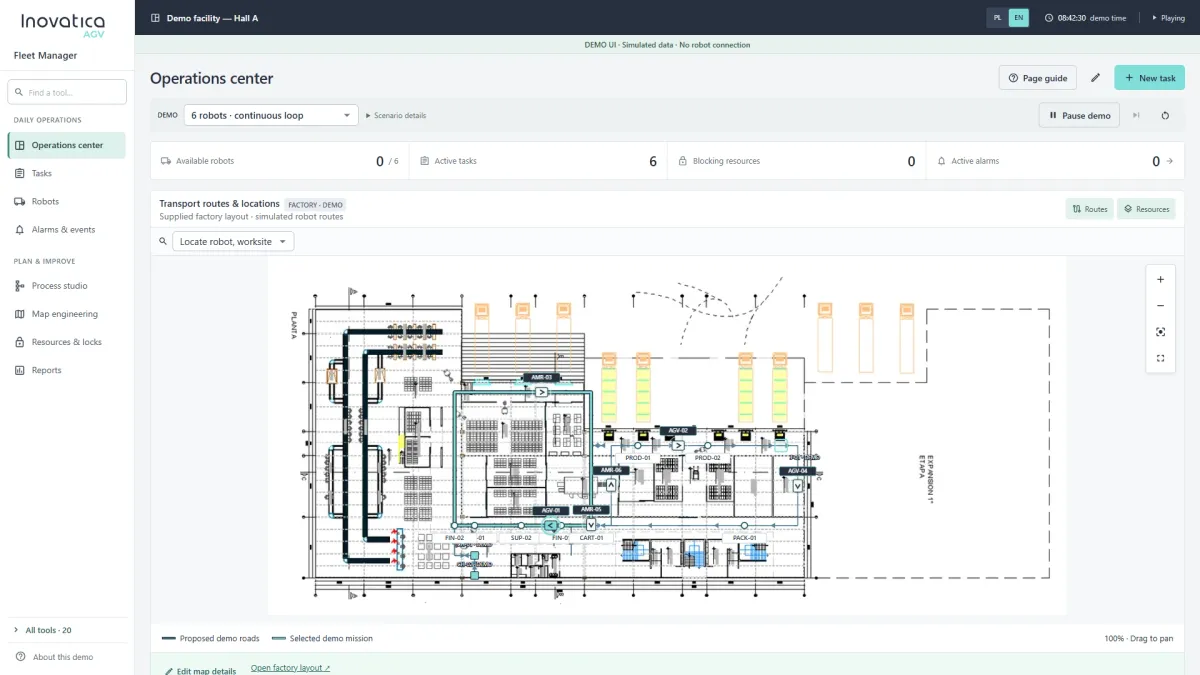
Supervisory system Inovatica AGV Fleet Manager
AGV fleet

In practice this means several layers work together at the same time: the vehicle, localization, traffic control and task logic. The trip itself is only the final result of earlier decisions about orchestration, route planning and reaction to events in the environment.

A good rollout is not about launching a single robot. It is about building a stable operating model. That is why we analyse not only the route, but also pick-up and drop-off points, priority rules, human interaction and the conditions under which the system must stay predictable when the load grows.

real-time task intake and queueing

dynamic route planning based on traffic and priorities

control of pick-up, drop-off and task confirmation points

Onboard 3D vision

Pallet recognition

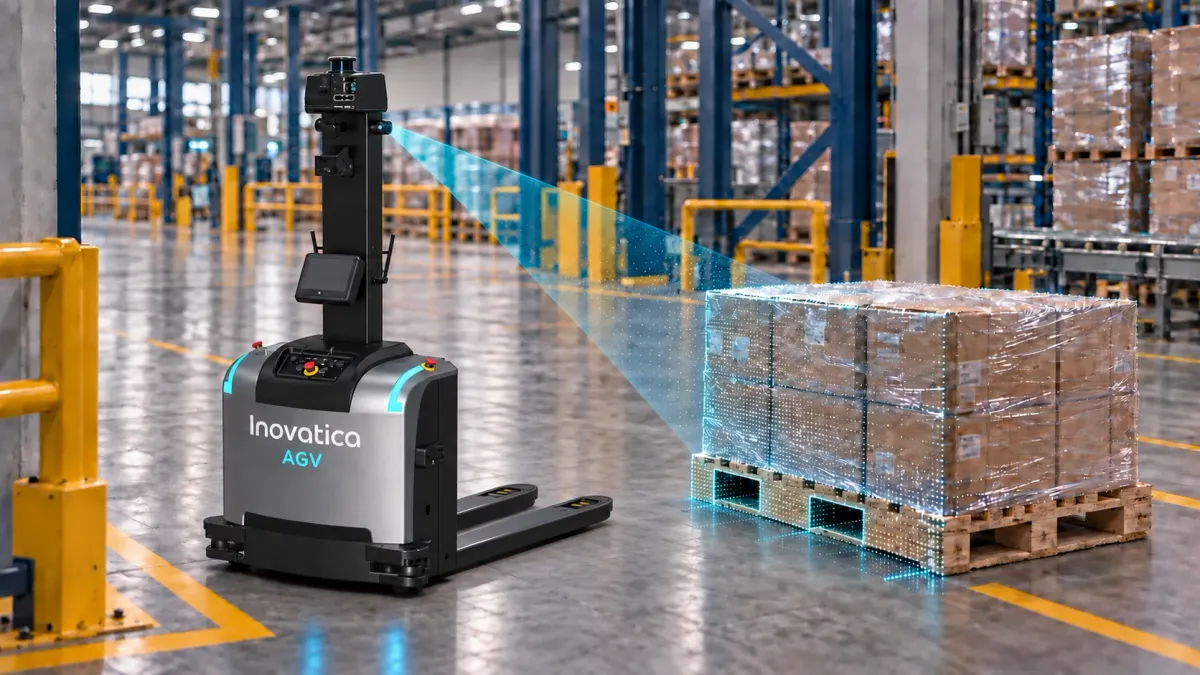
The 3D vision module helps an autonomous forklift pick up a pallet accurately even when it is not placed exactly at its designated position. It compensates for position and rotation deviations caused by manual placement or conveyor handoff.

AGV forklift scans a pallet with a 3D camera to determine its position before pickup
3D camera → pallet position → fork correction
1

Approach

The AGV approaches the pallet and stops at the recognition point.

2

3D scan

The camera produces a point cloud. The AI algorithm calculates the actual X, Y and Z offsets and the pallet’s yaw angle.

3

Pickup correction

The AGV adjusts its position and fork path to enter the pallet openings despite placement deviations.

Recognition parameters

Performance depends on the pallet model and geometry and should be confirmed for each deployment.

pallet angle correction
up to 30°
lateral offset correction
up to 30 cm
recognition and positioning accuracy
15 mm
optimal recognition distance; 30 cm minimum
1.0–2.5 m
typical measurement cycle
0.5–2 s
Perception and navigation

3D obstacle avoidance

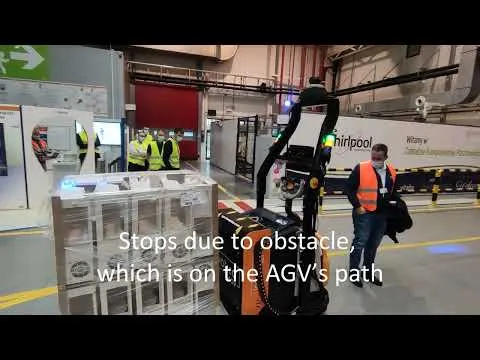
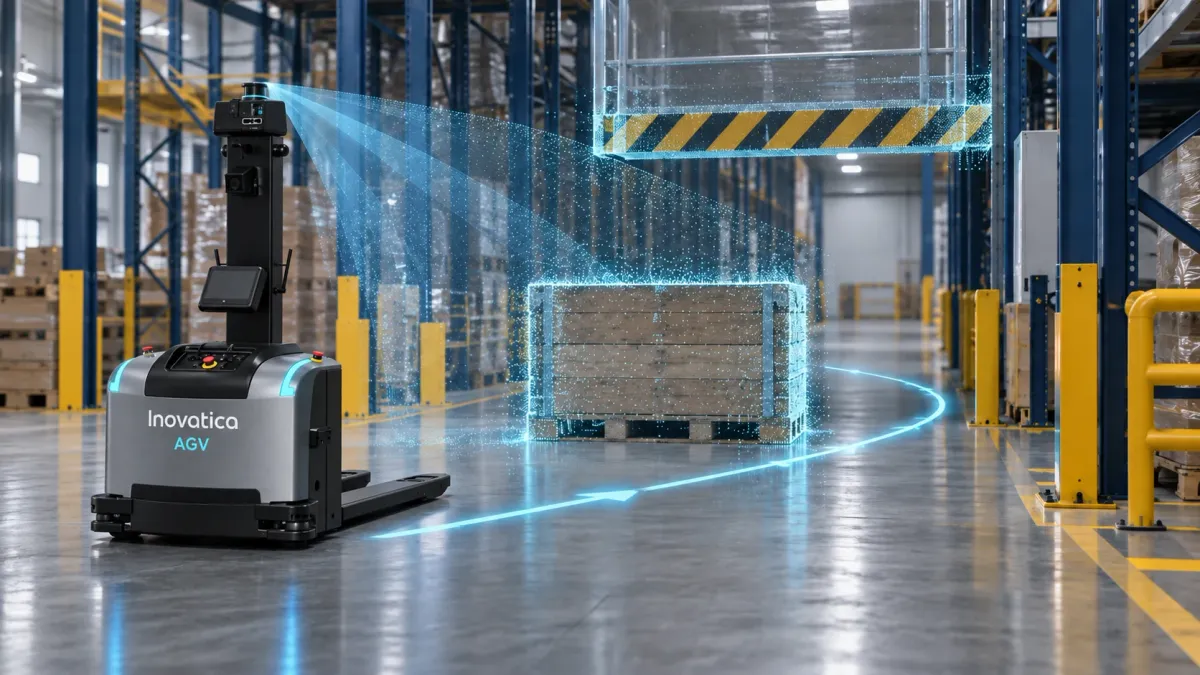
A 3D depth camera connected to the AGV controller analyses the space ahead in real time. It can detect obstacles above the plane covered by a 2D scanner and, when a route is blocked, support a detour before the vehicle rejoins its planned path.

AGV detects a pallet and overhead barrier with a 3D camera and plans a detour
3D scan → blocked-path check → detour
1

3D detection

A depth camera creates a point cloud ahead of the vehicle and detects obstacles above the plane covered by a 2D scanner.

2

Blocked-path check

The system stops the AGV and checks whether the obstruction clears. BlockToAvoidTime sets the wait before a detour is considered.

3

Detour and return

When the operating area permits it, free navigation plans a path around the obstacle and then rejoins the intended route.

What can the 3D camera detect?

Volumetric sensing covers obstacles near the floor as well as higher objects that a planar scan may miss.

  • partly lowered barrier
  • load projecting from a rack
  • raised forks of a manual forklift
  • pallet left on the route

Example configuration parameters

Forward detection range
up to 3.5 m
Example camera installation
1.5 m / 58.5°

Camera geometry, range and permitted detours must be confirmed for the specific vehicle and facility.

Technology and rollout

Fleet management

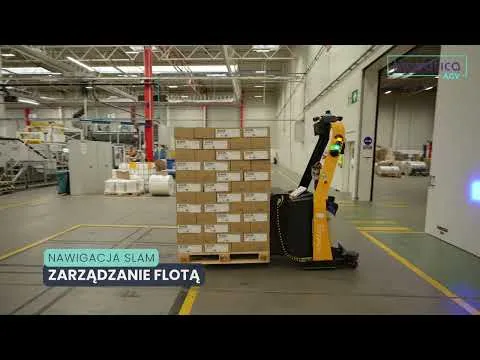
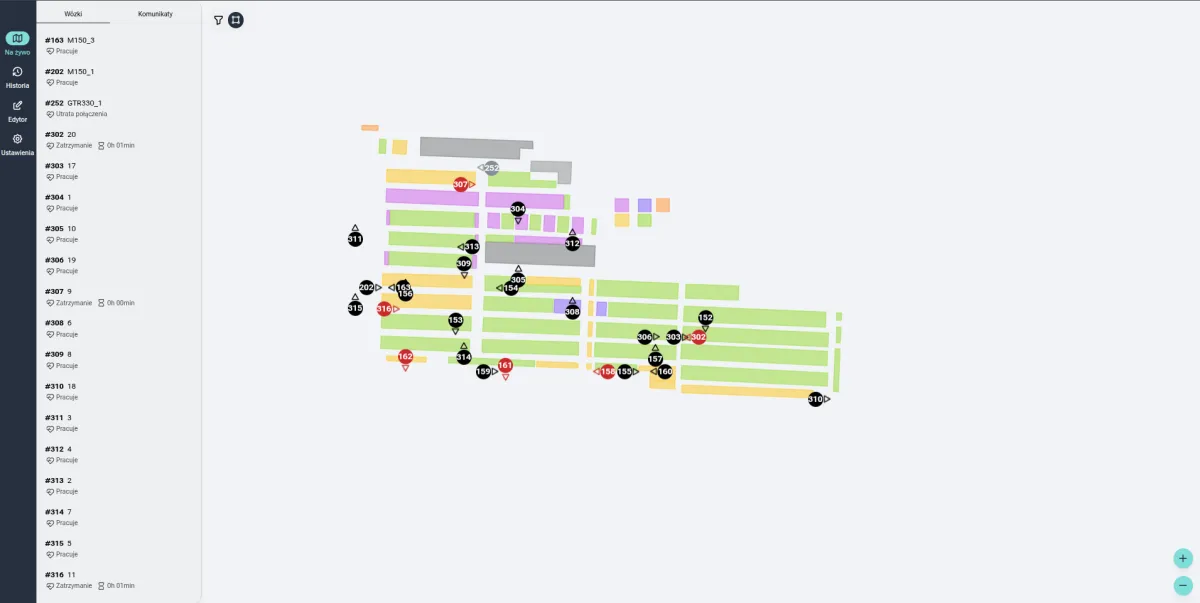
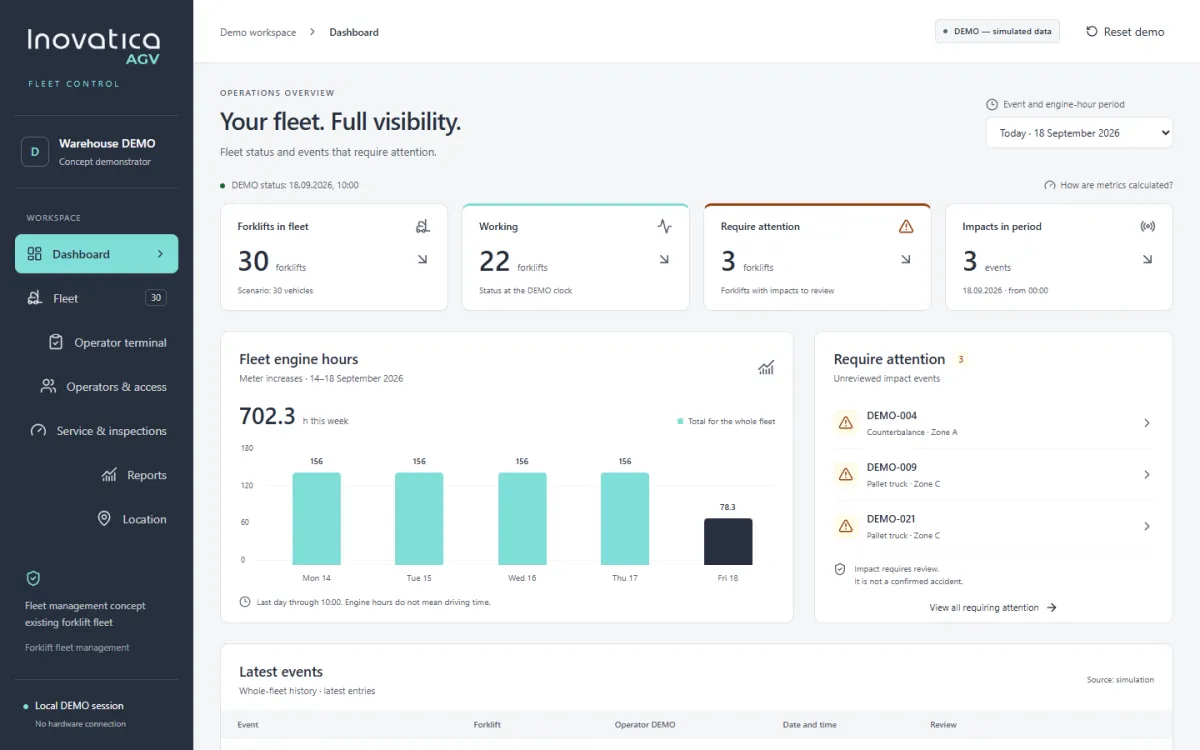
Fleet management is the layer that keeps the whole system in order: it assigns tasks, controls queues, resolves traffic conflicts and shows operators what is happening on the floor.

Executive summary

Central orchestration protects throughput when the number of vehicles and process points starts to grow.

Business impact
less congestion and fewer route conflicts
better visibility of queues, alarms and fleet utilization
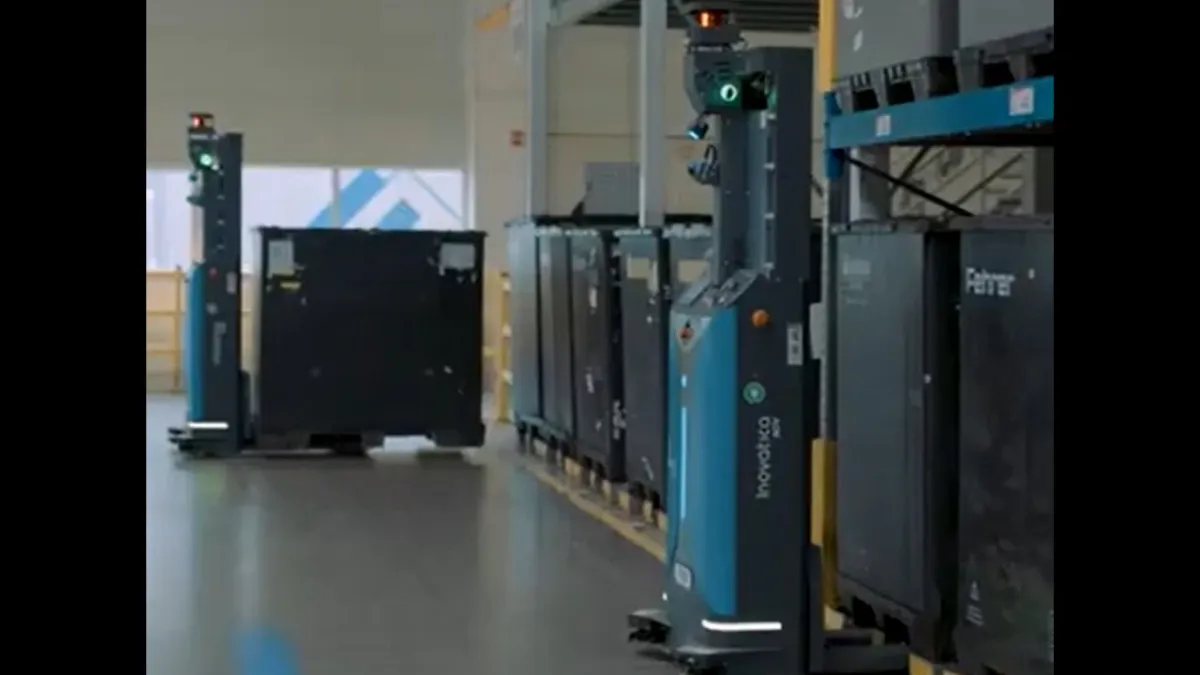
Three autonomous AGVs carrying out transport tasks in a production hall
AGV fleet in motion

The more vehicles and process points you have, the more important central orchestration becomes. It decides which robot should execute which task, how to avoid congestion, when to pause traffic and how to keep throughput stable with changing production or warehouse priorities.

A good fleet management system also creates transparency. The team sees task queues, vehicle statuses, fleet utilization and the process points where losses appear. That means it can support both live control and continuous optimization.

central task allocation and priority control

traffic, queue and bottleneck management

live monitoring of statuses, alarms and fleet utilization

Next step

Discuss your AGV rollout

We can connect technology, safety and business goals with the requirements of your process.