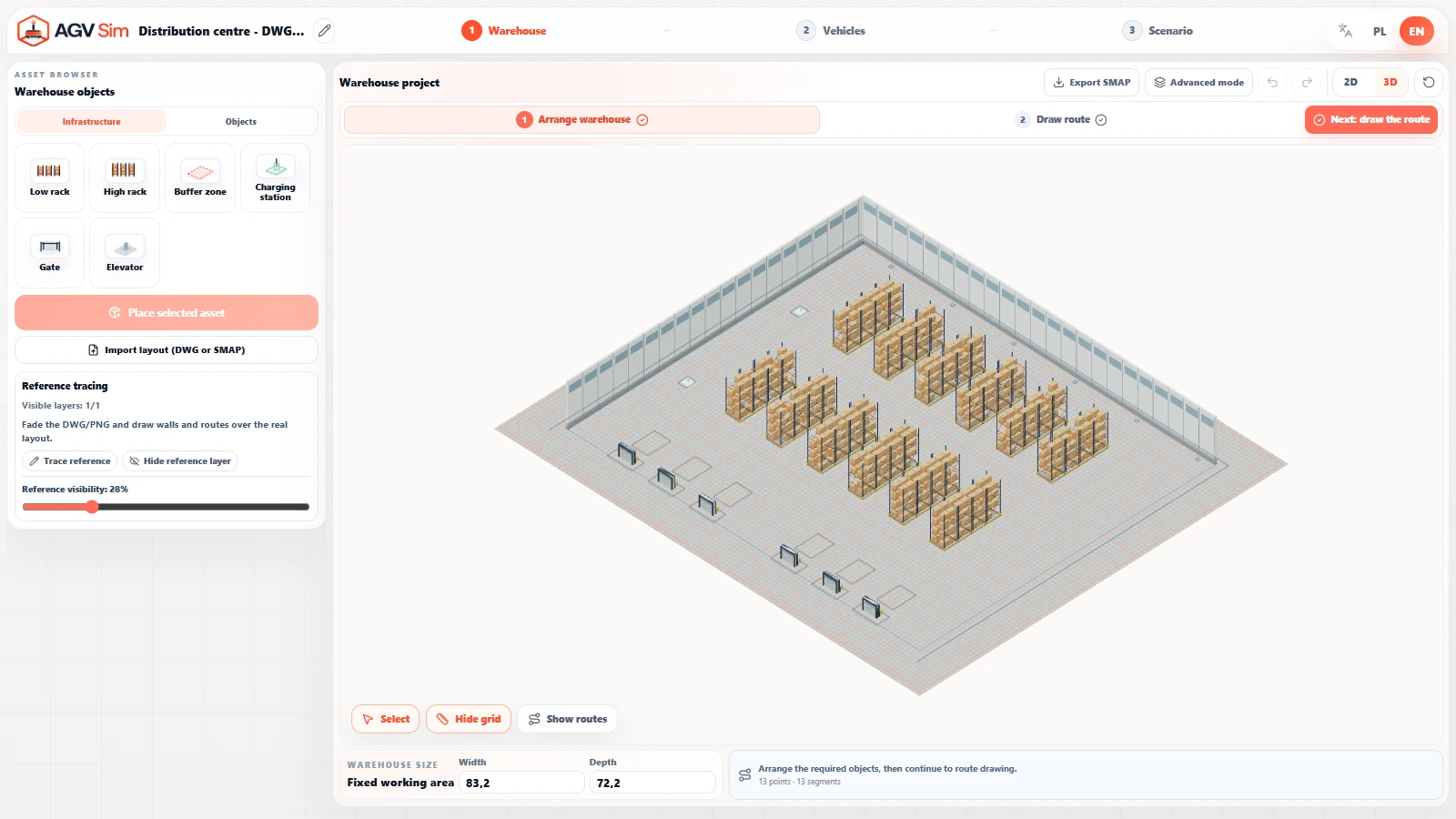
Your facility in 2D and 3D
Start with your facility layout and position racks, stations, buffer zones and charging points. Switch between a top-down plan and a 3D model to explore the space where your robots will operate.

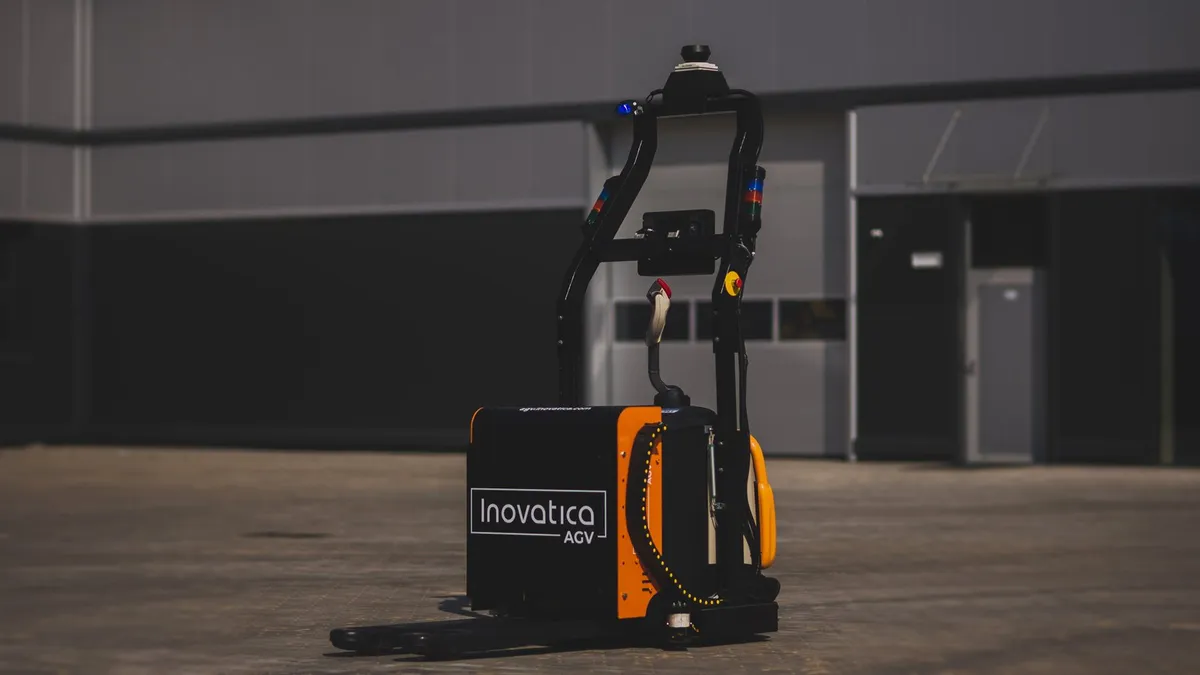
Find the right robot for your process.
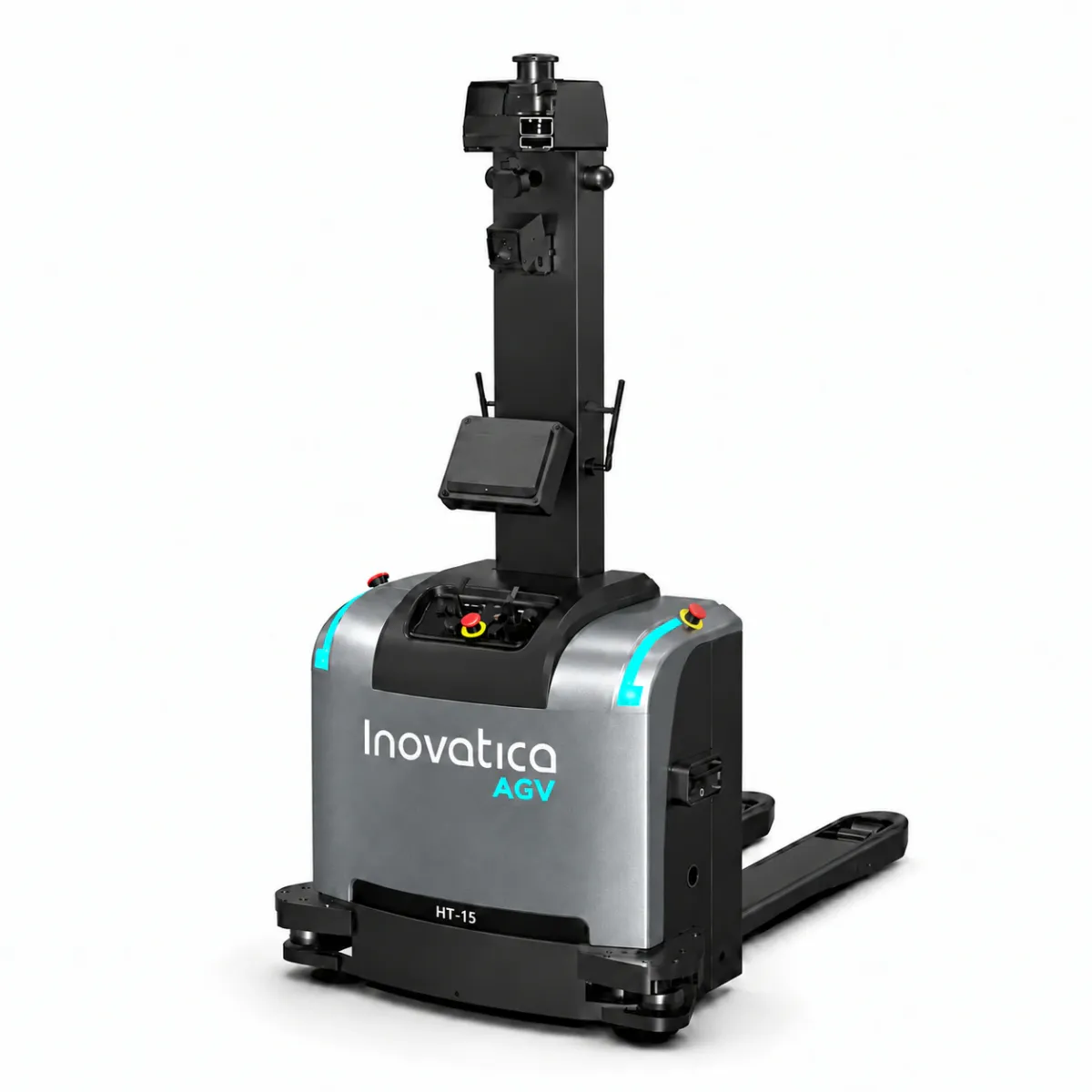
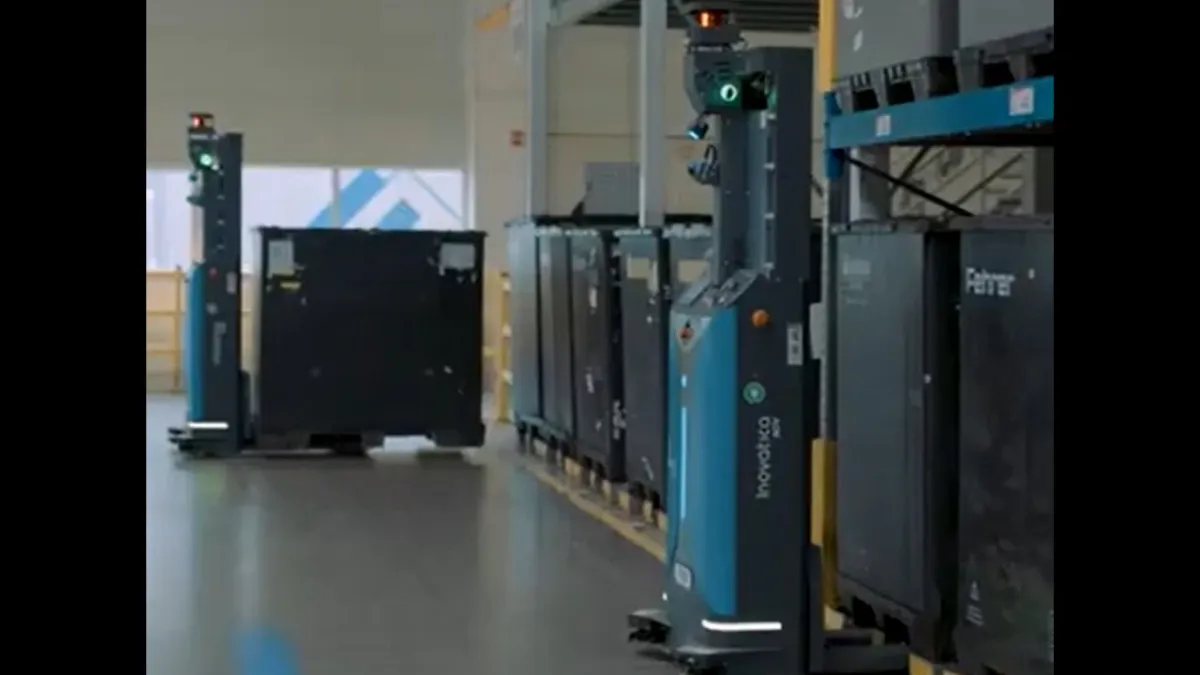
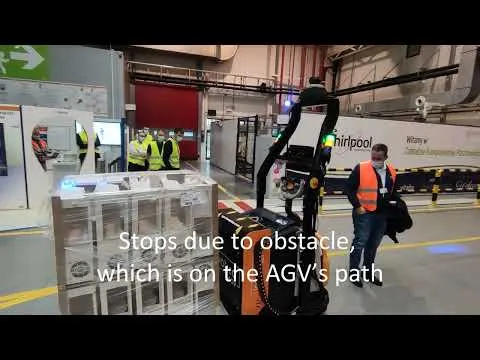
Pallets, containers and load carriers moved
between production and warehouse areas.
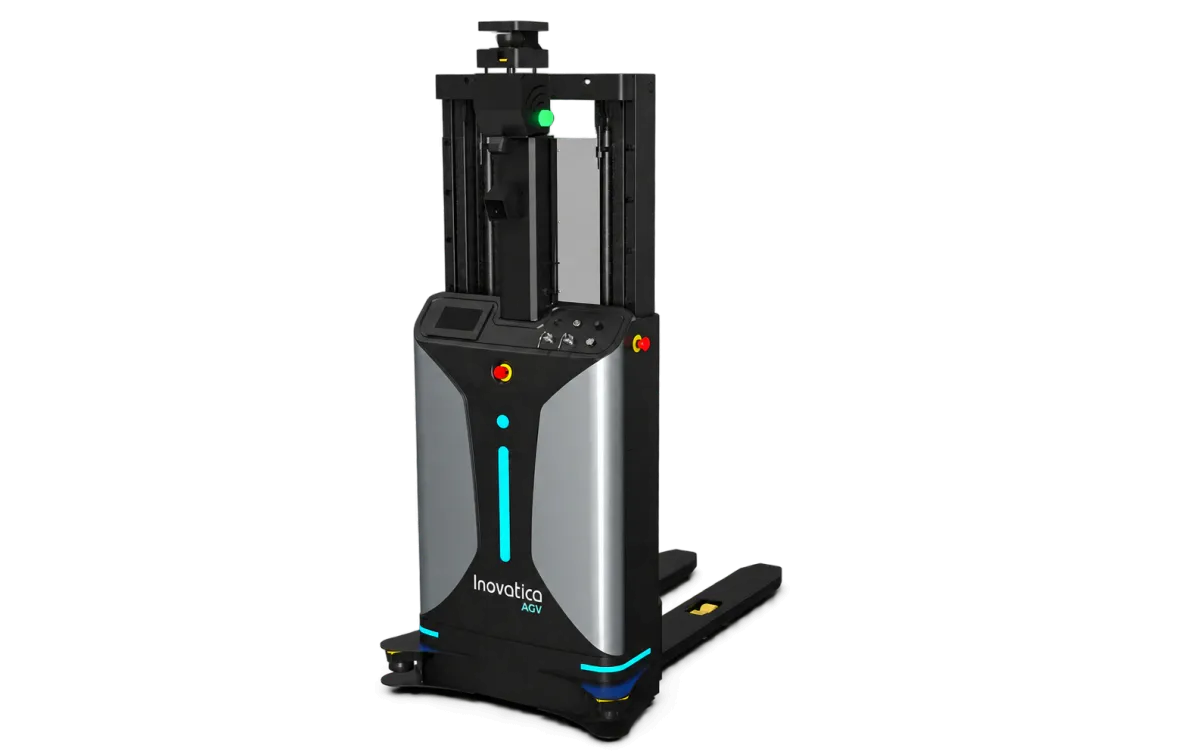
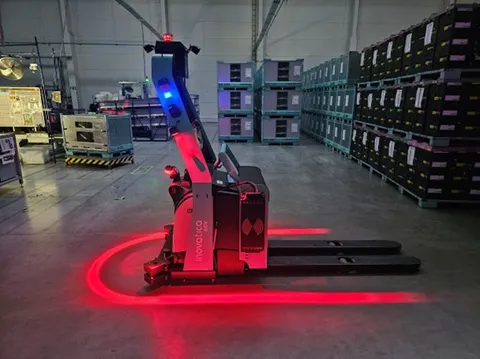
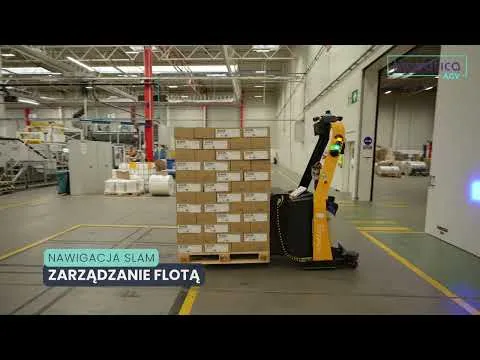
Pallet pickup and placement.
Matched to the load carrier and transfer height.
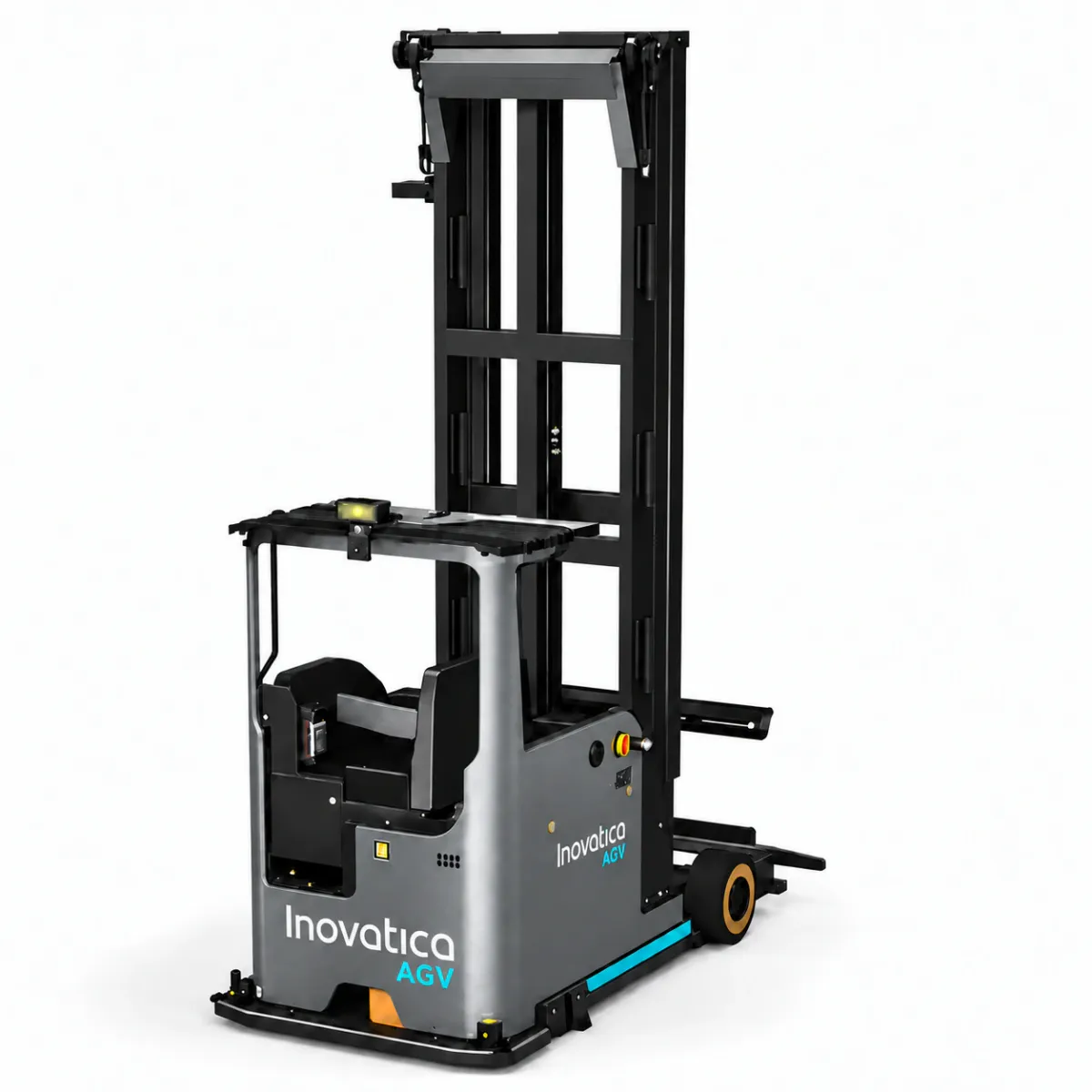
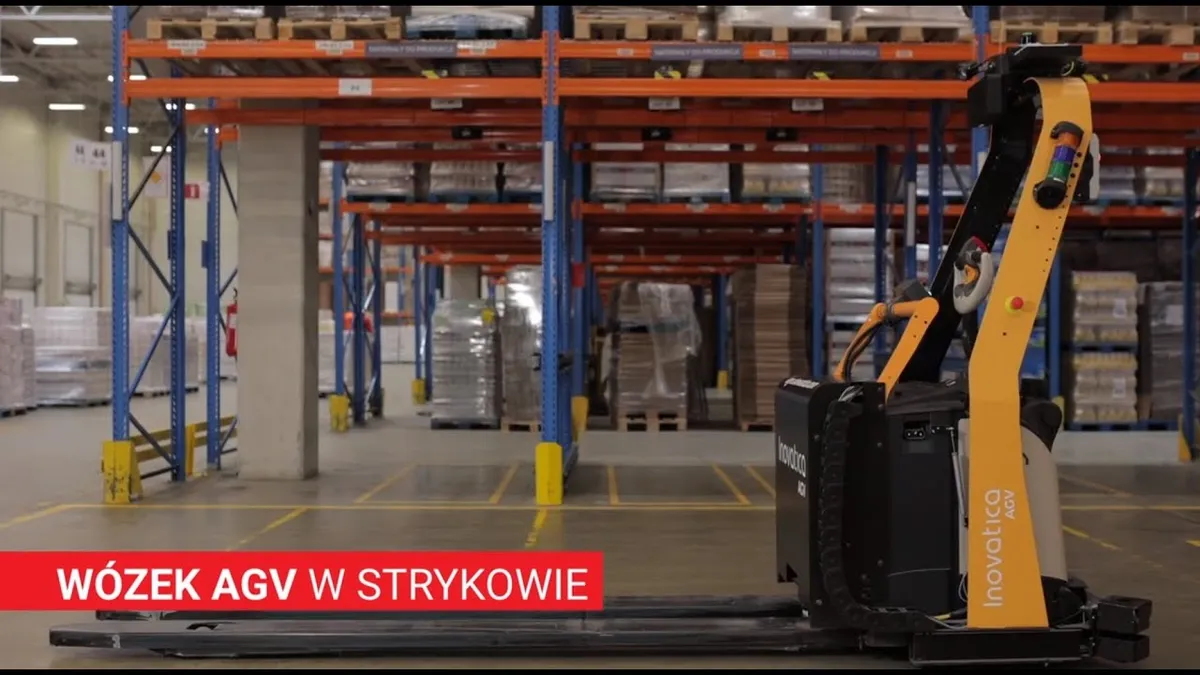
Handling higher rack levels
and warehouses with narrow aisles.
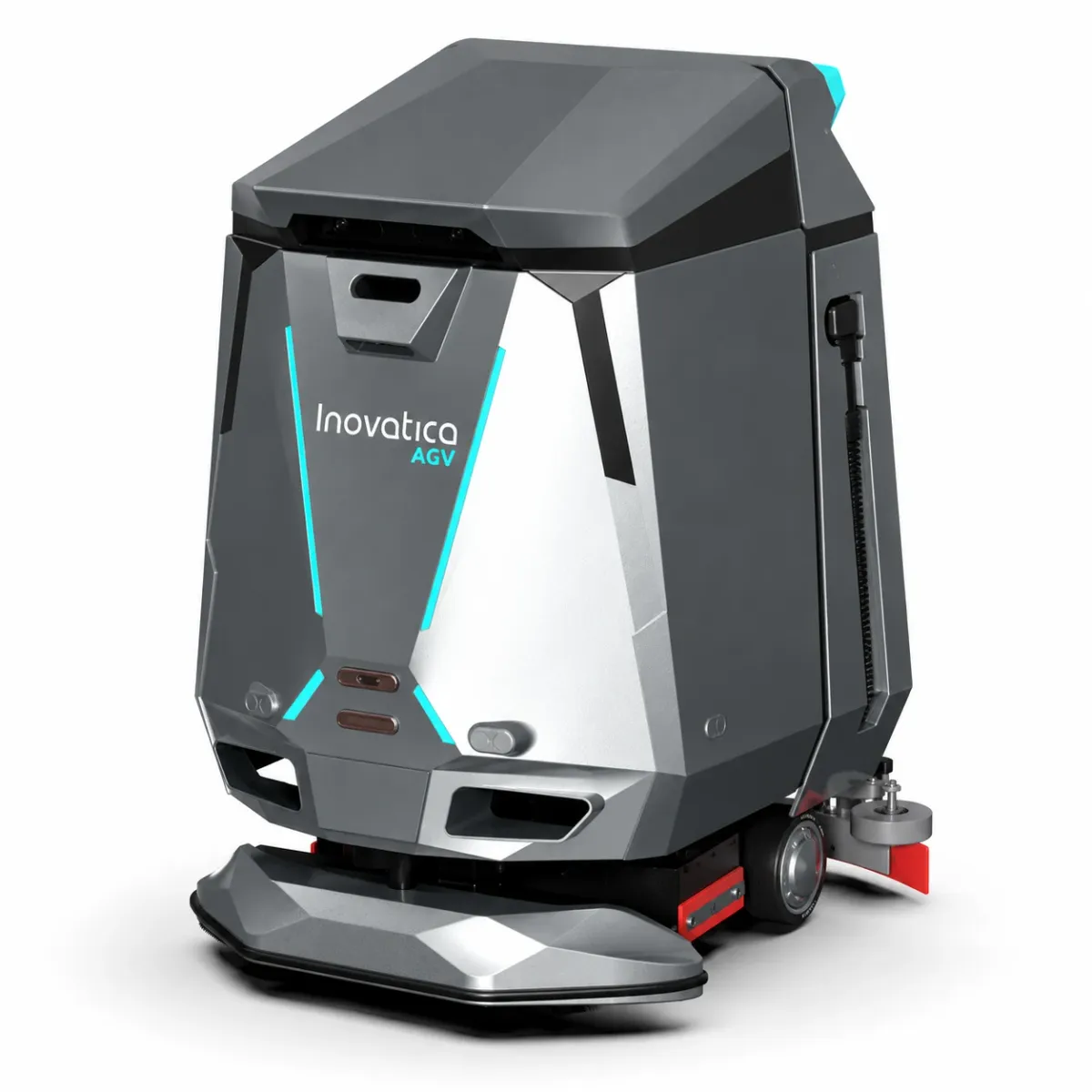
Automated floor care in warehouses and factories.
Projects across industries.
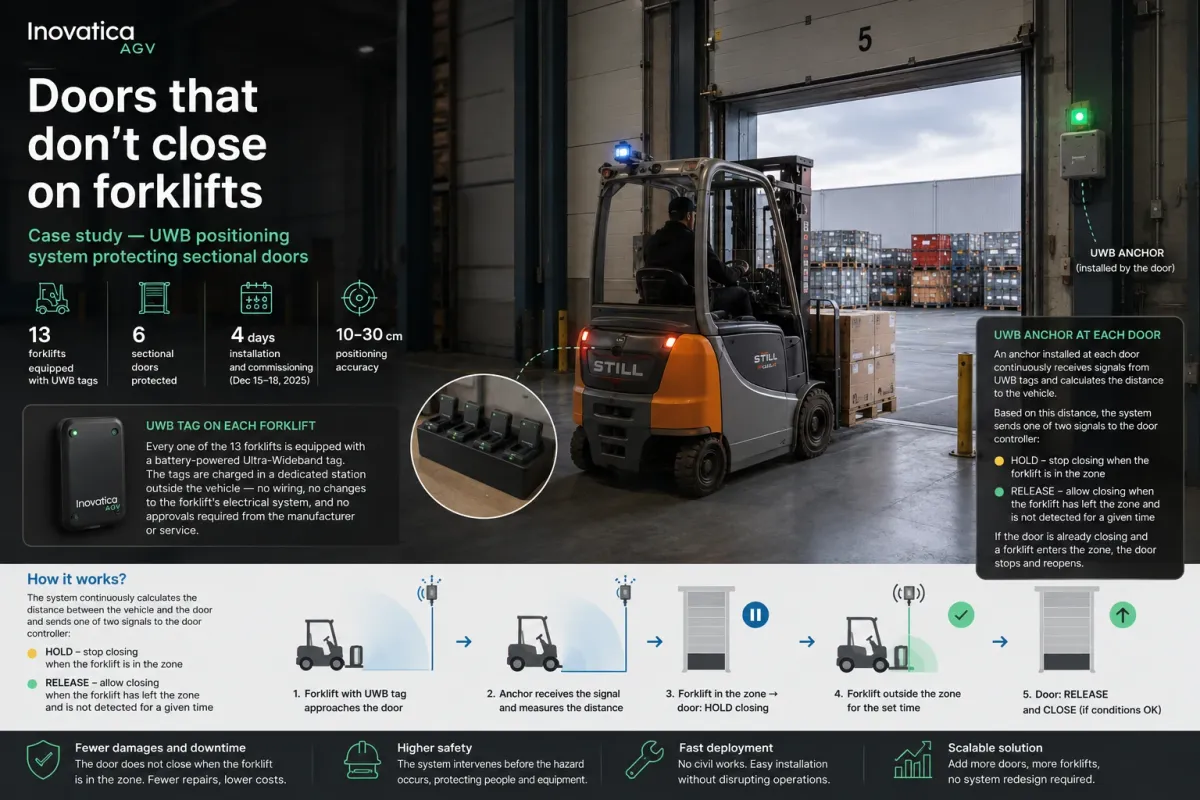
Plan, connect and manage.
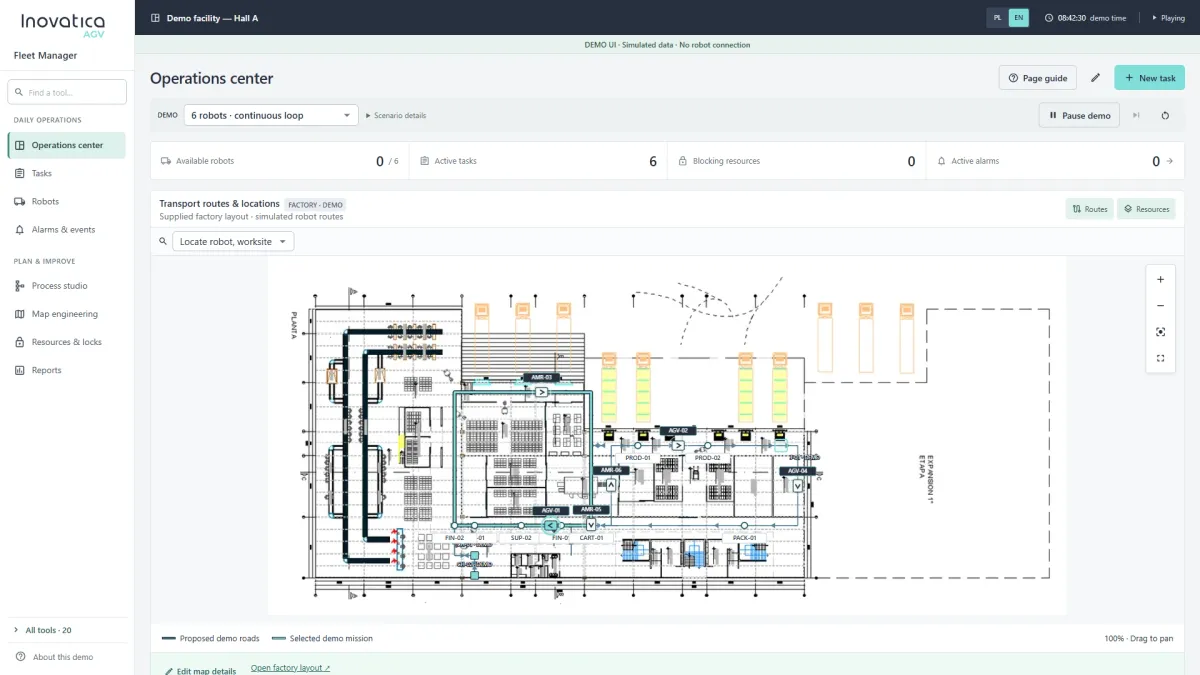
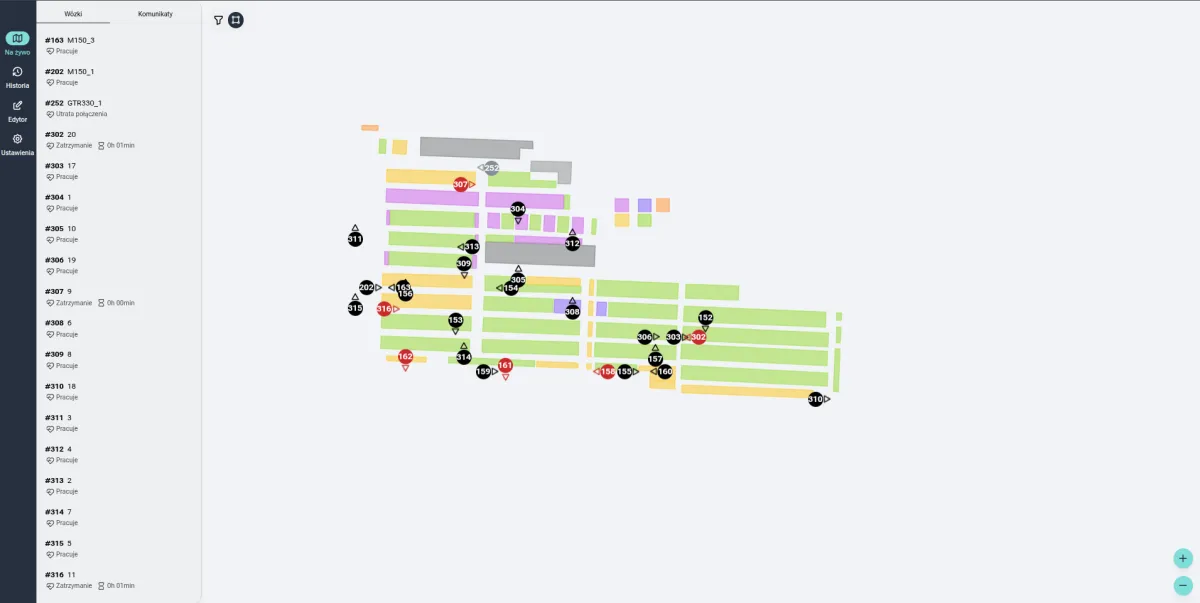
AGV tasks, vehicle assignment, traffic and fleet monitoring.
Explore the system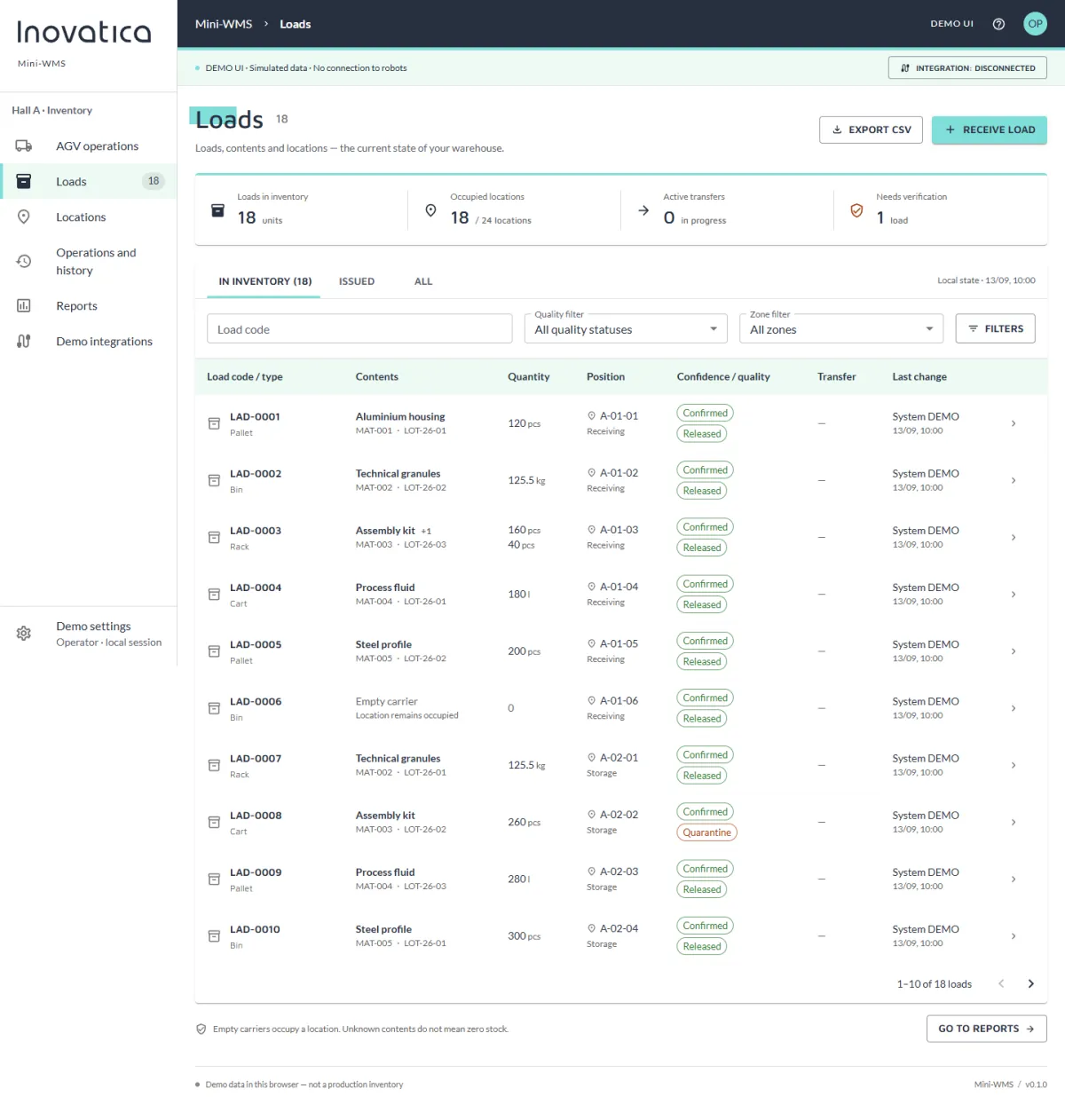
Loads, locations, transport requests and warehouse reports.
Explore the system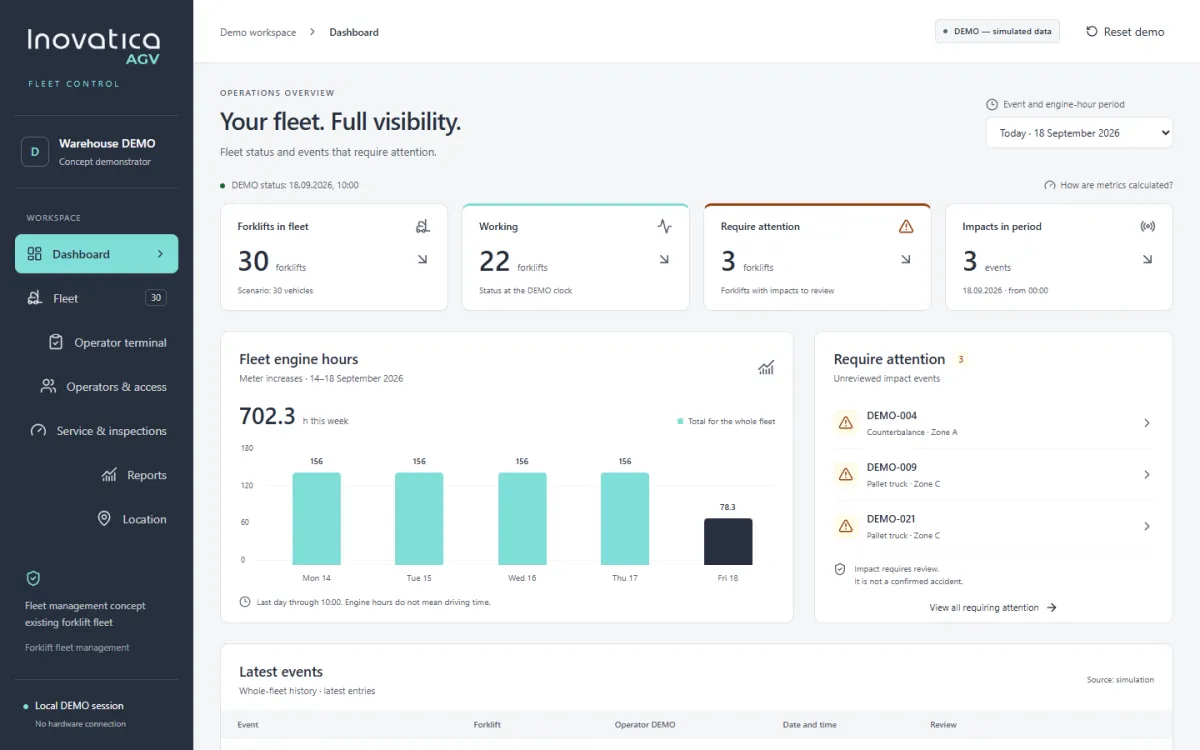
Fleet visibility, operators, checks, service and reporting.
Explore the system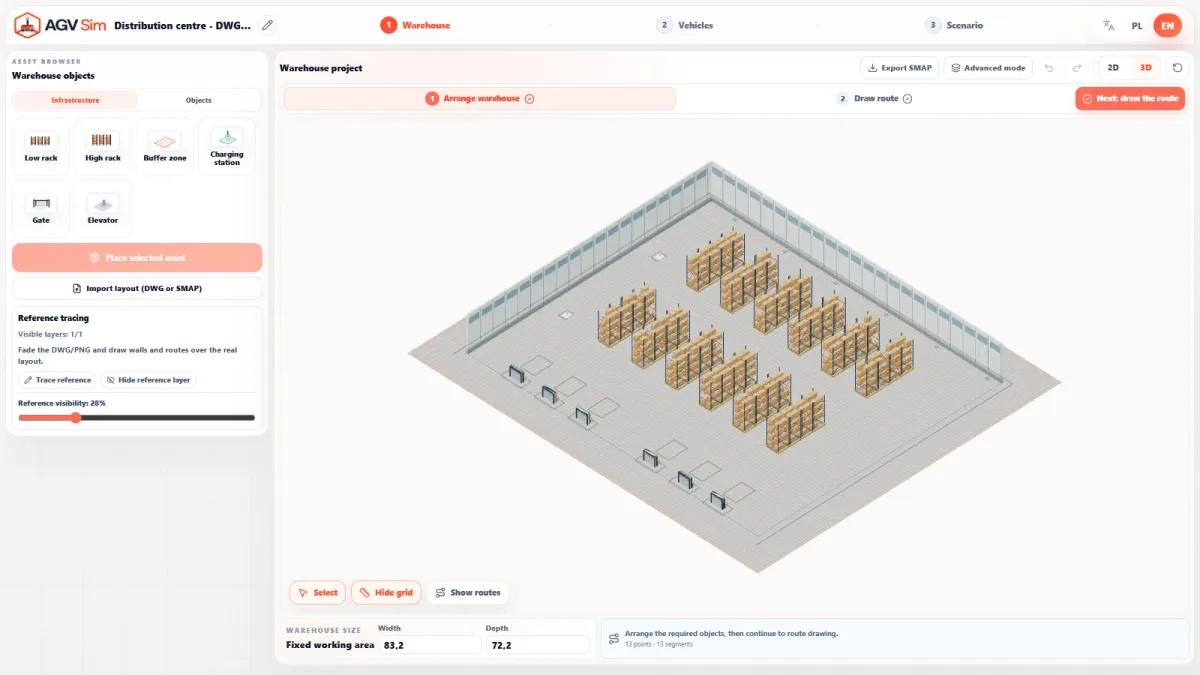
Simulate your warehouse, transport flow and AGV fleet scenarios.
Explore the systemFrom a warehouse layout to a fleet comparison. AGV Sim lets you build a virtual transport scenario and explore different fleet sizes before deployment.
English presentation · 1 min 8 sec
Start with the warehouse layout: racks, stations, pickup and delivery locations. View the process in a 3D model.
Set routes, tasks and operating conditions. Choose robot models from the library and prepare your transport scenario.
Test different vehicle counts under the same scenario. Compare simulation results against your throughput target.
The video could not start. Try again or select “Open video”.
Build a facility model, plan the flow of loads and select vehicles. Then use simulation to see how different fleet scenarios handle the same process.
Start with your facility layout and position racks, stations, buffer zones and charging points. Switch between a top-down plan and a 3D model to explore the space where your robots will operate.
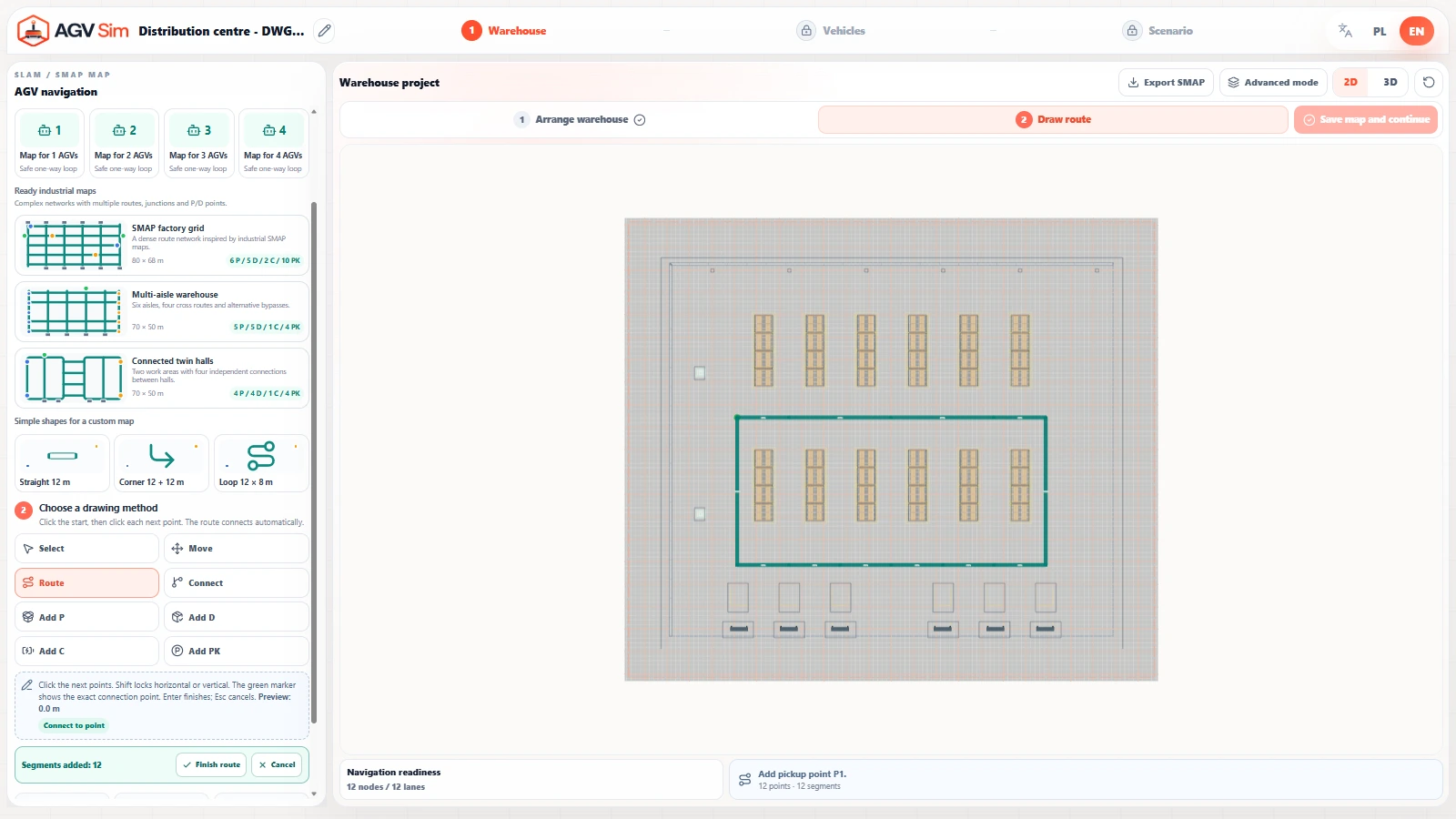
Connect pickup and delivery locations. Define routes and transport tasks to model the flow of loads between your warehouse and workstations.
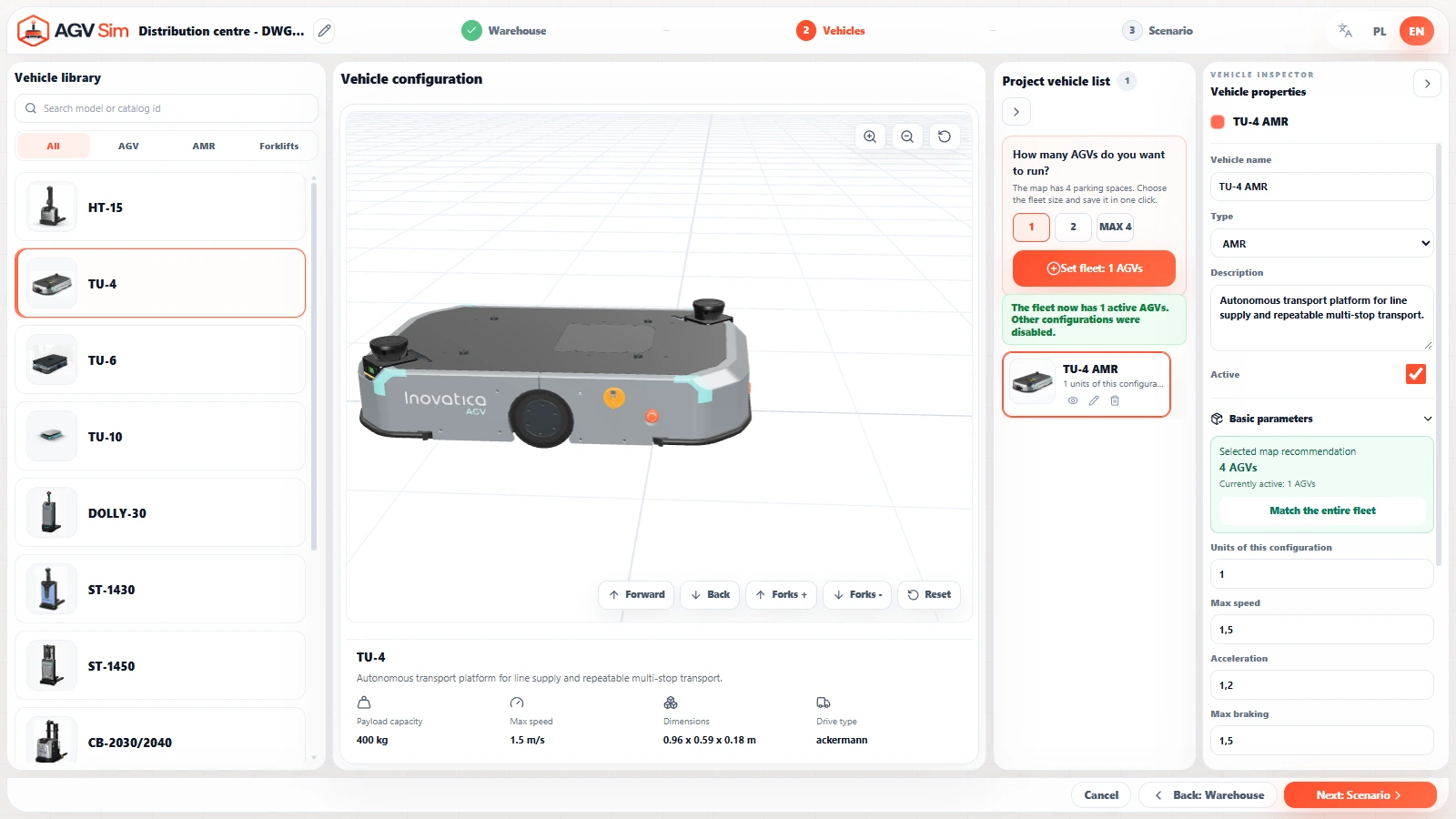
Select vehicles from the AGV and AMR model library, view them in 3D and set the vehicle count for your scenario. Prepare different fleet configurations to compare under the same transport conditions.
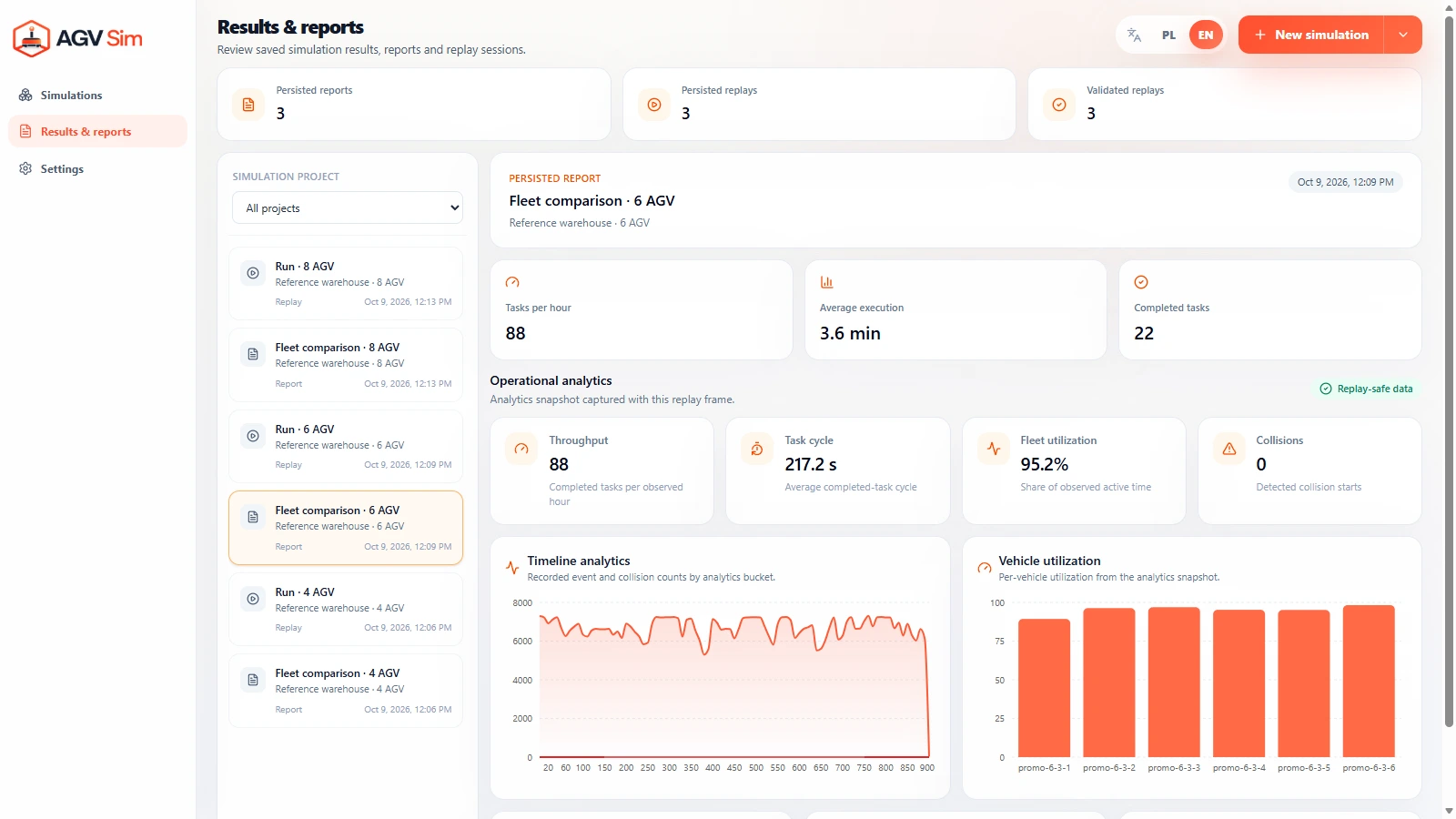
Review saved simulation reports: completed tasks, execution times and vehicle utilization. Compare fleet scenarios against your throughput target before moving on to deployment planning.
Your transport process is the starting point. A facility layout and details of daily operations help define the scenario and fleet configurations worth testing.
Racks, workstations, traffic aisles, pickup locations and load delivery points.
What you transport, where it travels and how often transport requests arrive.
Expected transport volumes, operating hours and peak demand periods.
Share your facility layout, loads and expected transport volume. We can discuss which scenarios are worth comparing in simulation.
This site uses cookies for core functionality and basic analytics. By clicking "Got it", you accept their use.
Privacy policy