
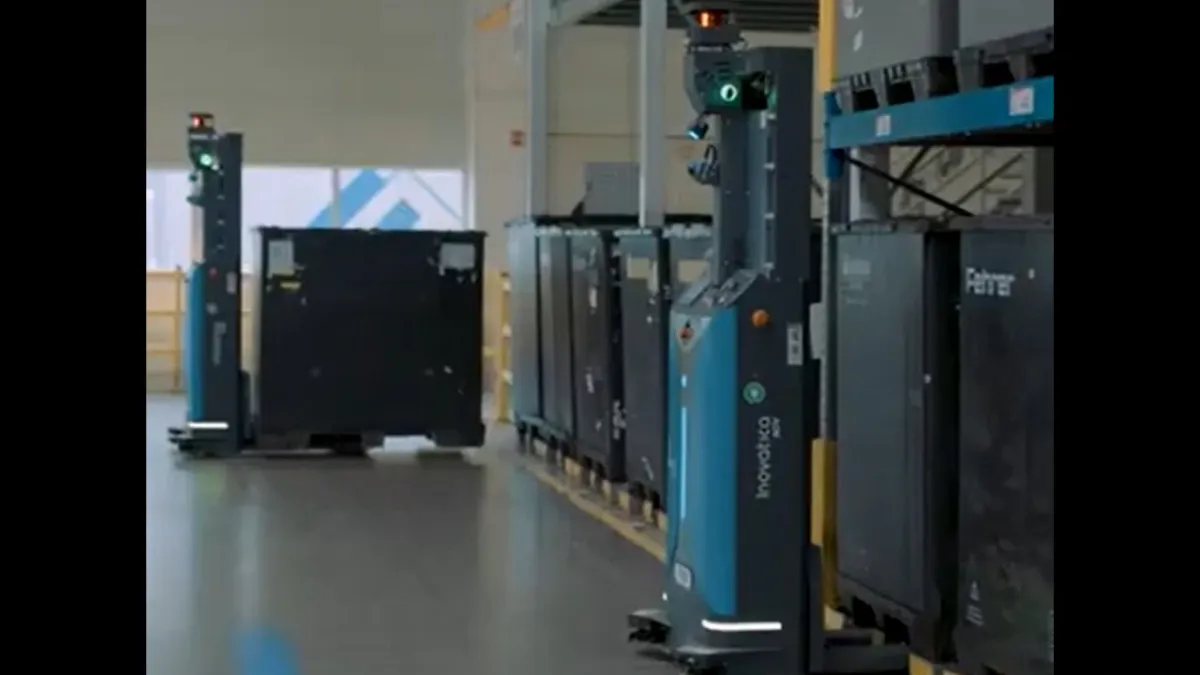
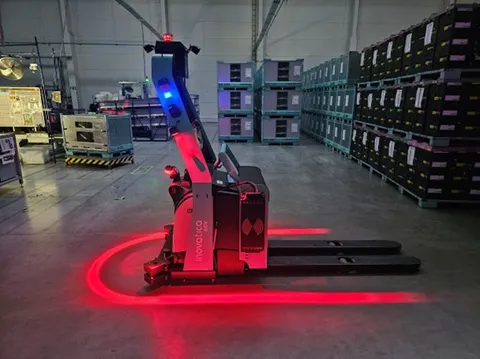
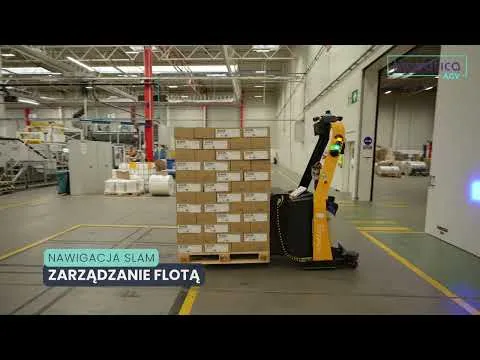
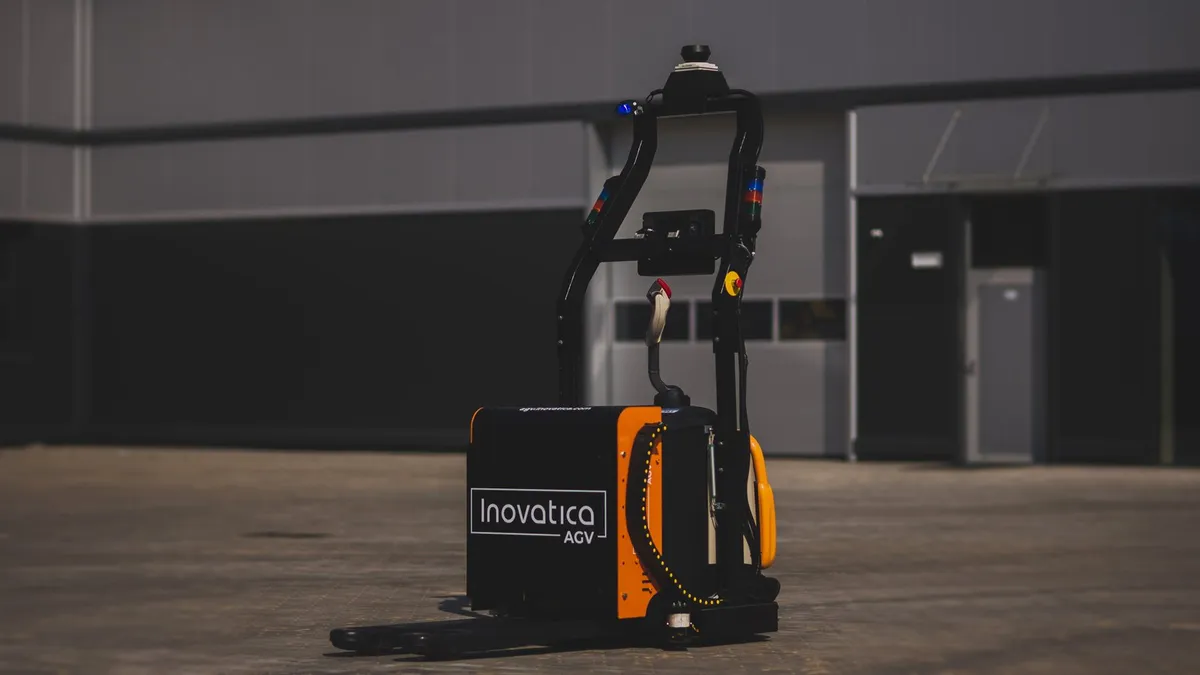
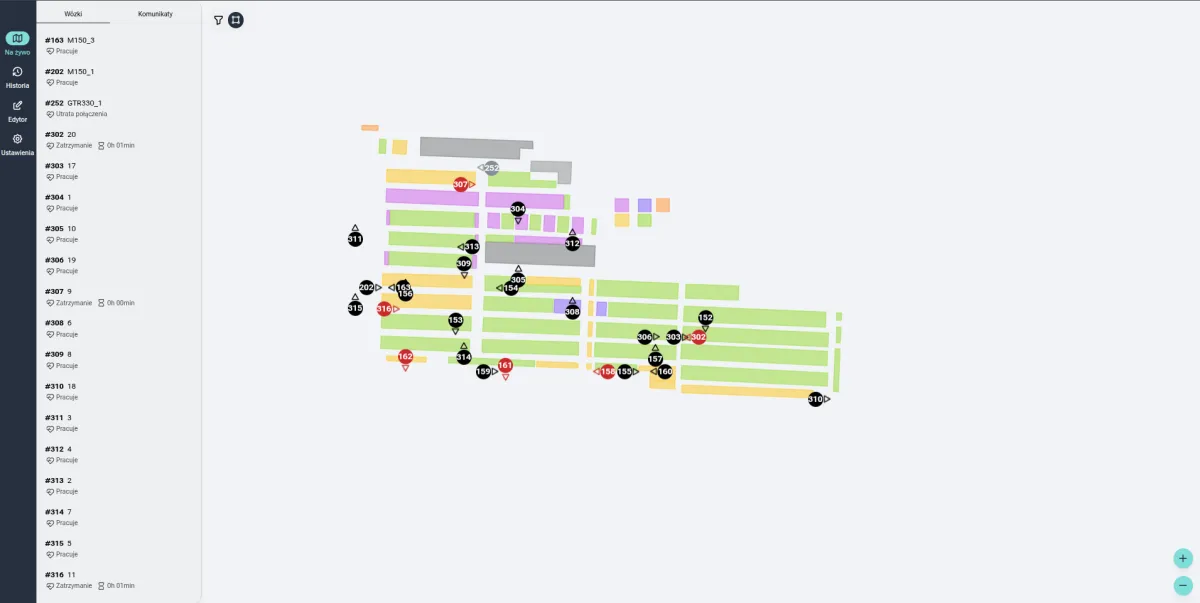
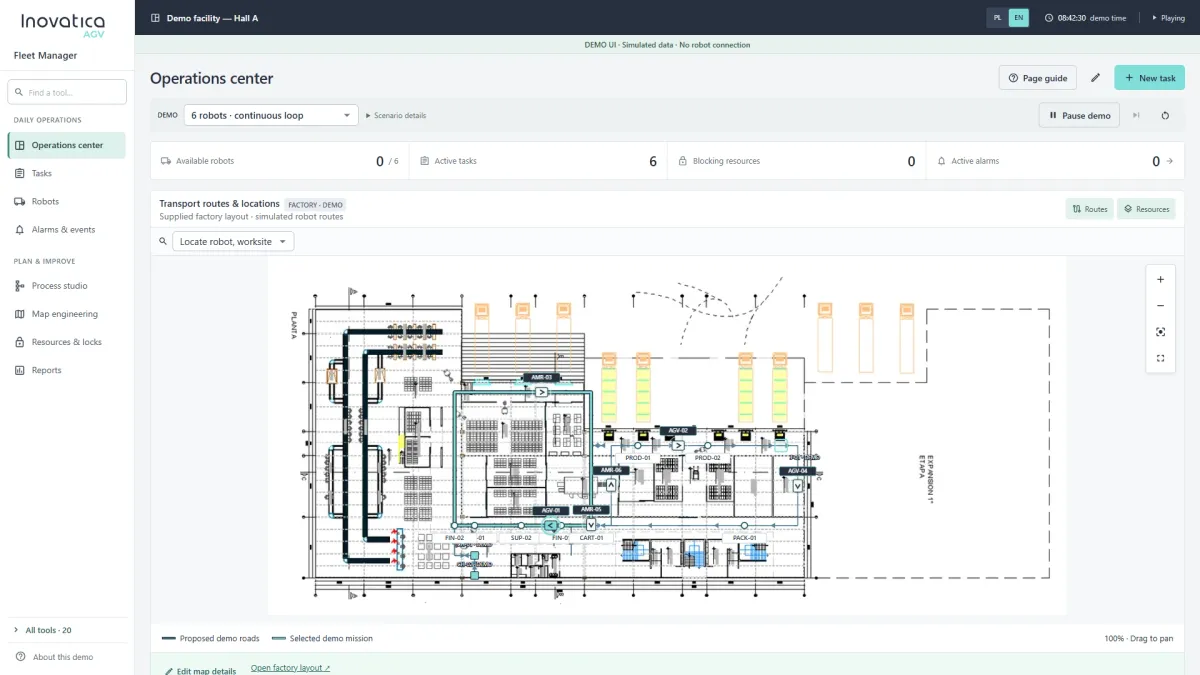

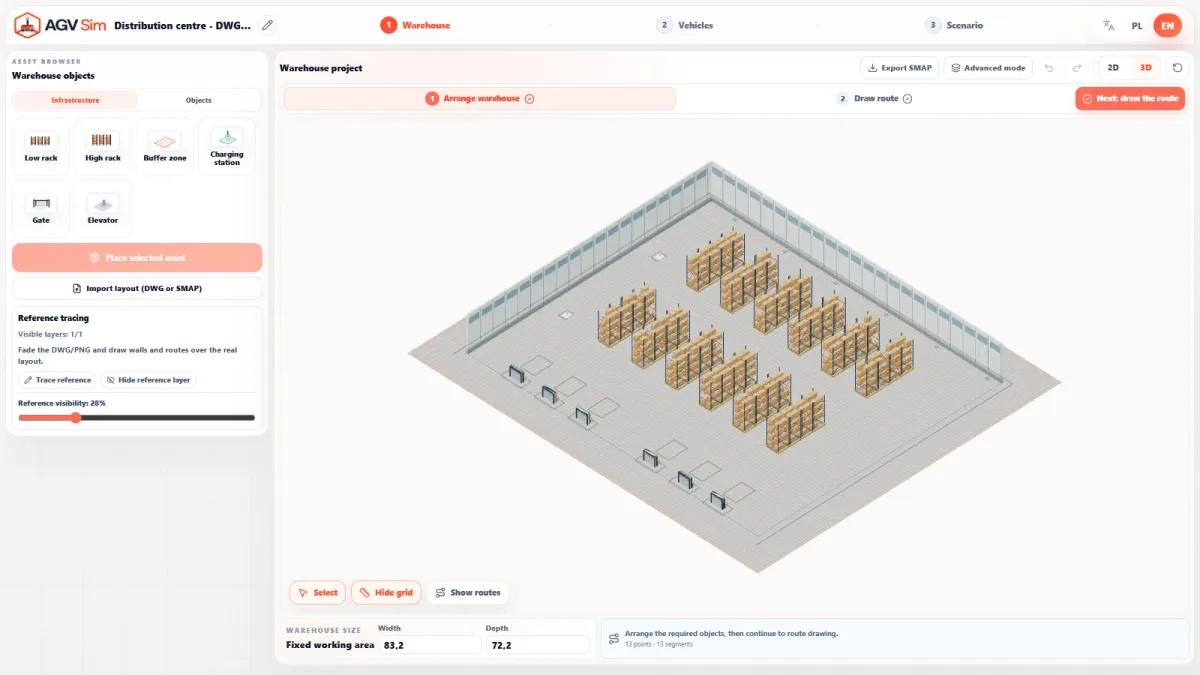
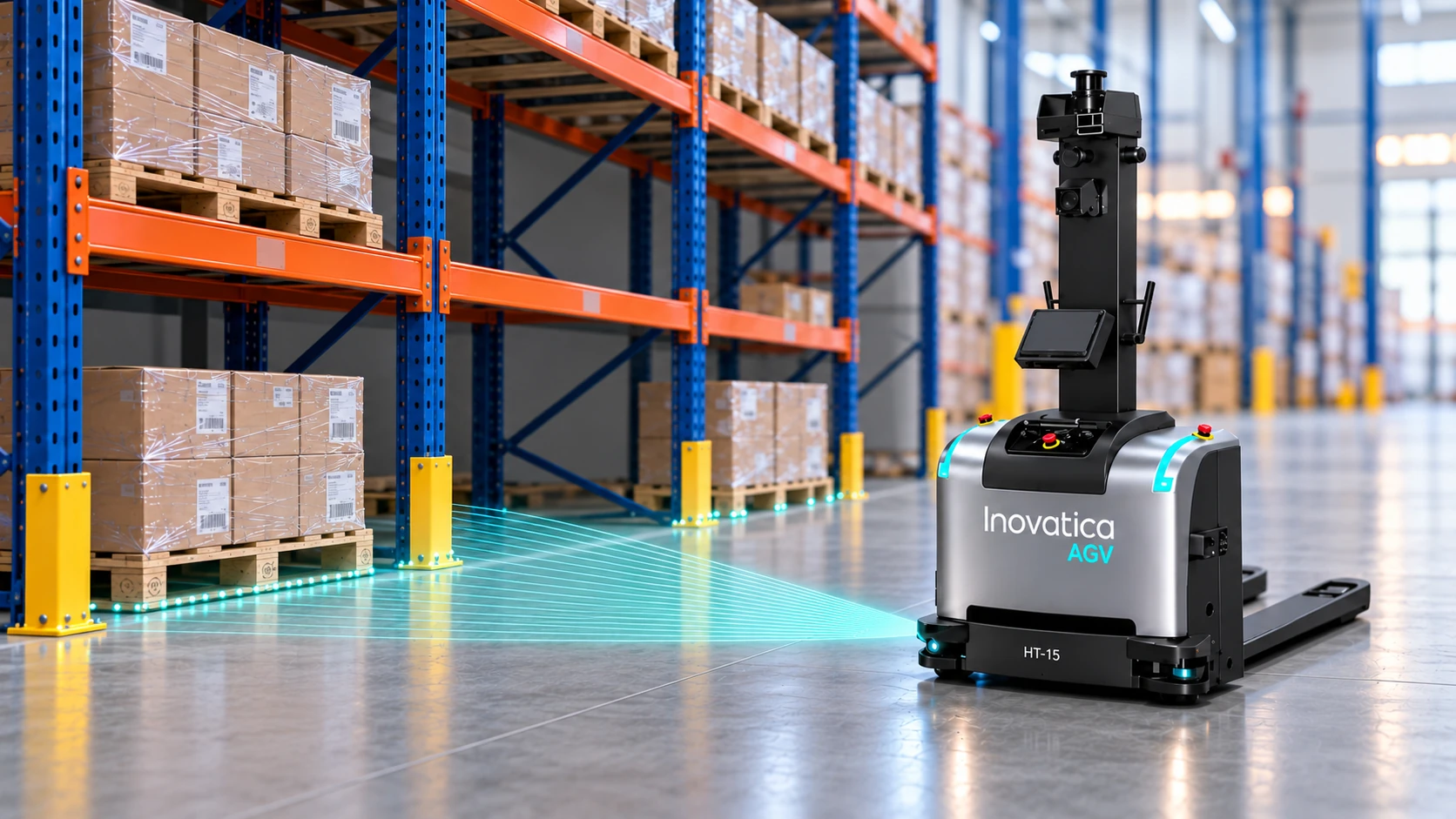
Robot movement and observations on one timeline.
Follow the LiDAR map, location list and footage of the robot in the facility together. Location colours change as observation evidence becomes available.
Free space needs positive evidence.
An absence of detected points does not prove that a location is free. The software also considers the paths of LiDAR rays and whether they cover the required area.
Occupied
Confirmed returns inside the location footprint indicate a load or another obstruction.
Free
Observations confirm coverage of the required area and rays continuing beyond its far boundary.
Unknown
Rays may cross a location without confirming its entire required area. With a partial view or no current reliable evidence, the state remains unresolved.
Each location assessed independently.
- 01
Define the mapped locations
Each footprint needs to include the actual pallet size, load overhang and placement tolerances.
- 02
Observe during the pass
Two side LiDARs provide returns and rays, which the software relates to the robot pose and map.
- 03
Read the current state
Each location receives its own assessment. When sufficient evidence is lost, the state returns to unknown.
What do LiDAR observations confirm?
Returns from a load indicate an occupied location. Positive evidence of clear space allows a location to be marked free.
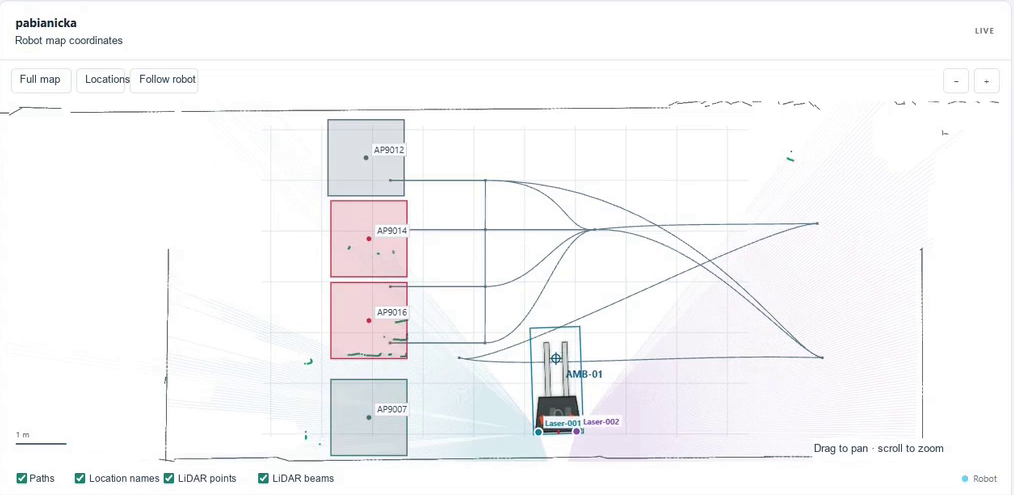
Occupied: returns inside the location
Returns from an object are visible inside the red AP9014 and AP9016 footprints. Confirmed observations within these outlines produce an Occupied state. Each location is assessed independently, rather than the entire row.
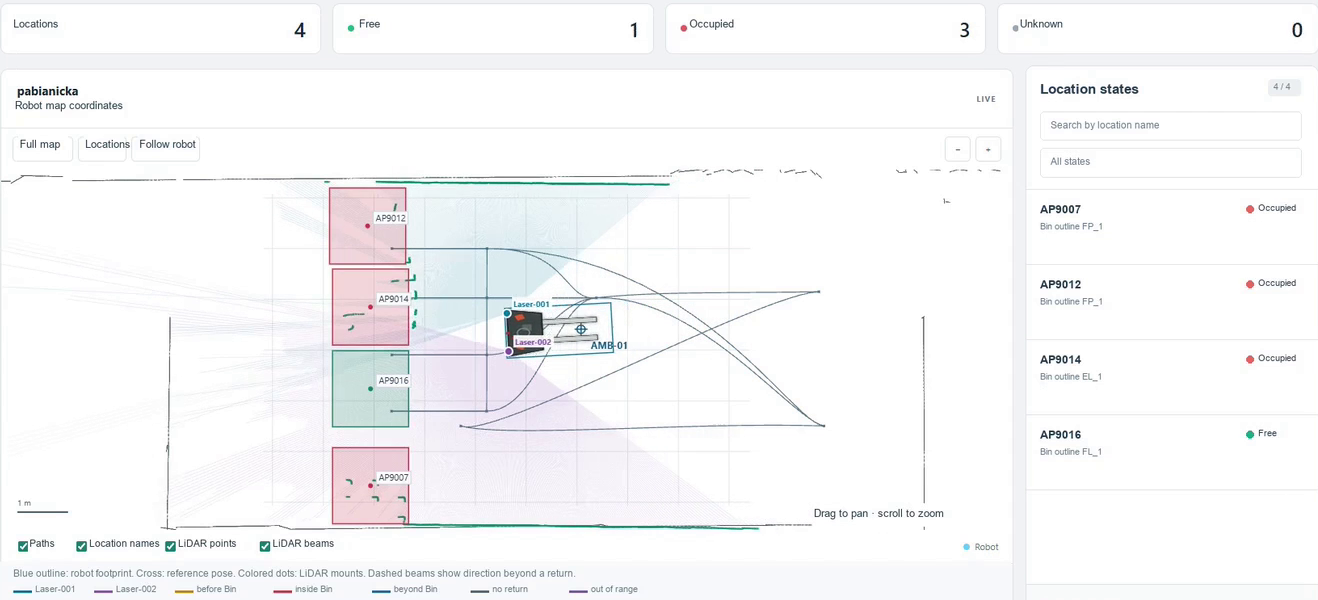
Free: positive evidence of clear space
The green AP9016 location is Free and the other three are Occupied. Confirming free space requires observations of the entire required area and rays extending beyond its far edge. Scan lines overlapping a footprint alone are not enough.
Start with the conditions in your facility.
The function could support location availability checks in pallet buffers and drop-off areas. Suitability and the use of location states need to be assessed for the specific layout and process.
Geometry and loads
Location layout, pallet types, load overhang and spacing between footprints.
Visibility during travel
Sensor placement, the robot route, occlusions and an up-to-date robot pose on the map.
Response rules
How to handle unknown states and how to connect observations to transport logic and facility systems.