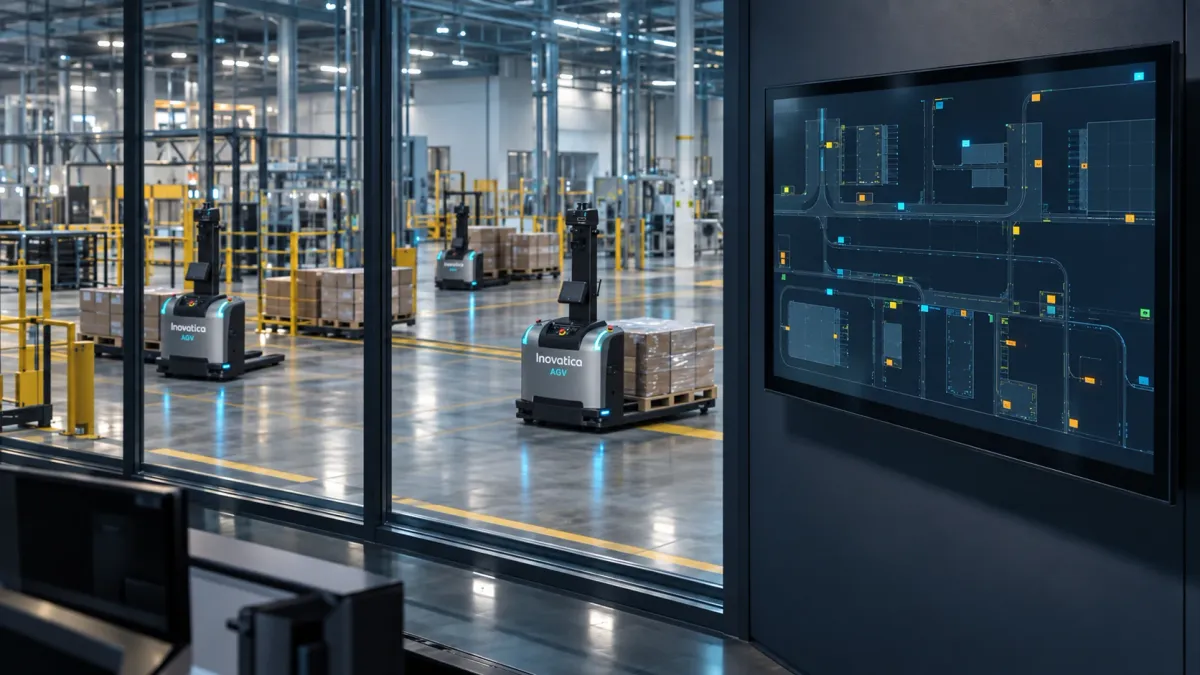
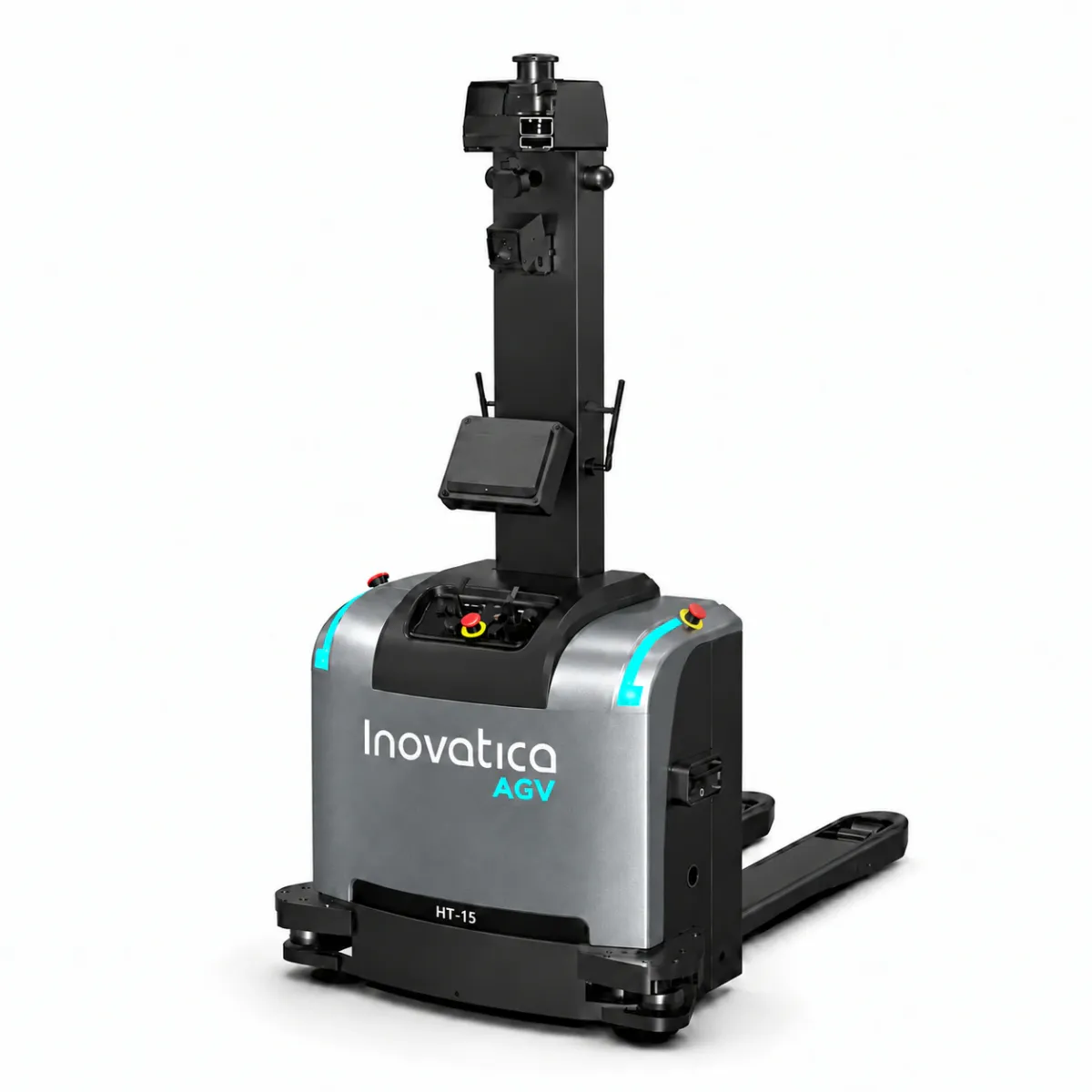
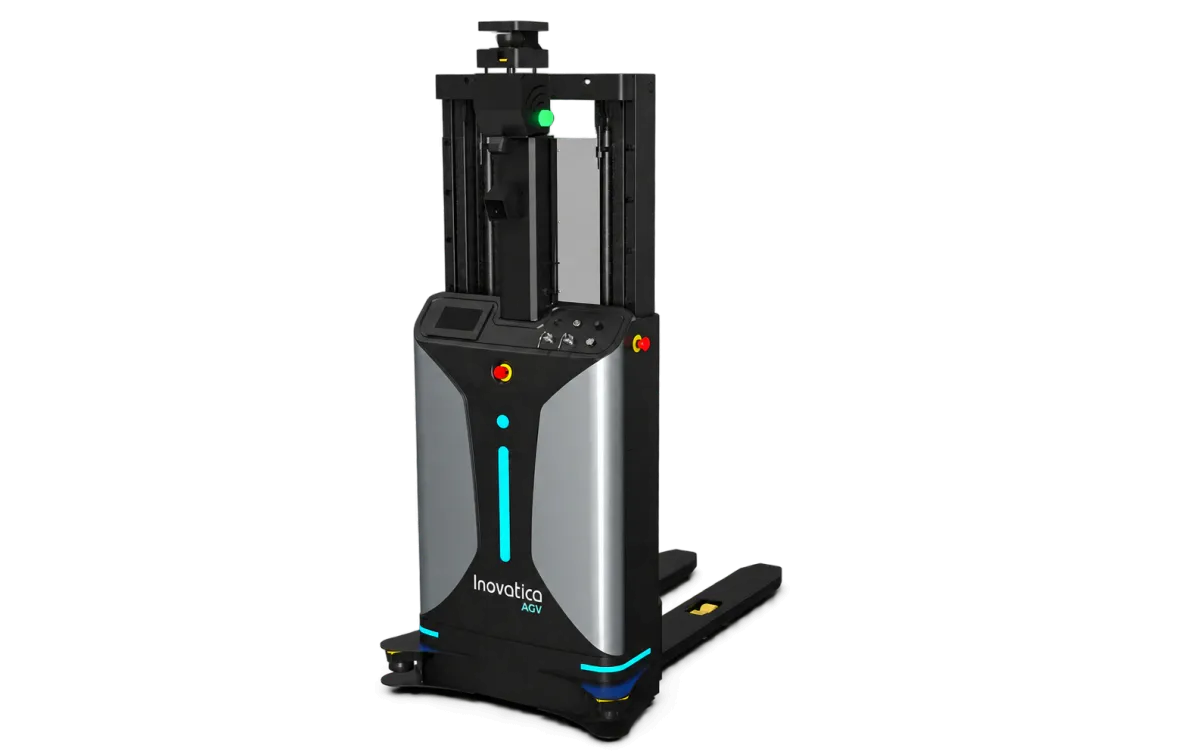
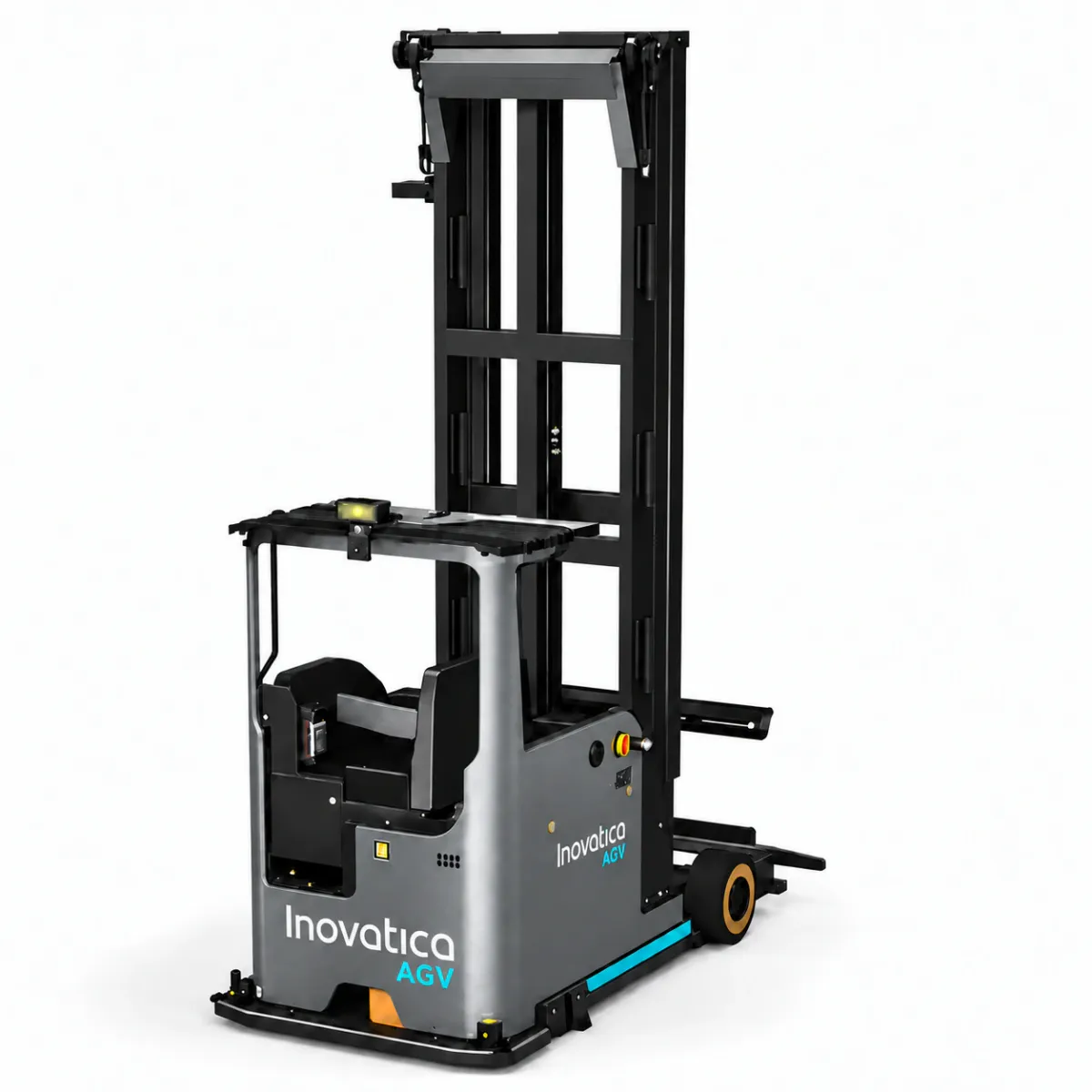
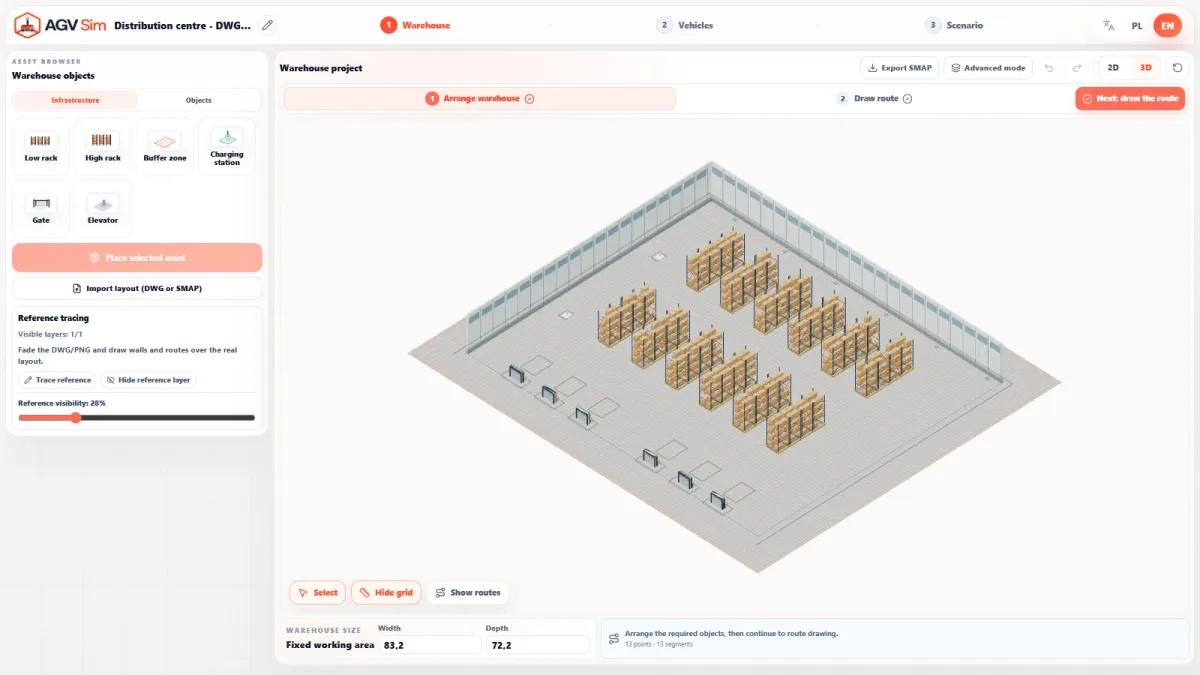
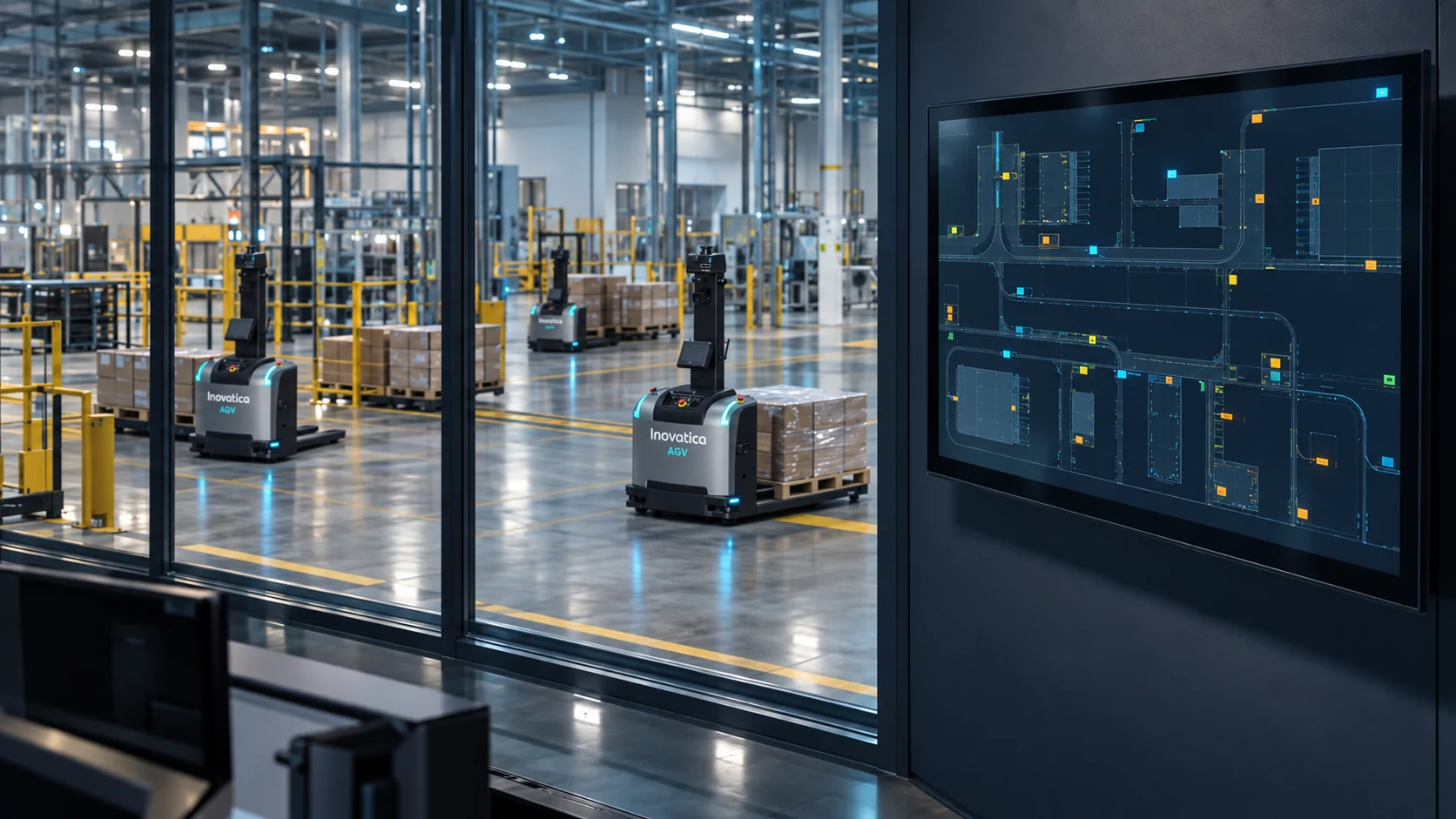
From a request to a completed transport
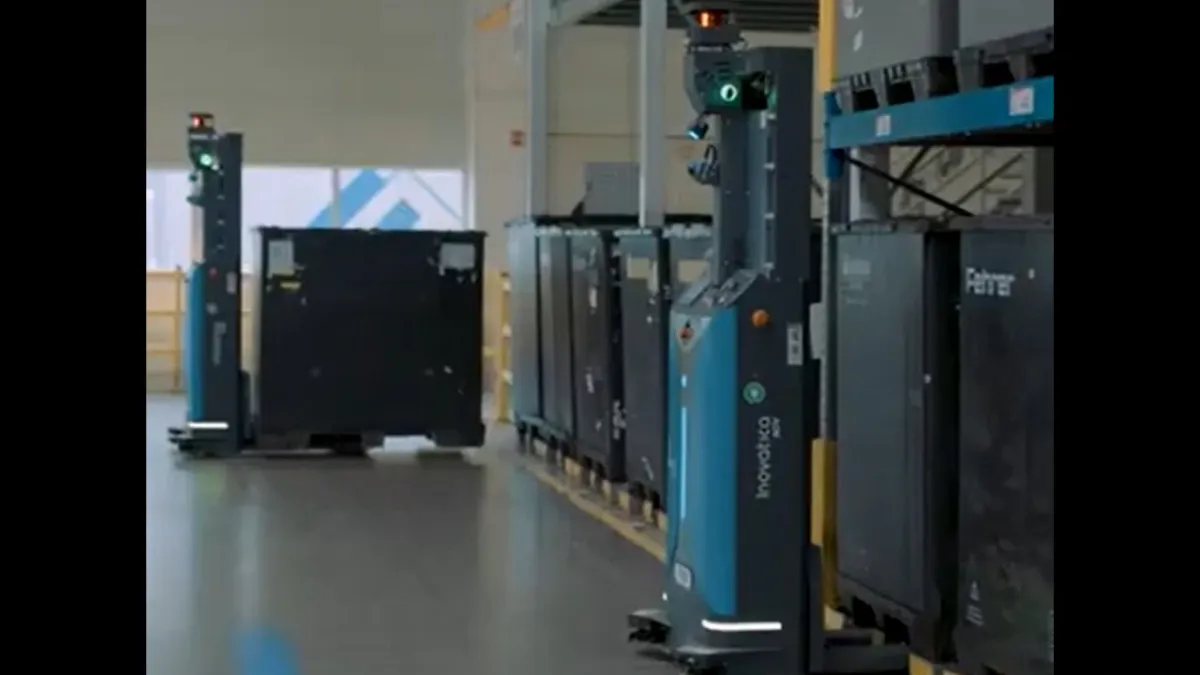
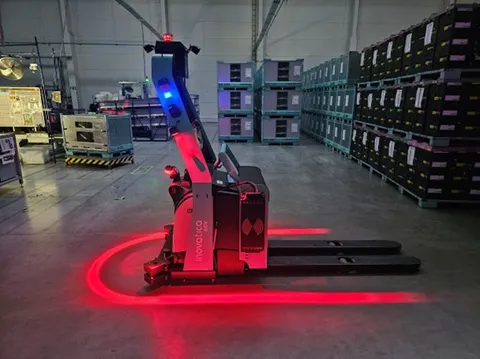
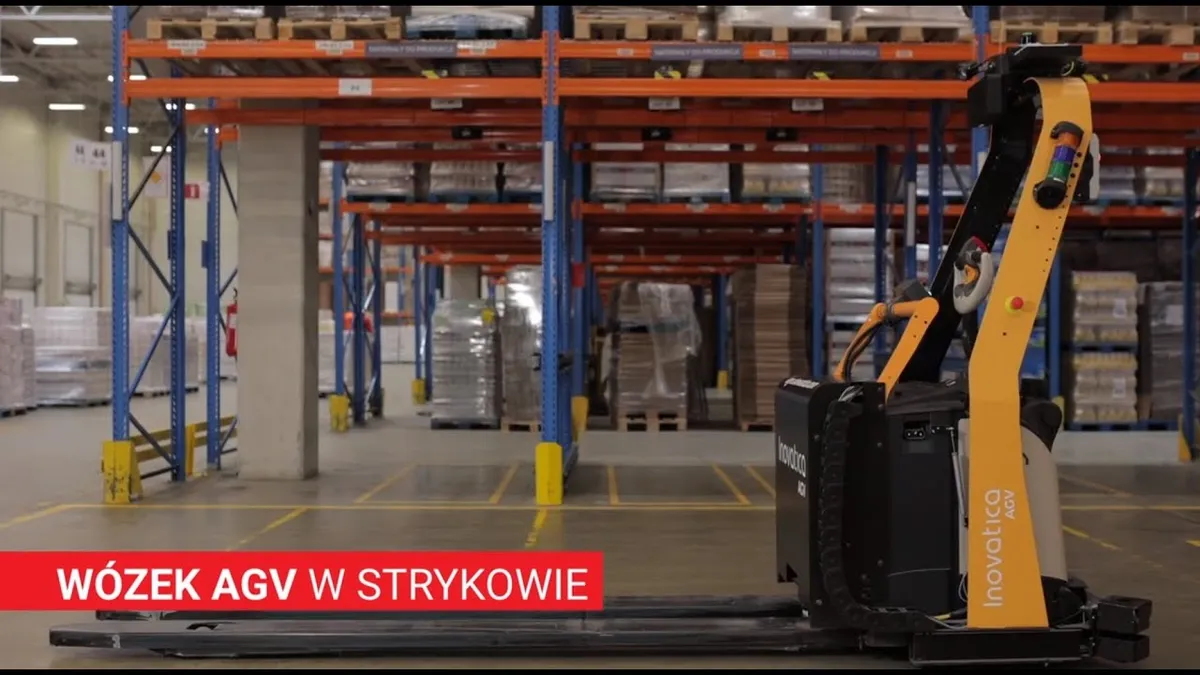
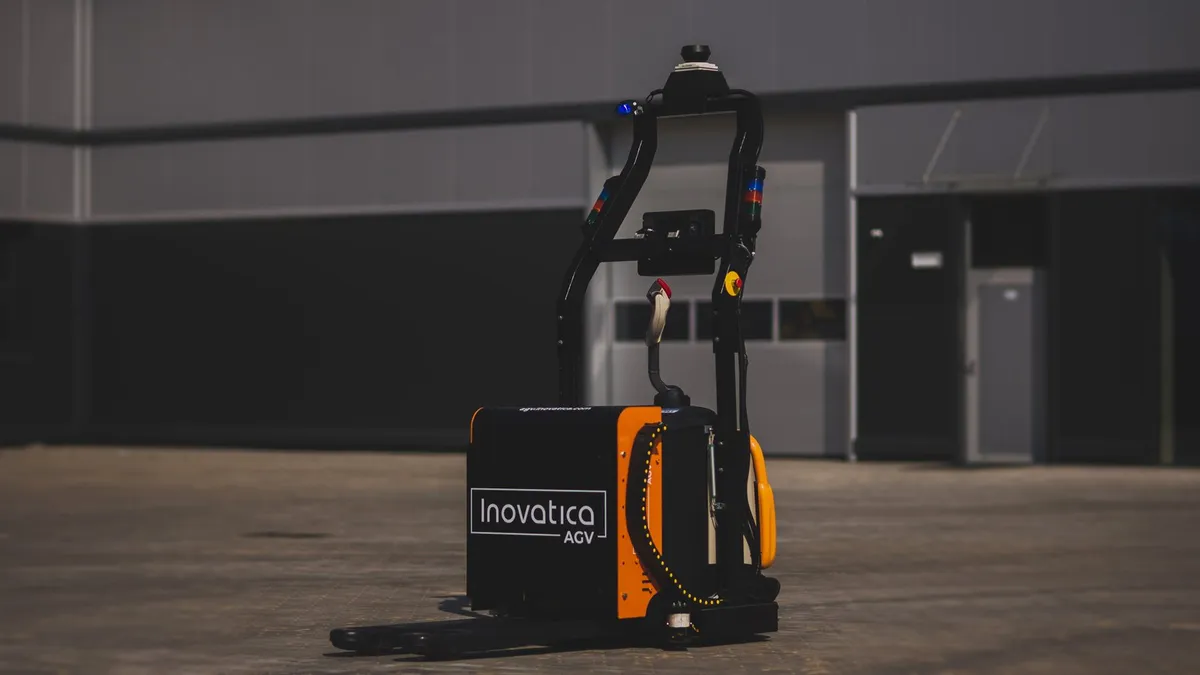
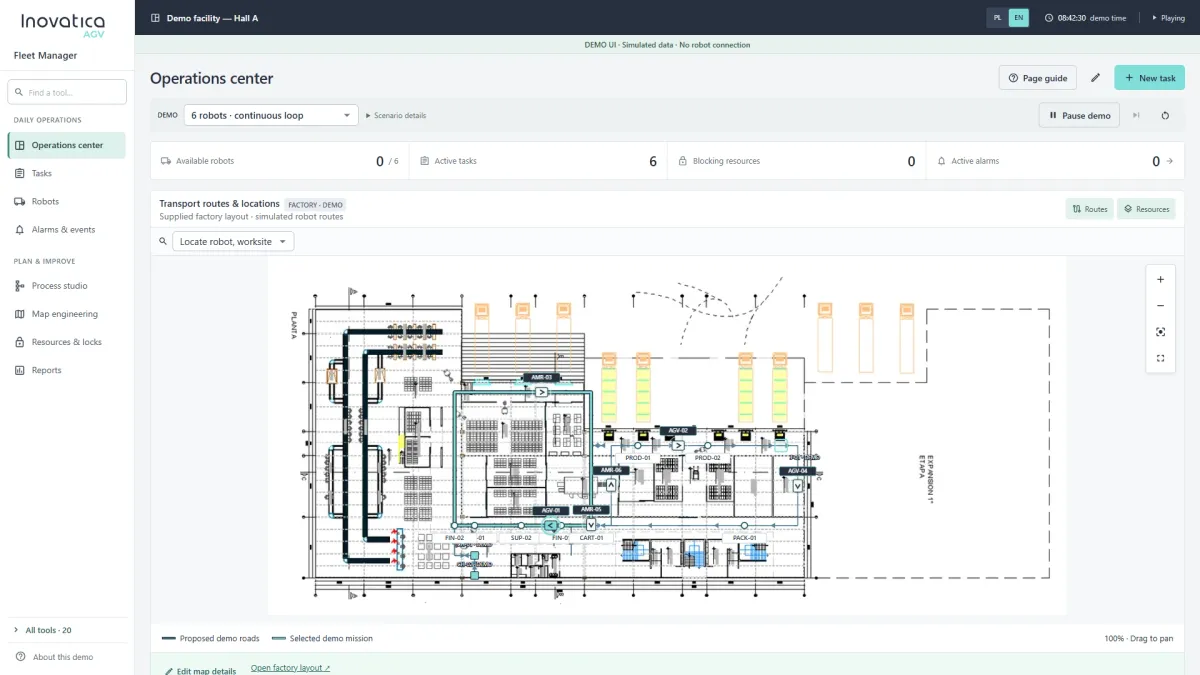
An AGV system starts by receiving a task, calculating its priority and assigning it to the right vehicle based on availability, location, carrier type and current process state.
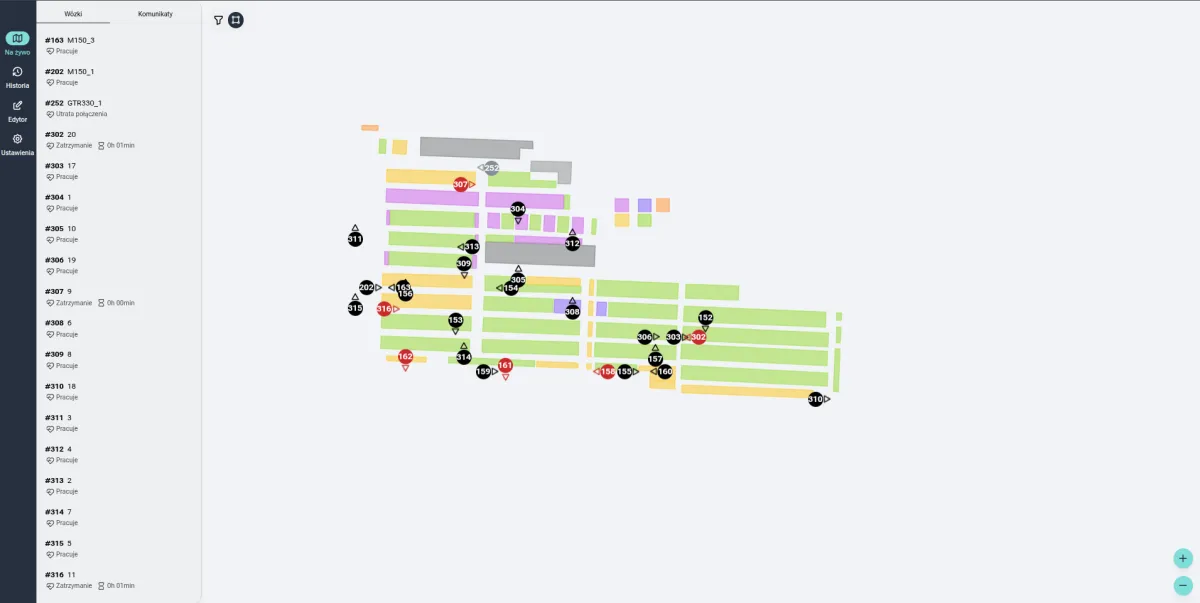
AGV works well only when task logic, route planning and handover points are designed as one control model.
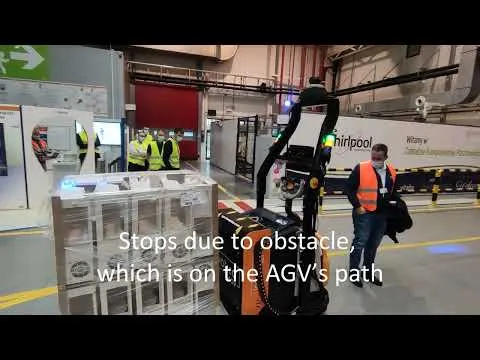
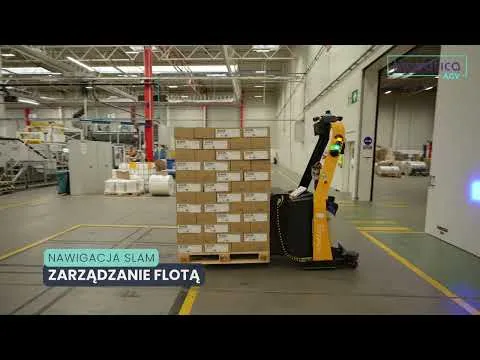
In practice this means several layers work together at the same time: the vehicle, localization, traffic control and task logic. The trip itself is only the final result of earlier decisions about orchestration, route planning and reaction to events in the environment.
A good rollout is not about launching a single robot. It is about building a stable operating model. That is why we analyse not only the route, but also pick-up and drop-off points, priority rules, human interaction and the conditions under which the system must stay predictable when the load grows.
- real-time task intake and queueing
- dynamic route planning based on traffic and priorities
- control of pick-up, drop-off and task confirmation points
- less manual decision-making around task allocation and queues
- more predictable material flow as load grows
How tasks are sent to the AGV fleet
Five dispatch channels can work in parallel: button panels, a dedicated tablet app, individual sensors, camera-based visual detection and integrations with external systems. All feed the same supervisory layer and AGV fleet.
Button panel
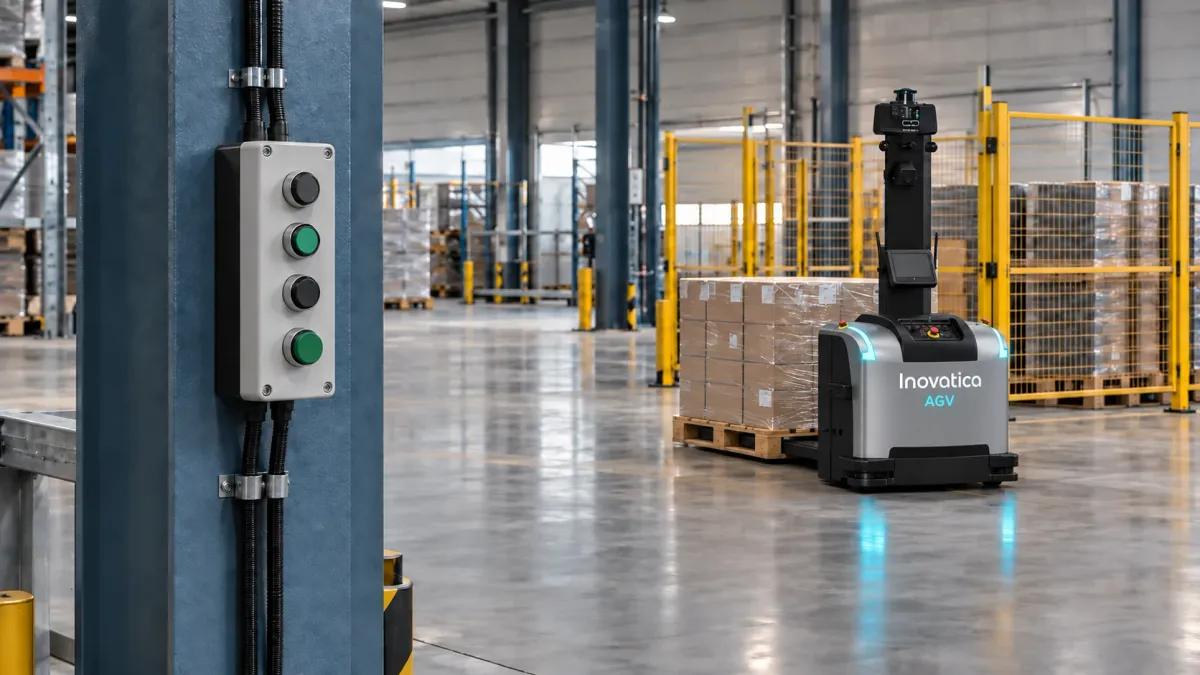
Tasks can be issued manually by an operator using hardware button panels installed in agreed process points across the facility.
The operator presses the required button on the panel
The signal is sent over LAN to the supervisory system
The system selects an available AGV and dispatches the task
Tablet app
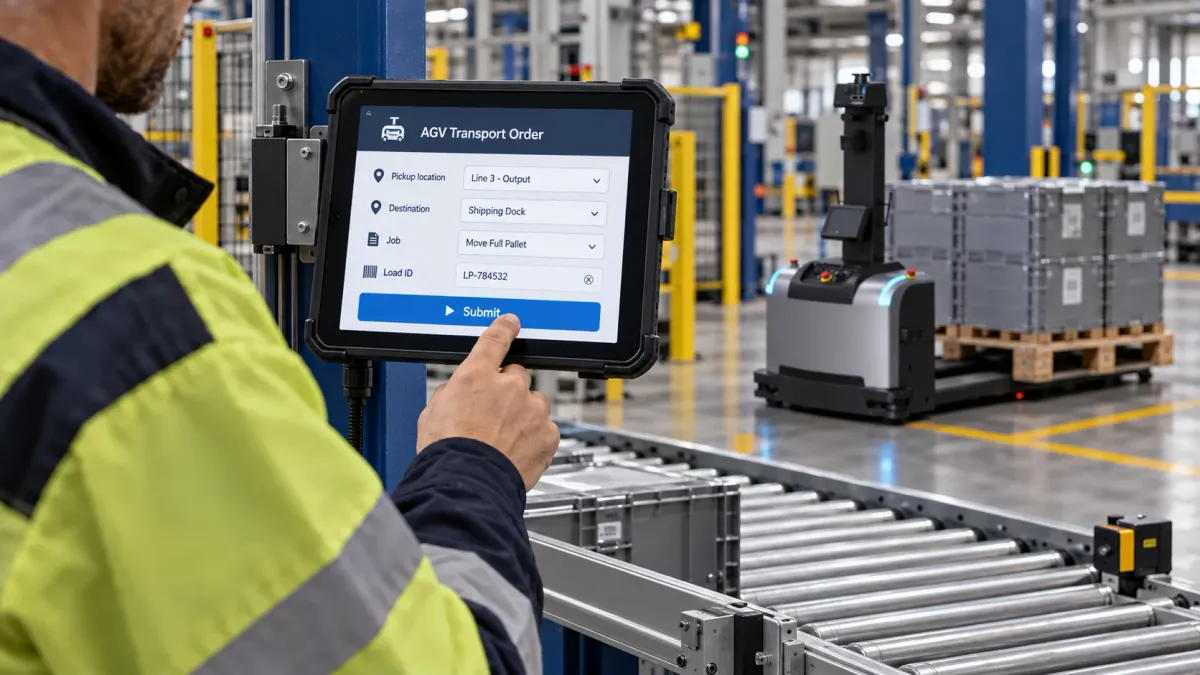
An operator can issue a transport task from a dedicated app on an industrial tablet at the point of work. The request goes to Fleet Manager for assignment to an AGV.
The operator selects a defined transport task in the tablet app
The request reaches Fleet Manager for validation and assignment
An available AGV carries out the transport task
Sensors
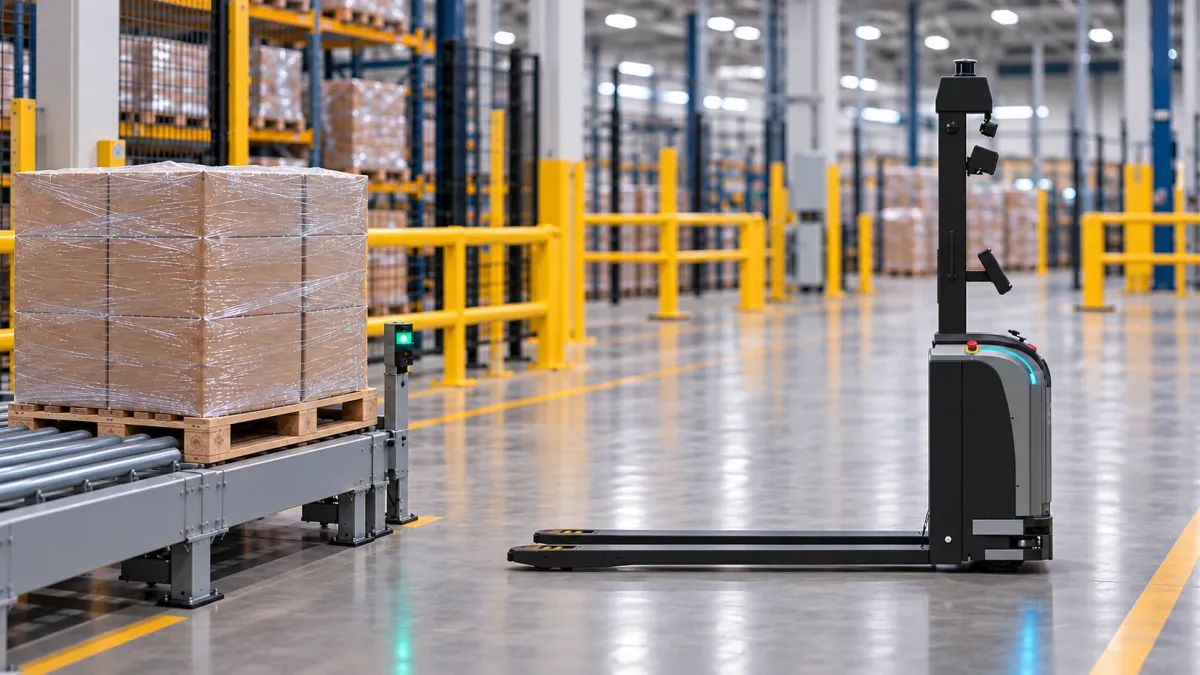
A sensor at a conveyor end or handover point can trigger a transport order as soon as a pallet reaches the defined position.
The sensor detects a pallet at the handover point
The signal is passed to the system
The transport task starts automatically for the fleet
Cameras
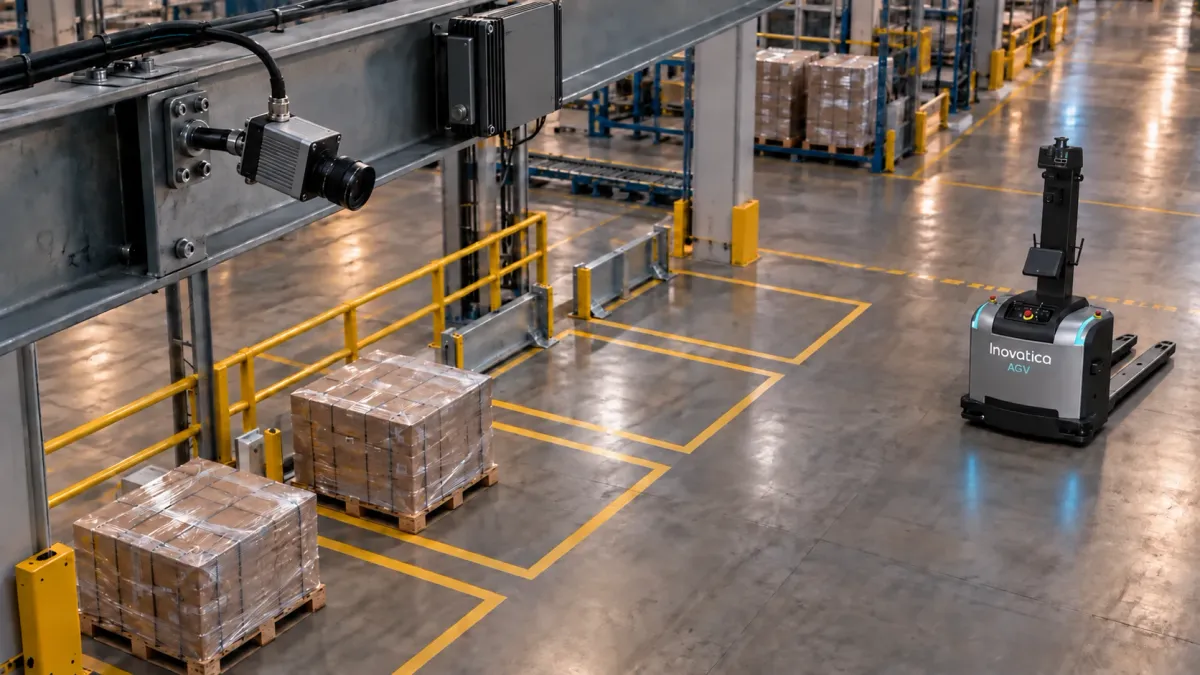
Cameras above pallet zones track several positions at once. A local industrial computer recognizes which are occupied, free or ready for pickup and passes their status to Fleet Manager.
Cameras observe defined pallet positions and detect material ready for pickup
An industrial computer analyzes the images locally and sends position status
Fleet Manager creates a task and assigns an available AGV
External systems
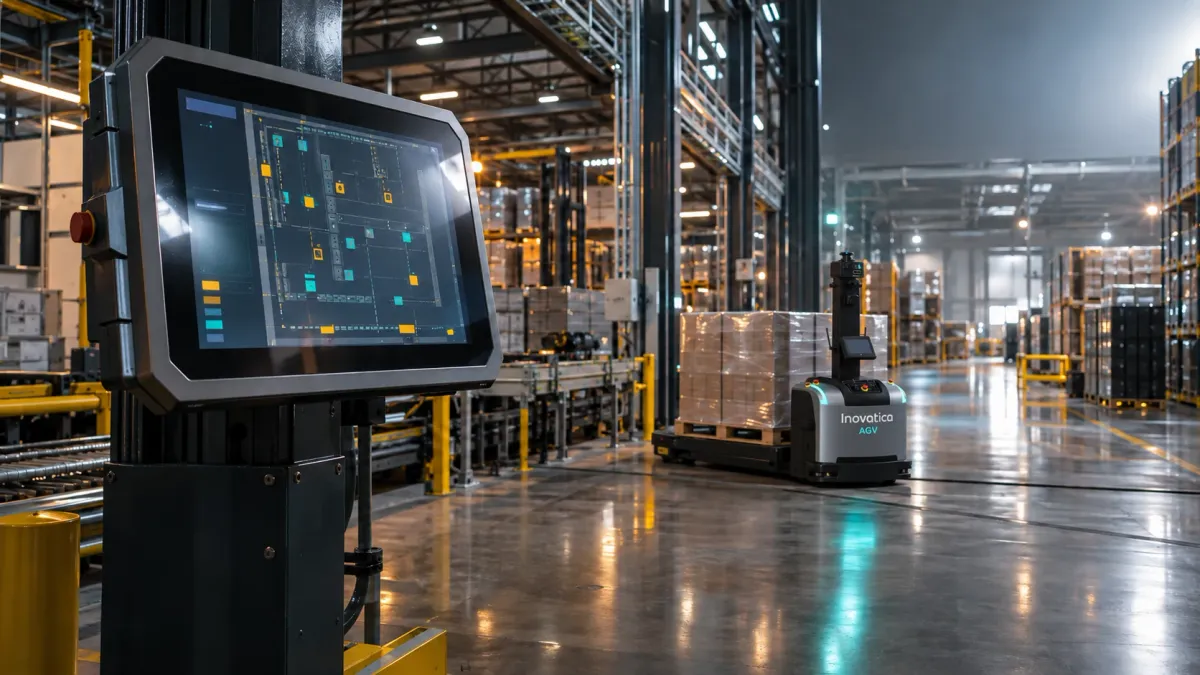
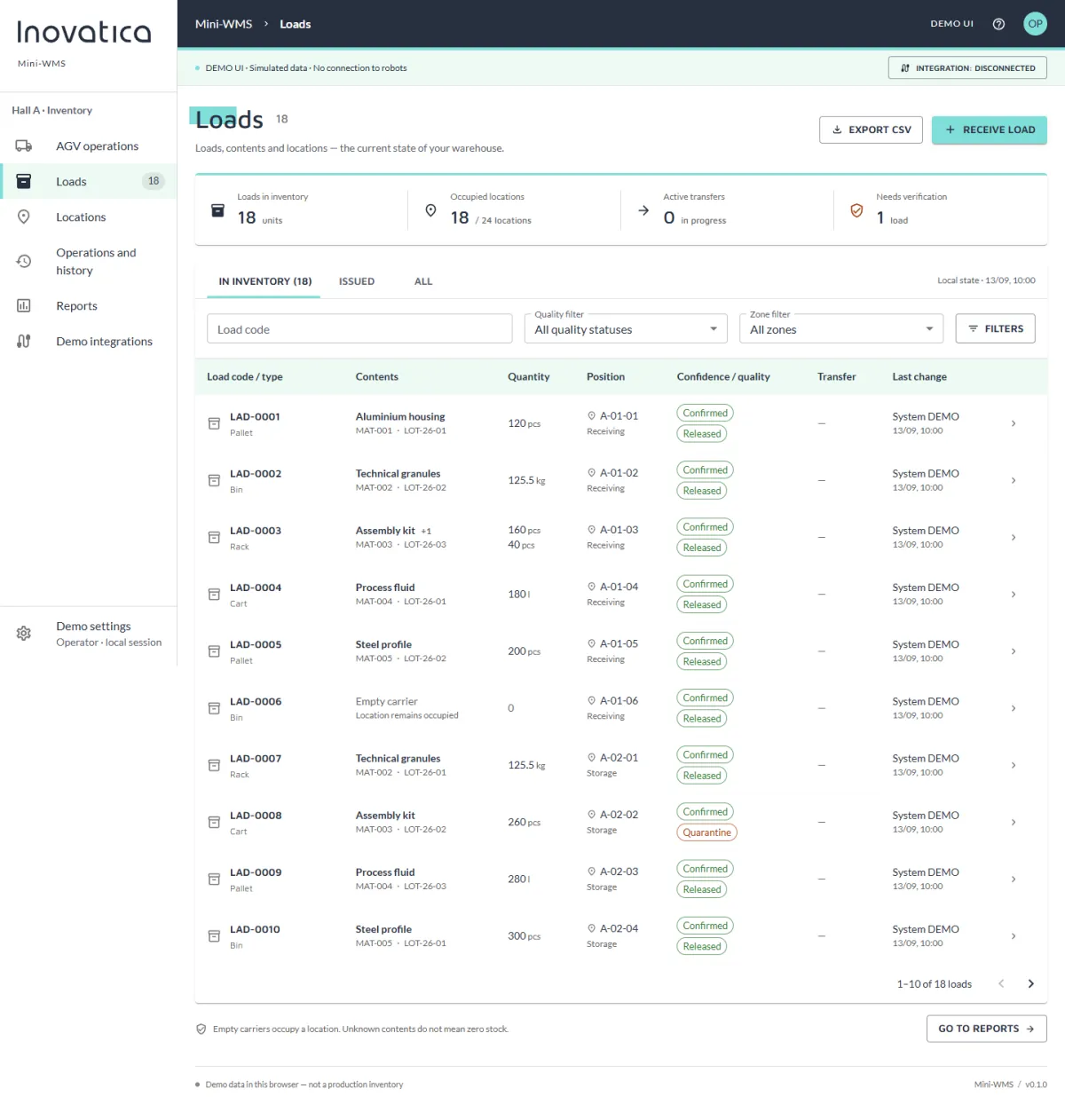
The platform can integrate with ERP, MES and WMS so external software becomes the source of tasks and receives execution feedback from AGV operations.
An external system generates the task
The task data is transferred to the supervisory layer
The AGV fleet executes it and the result returns to ERP, MES or WMS
Different task sources, one orchestration model
No matter where the signal comes from, the supervisory layer validates the request, selects the right vehicle and sends the task to the fleet with one consistent logic.