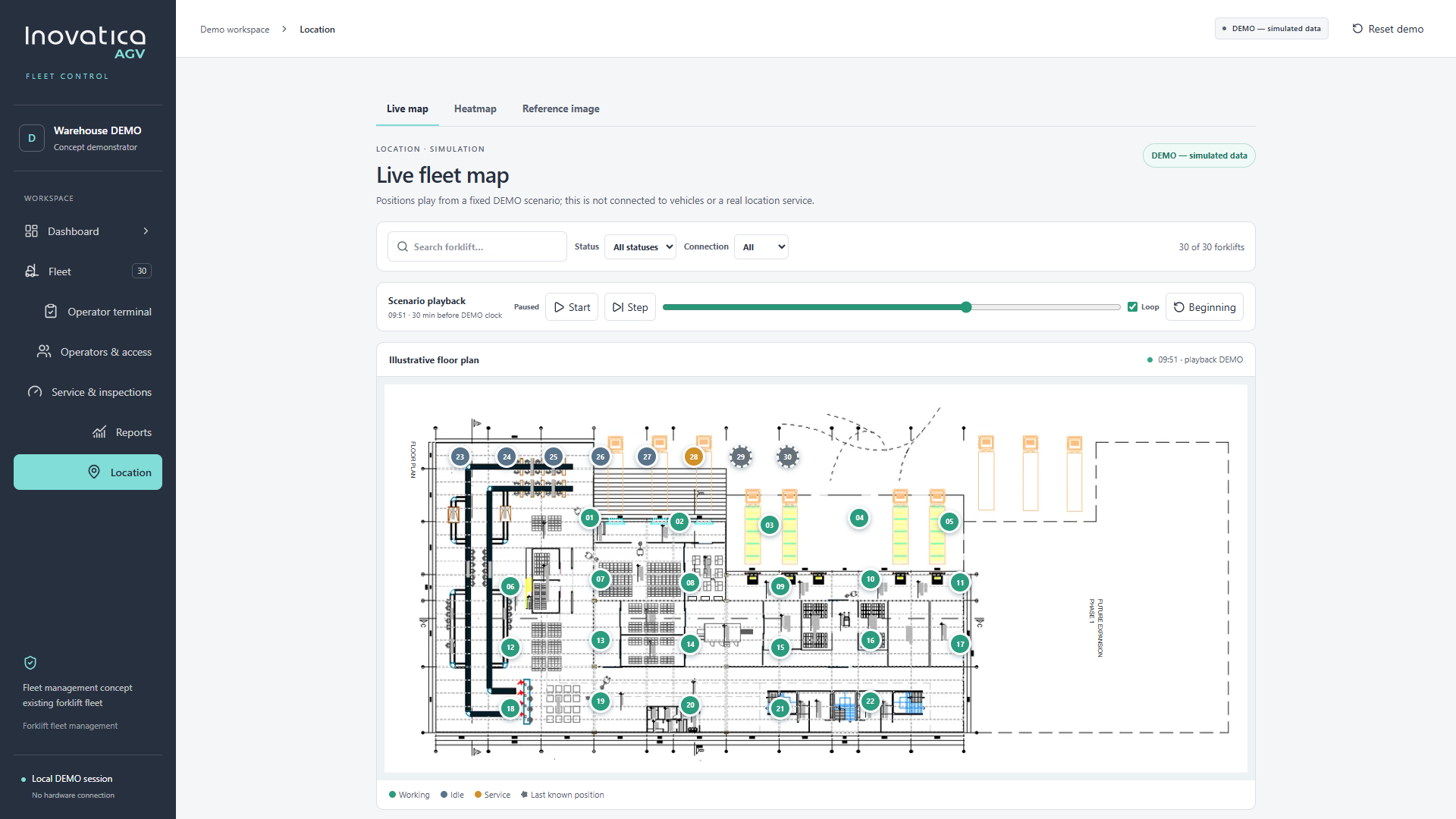
Fleet overview
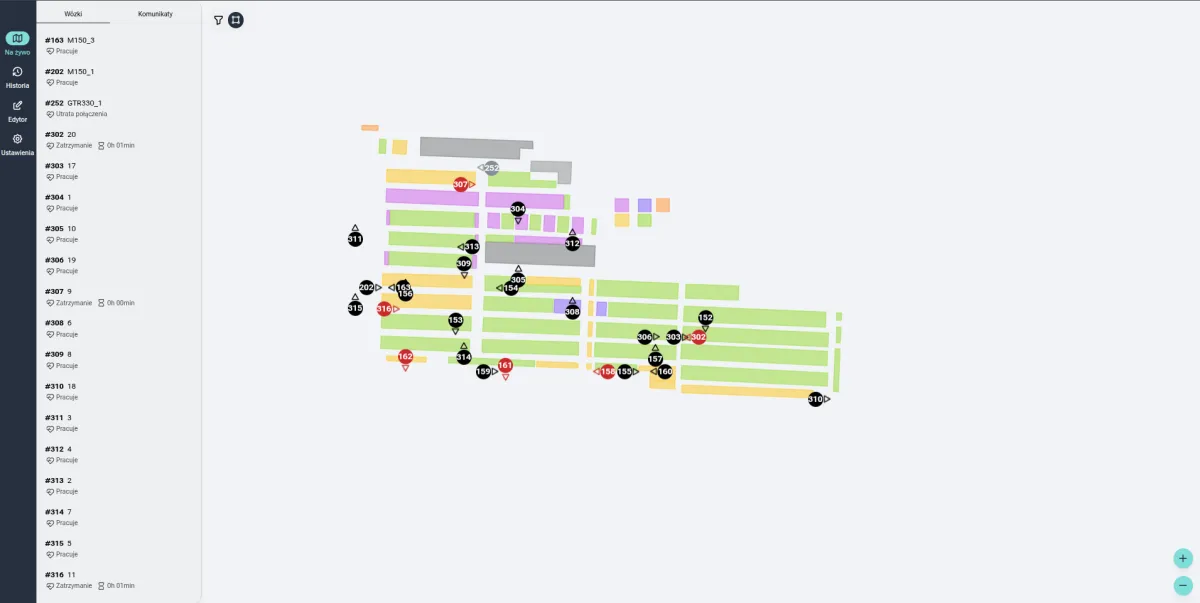
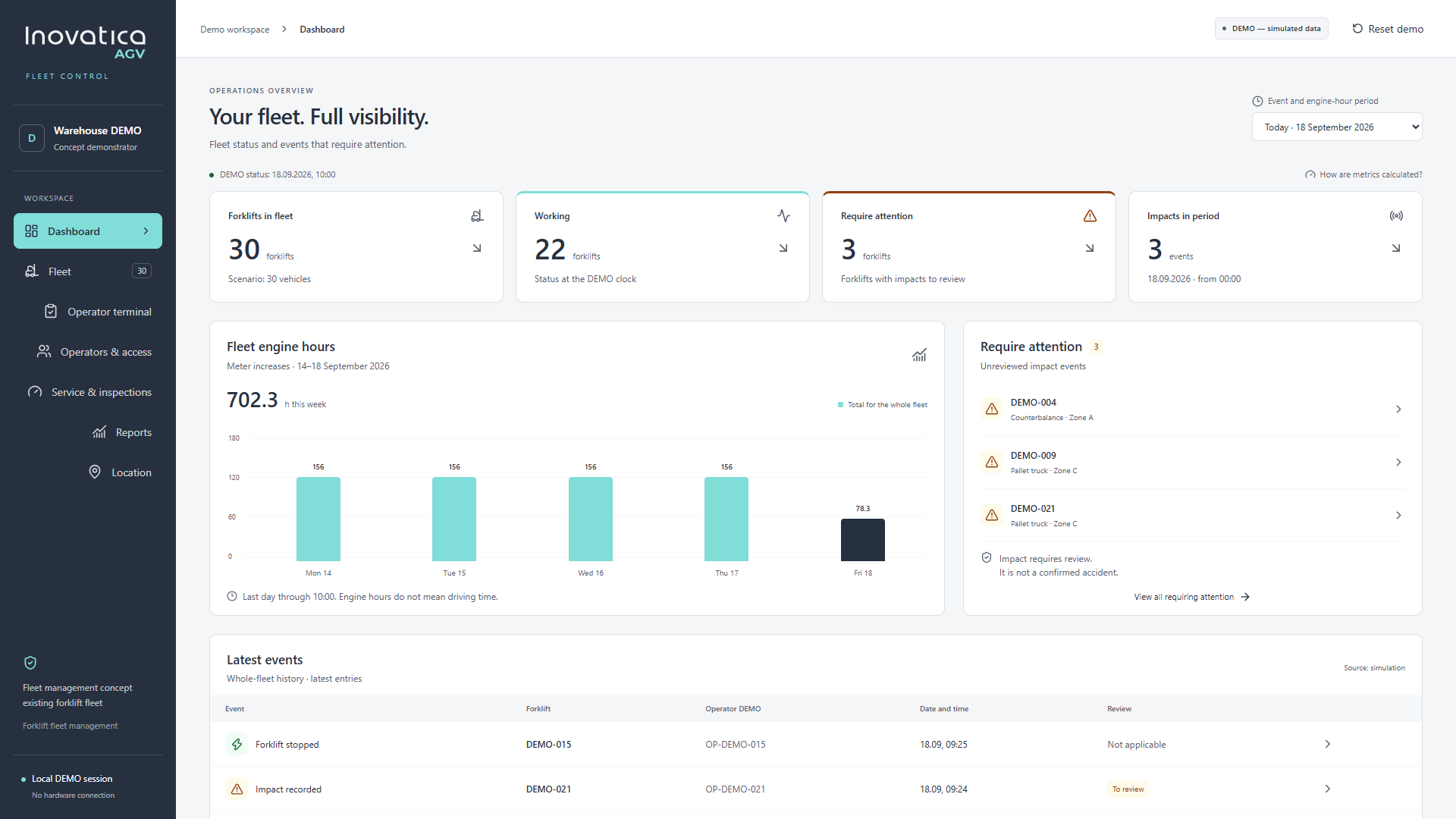
See working vehicles, items requiring attention, engine-hour readings and recent events together. Open a vehicle record to review its status and history.

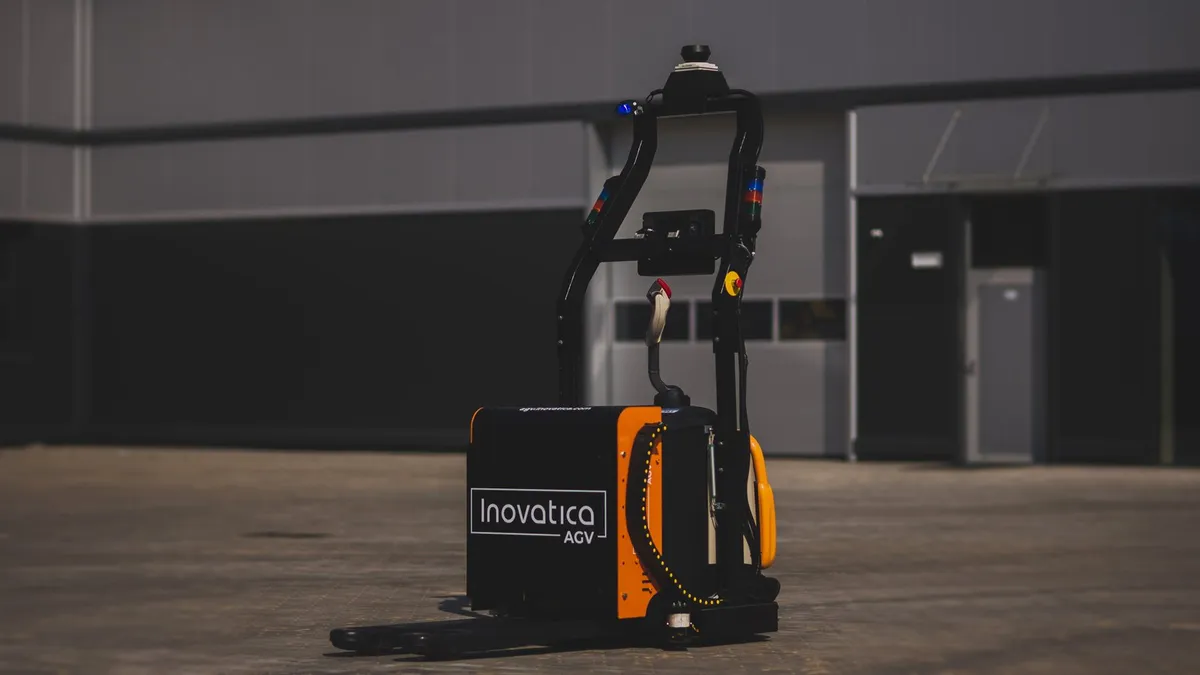
Find the right robot for your process.
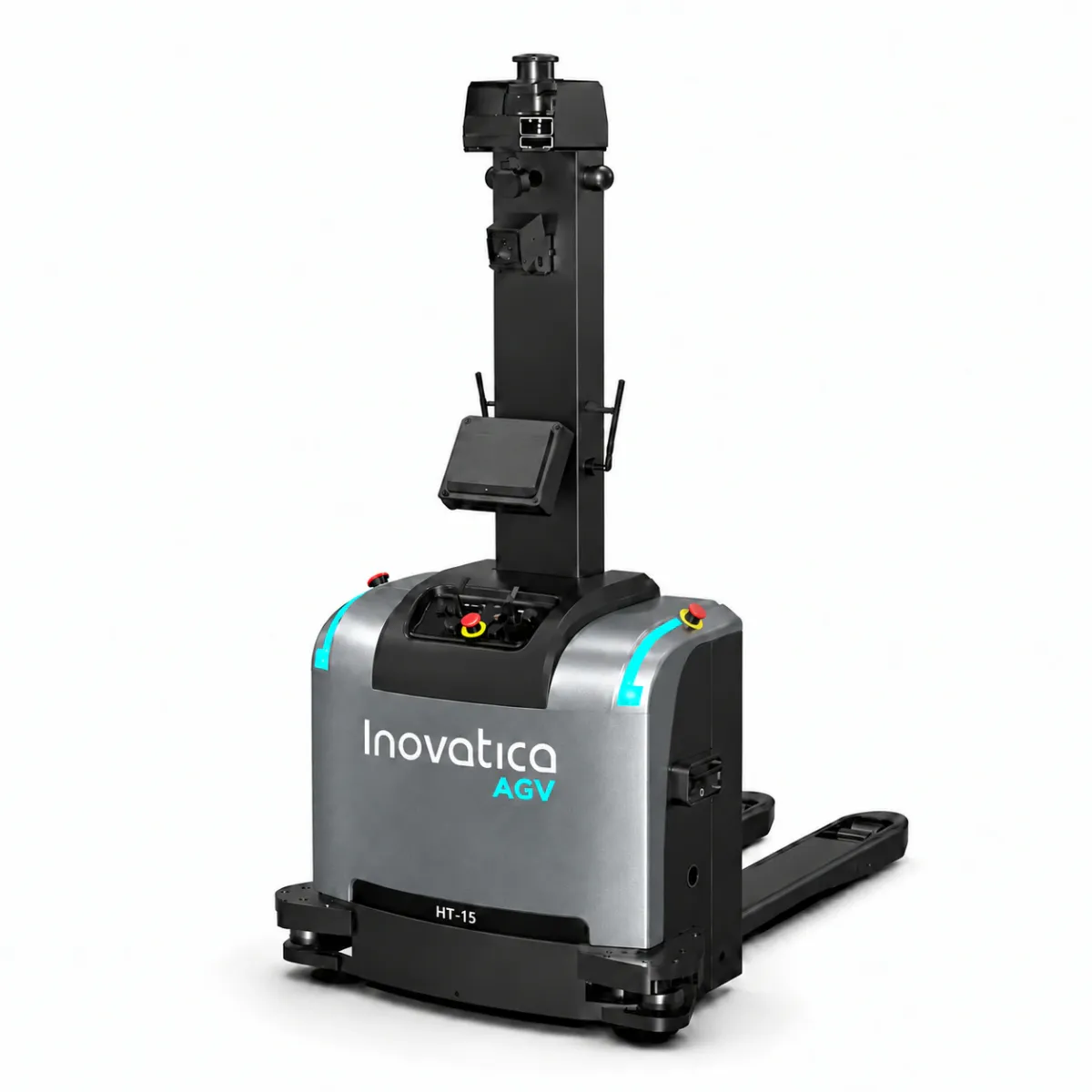
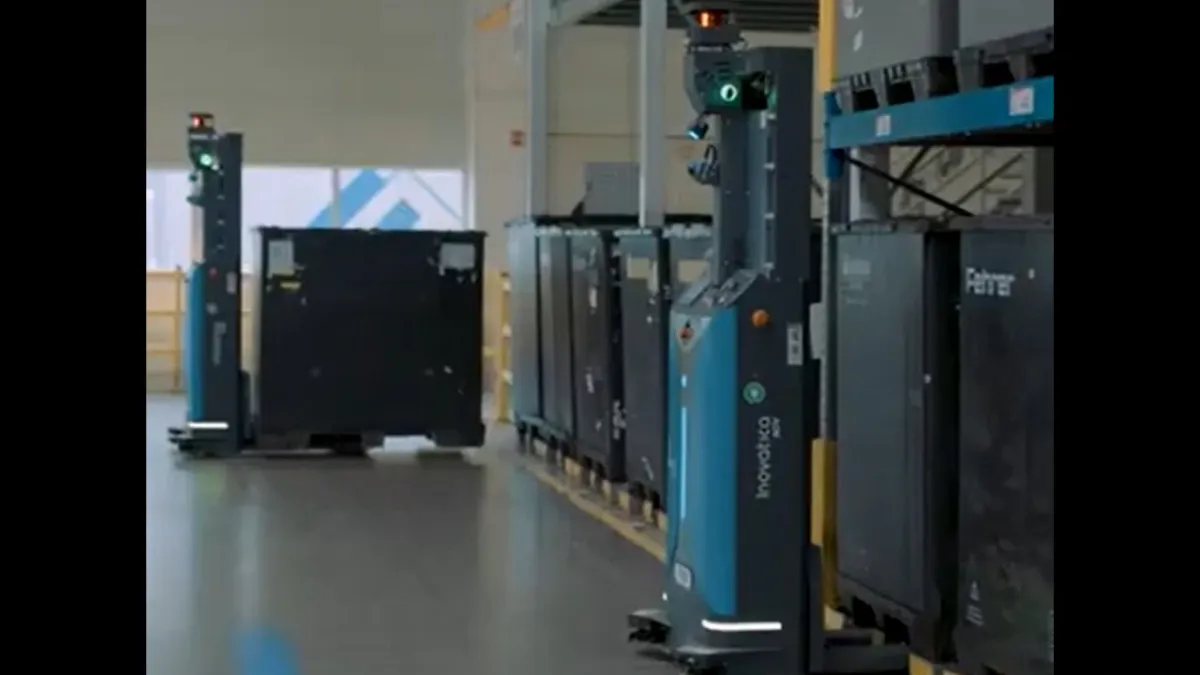
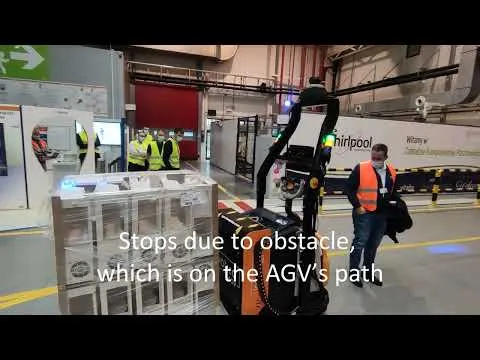
Pallets, containers and load carriers moved
between production and warehouse areas.
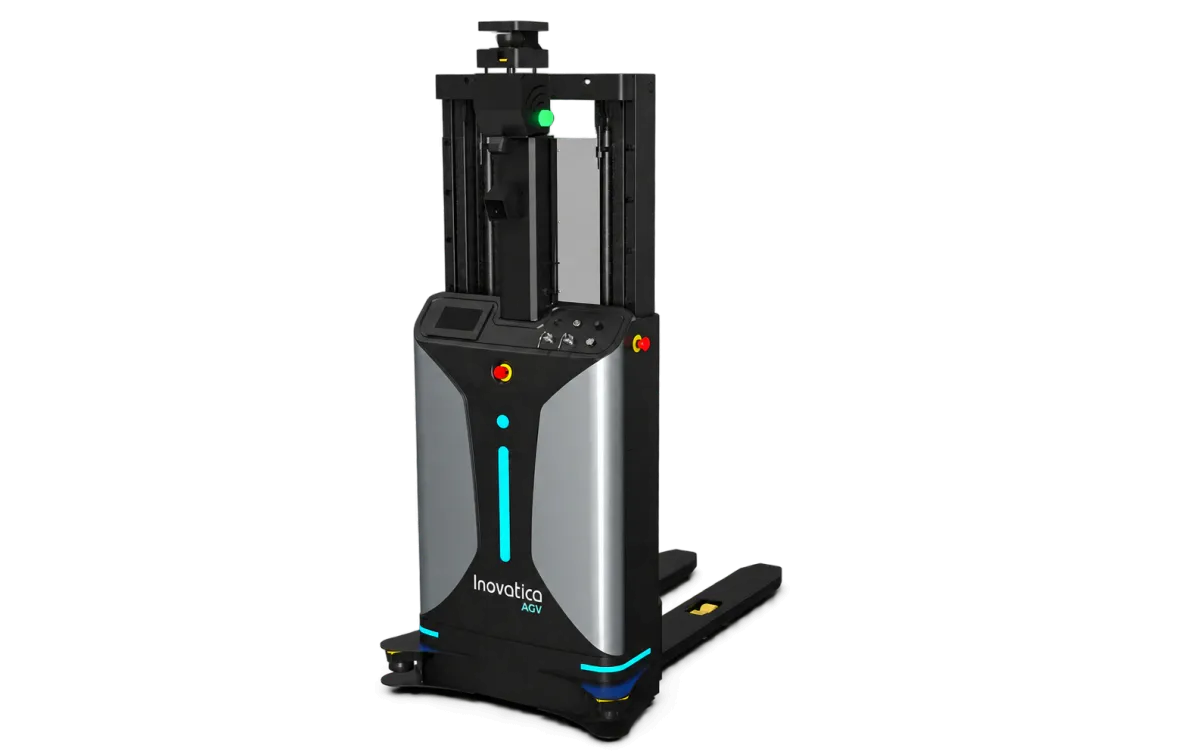
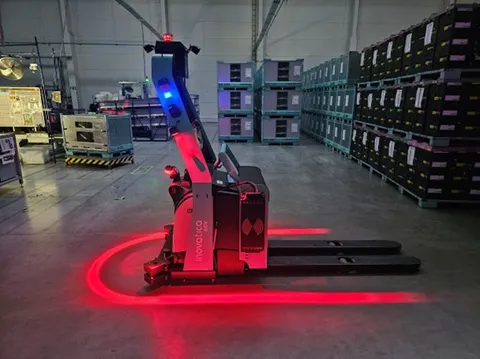
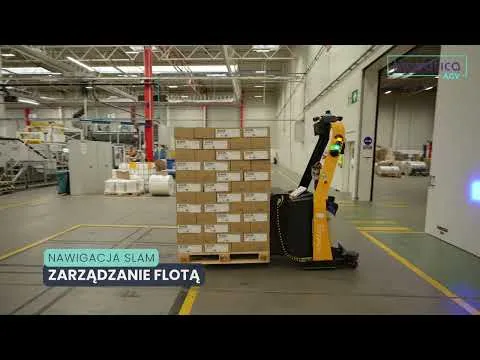
Pallet pickup and placement.
Matched to the load carrier and transfer height.
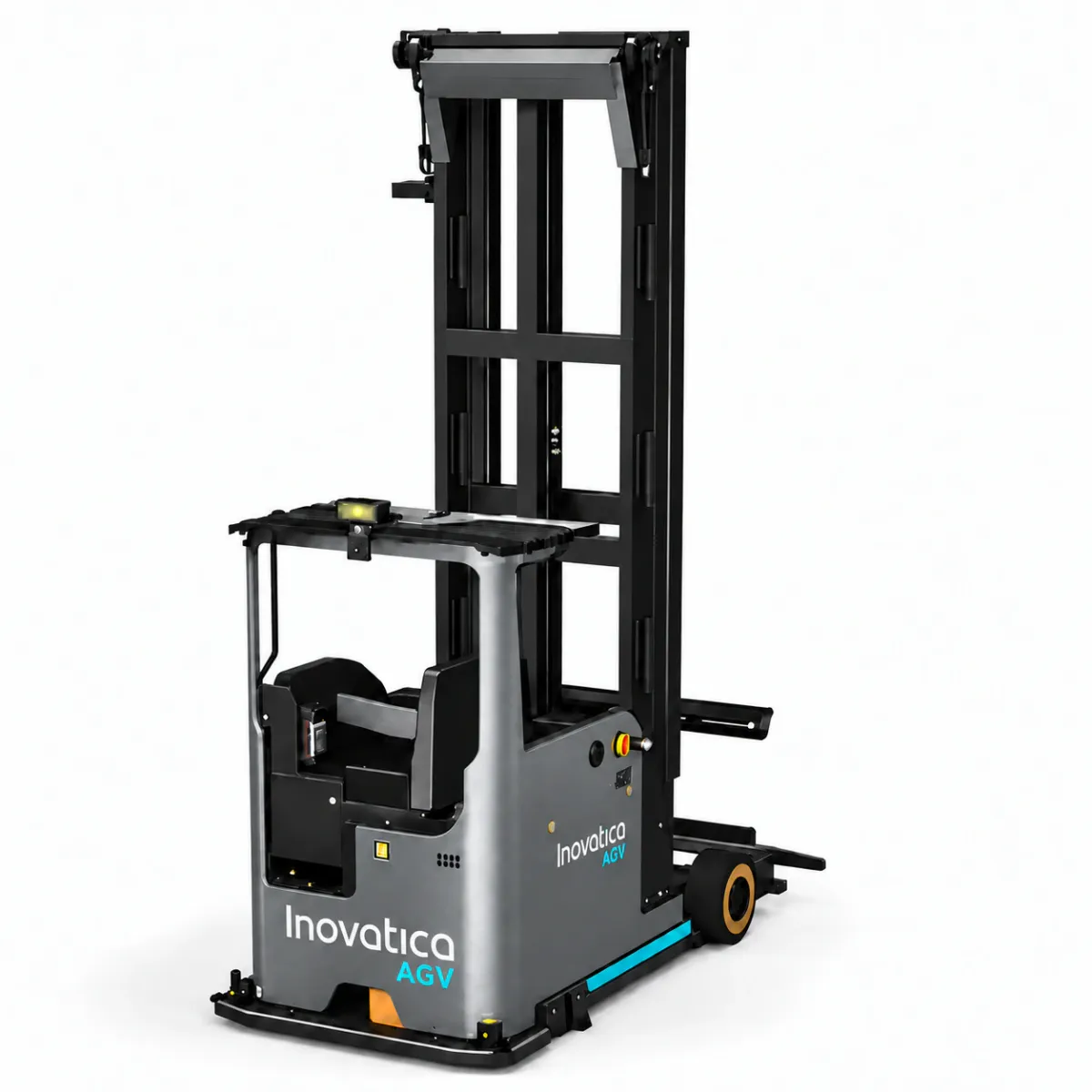
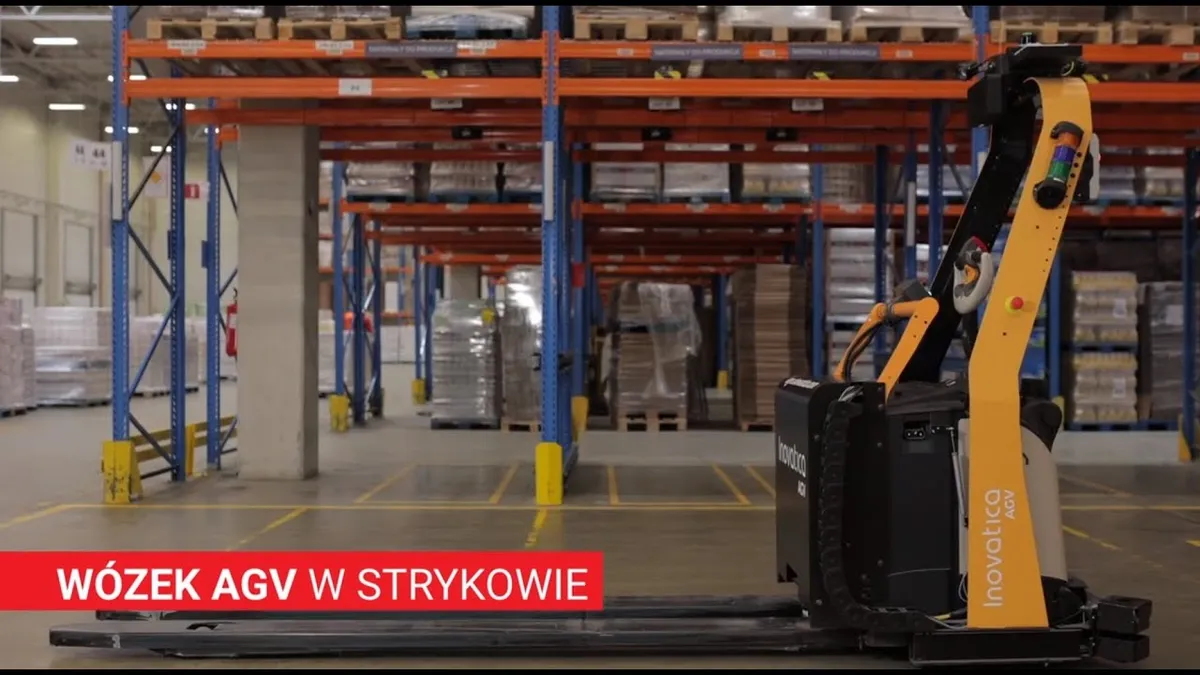
Handling higher rack levels
and warehouses with narrow aisles.
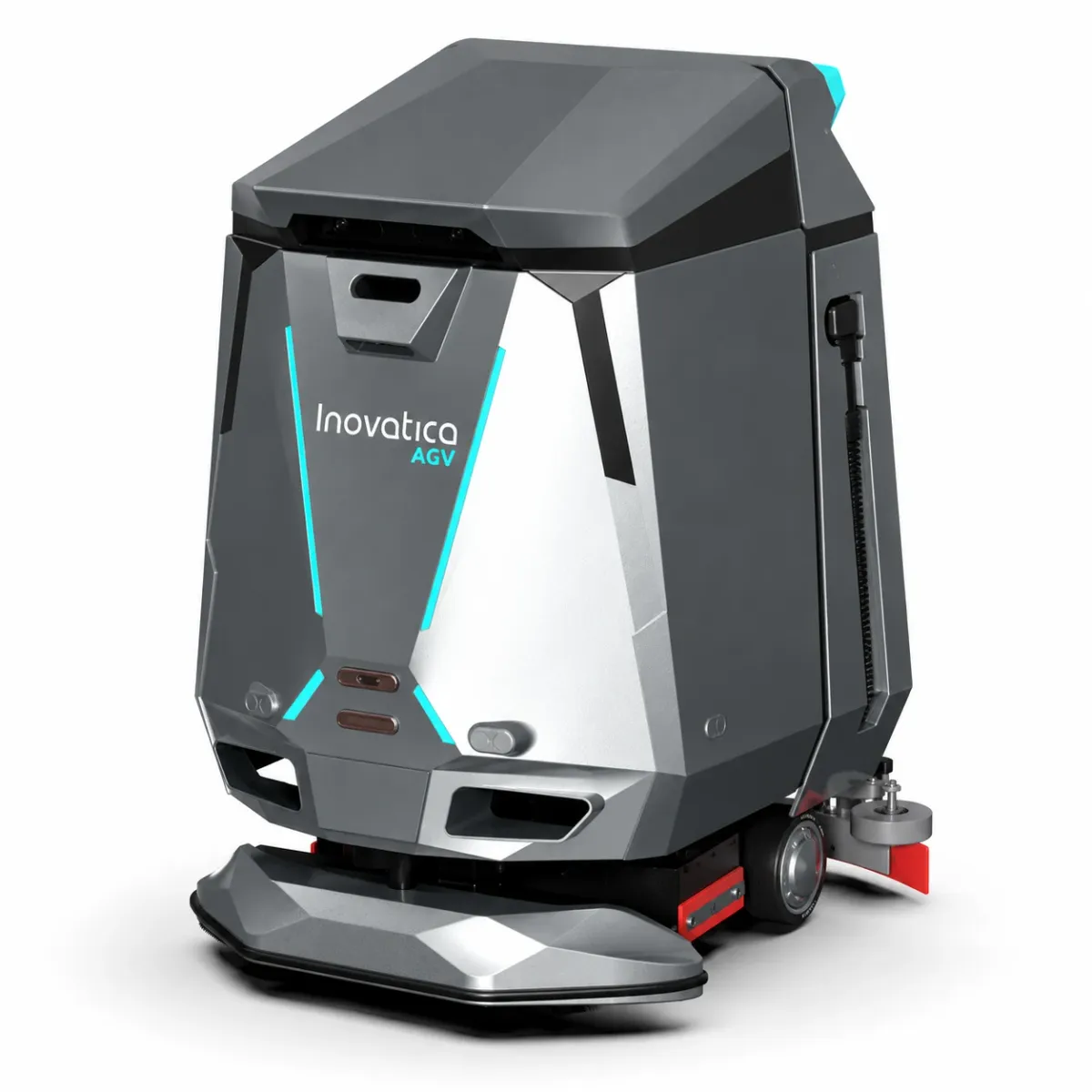
Automated floor care in warehouses and factories.
Projects across industries.
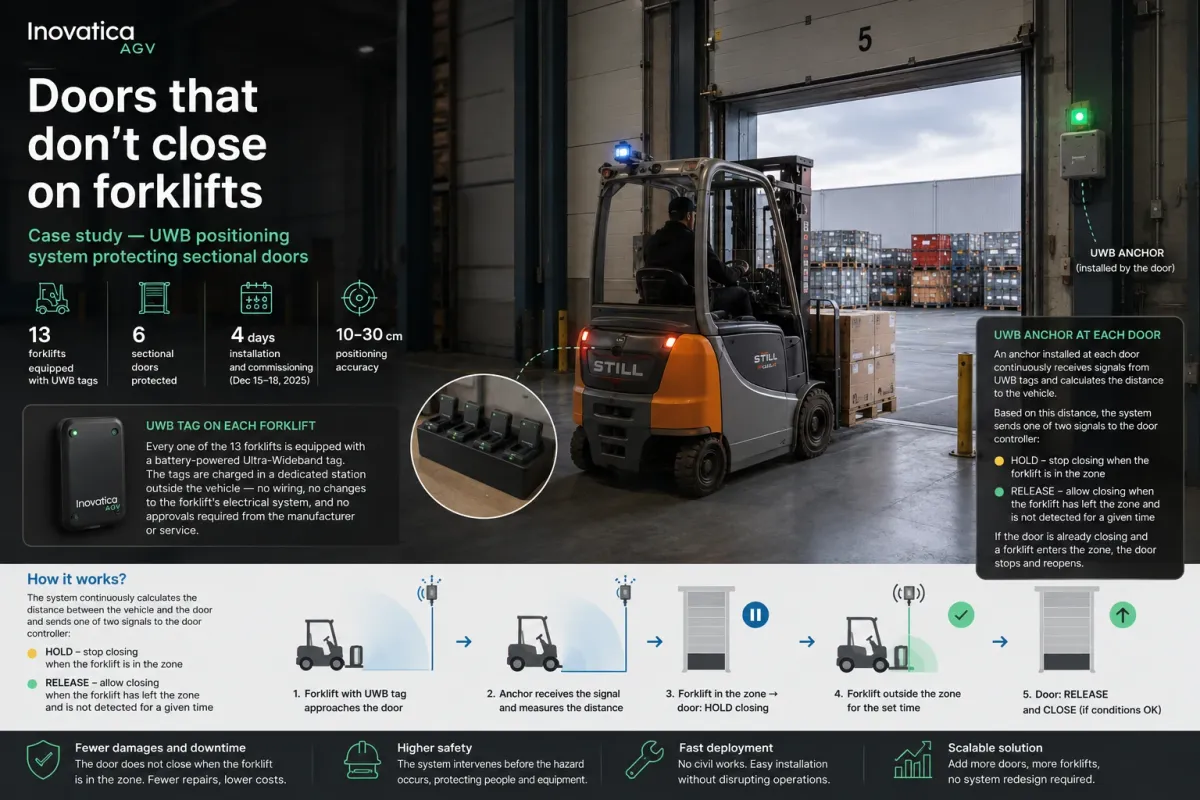
Plan, connect and manage.
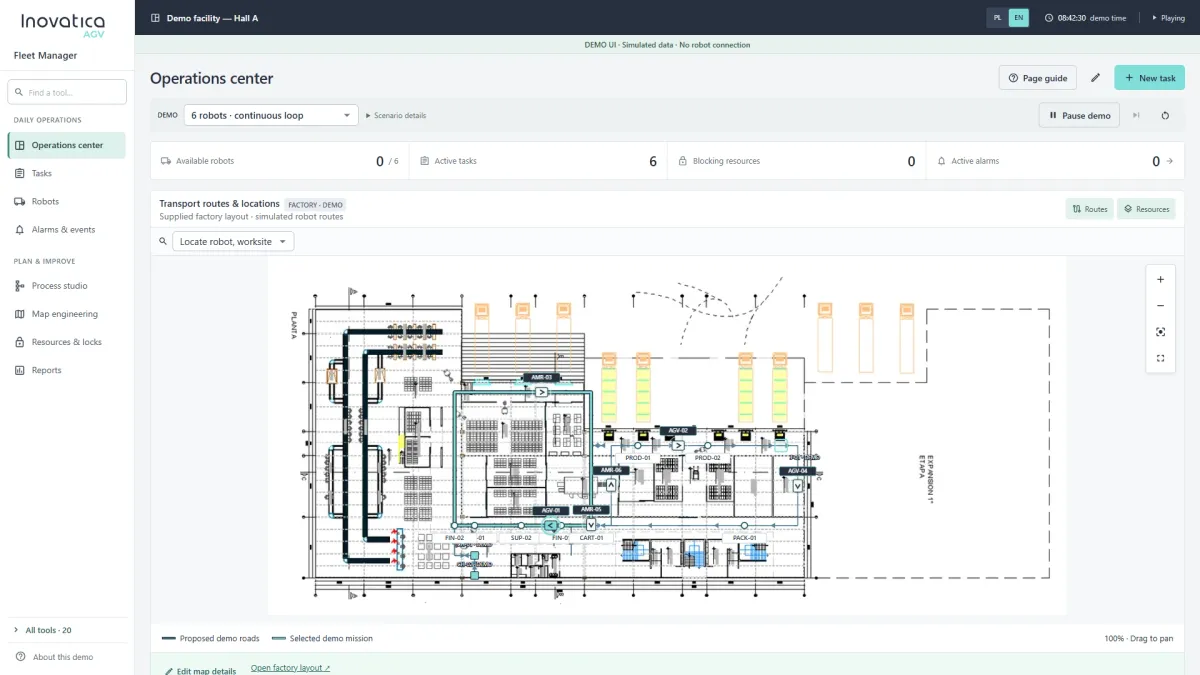
AGV tasks, vehicle assignment, traffic and fleet monitoring.
Explore the system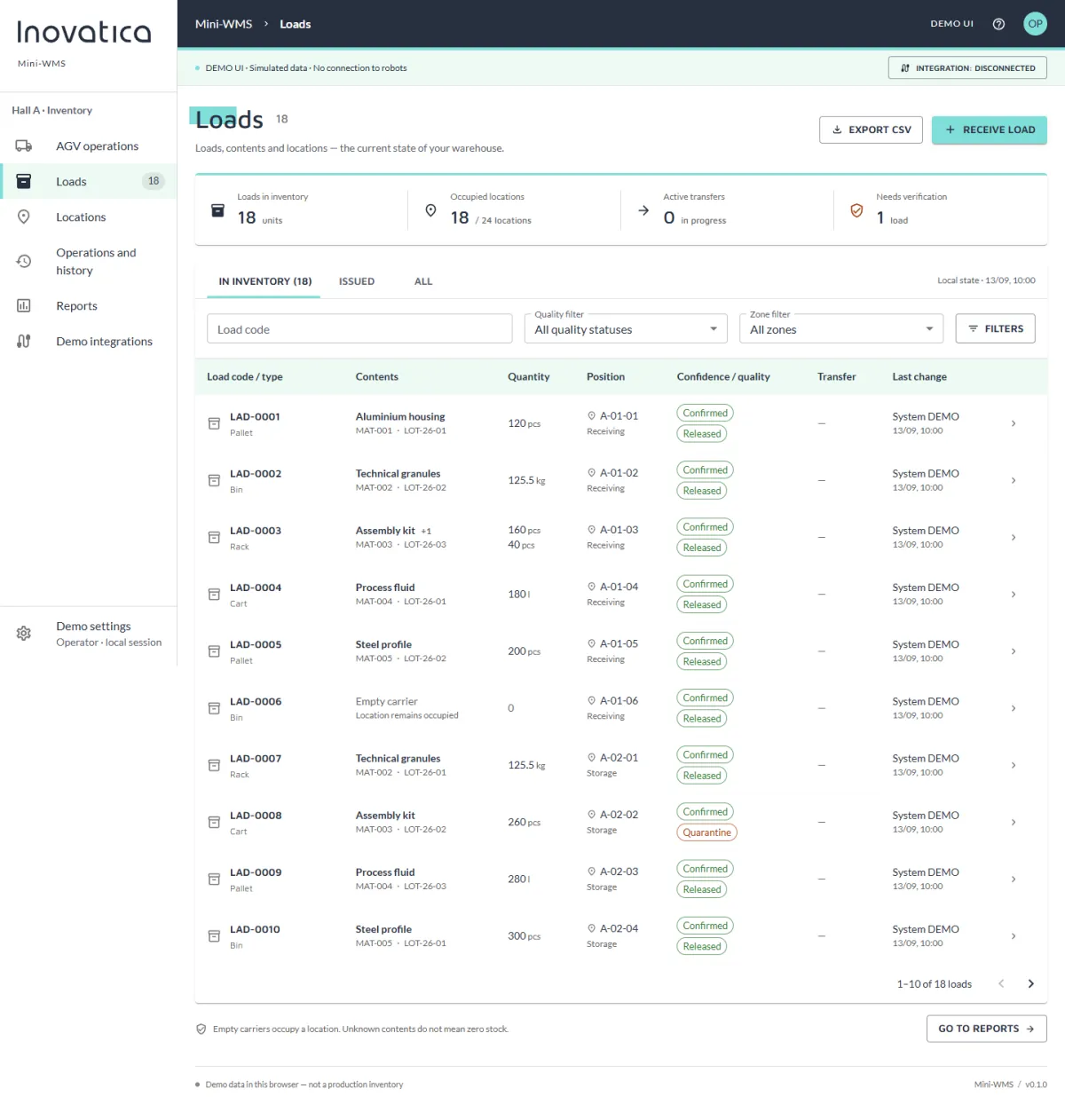
Loads, locations, transport requests and warehouse reports.
Explore the system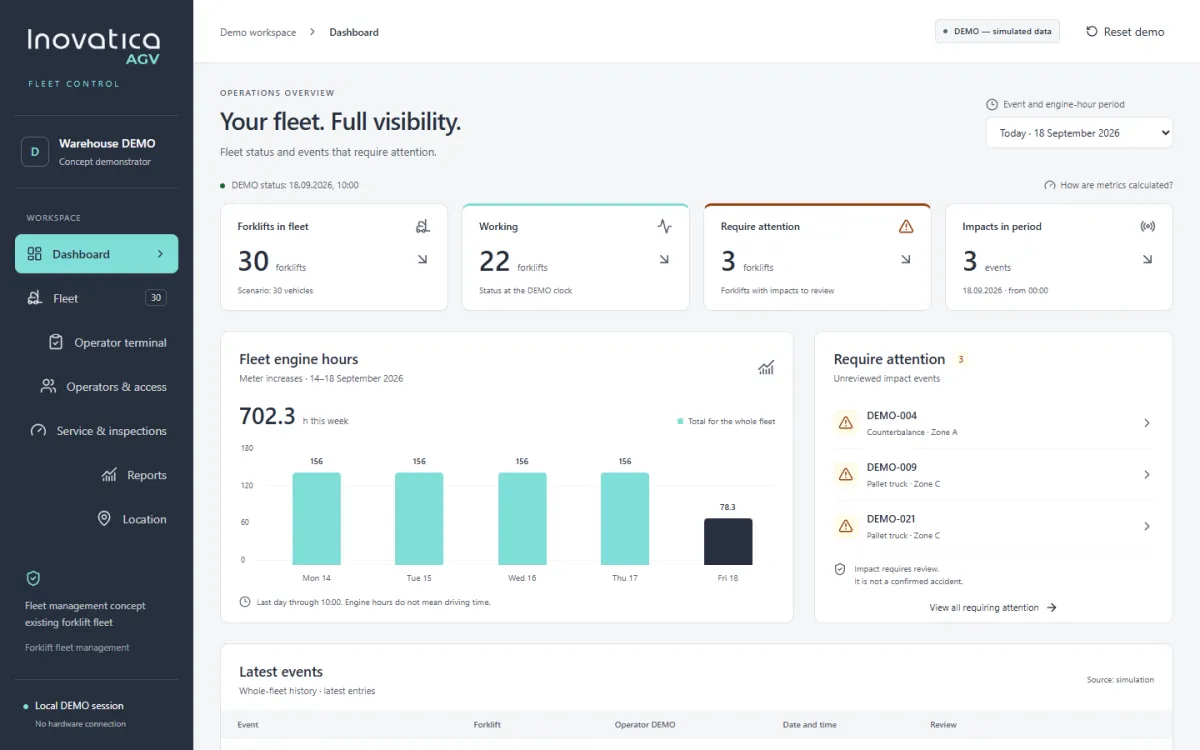
Fleet visibility, operators, checks, service and reporting.
Explore the system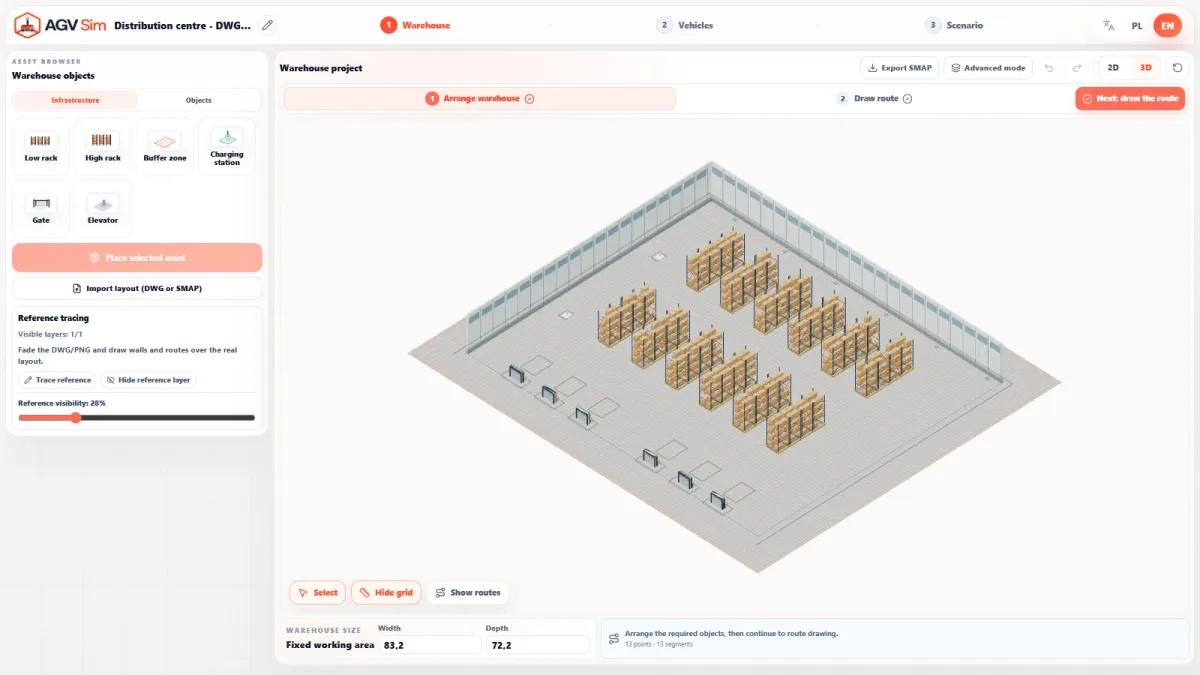
Simulate your warehouse, transport flow and AGV fleet scenarios.
Explore the systemYour fleet. In full view.
A clear view of your existing operator-driven forklifts: fleet status, operators, pre-operation checks, events, service and reports.
Explore a concept demonstrator with simulated data and vehicle movement. This presentation does not connect to or control forklifts.
Status, location and events bring the fleet into one view.
Vehicle access and pre-operation checks in one workflow.
Reports, engine hours and inspections help organise daily tasks.
 Enlarge screenshot
 Open any screen for a closer look. Use the full-size view to read the interface in detail.
 Enlarge screenshot
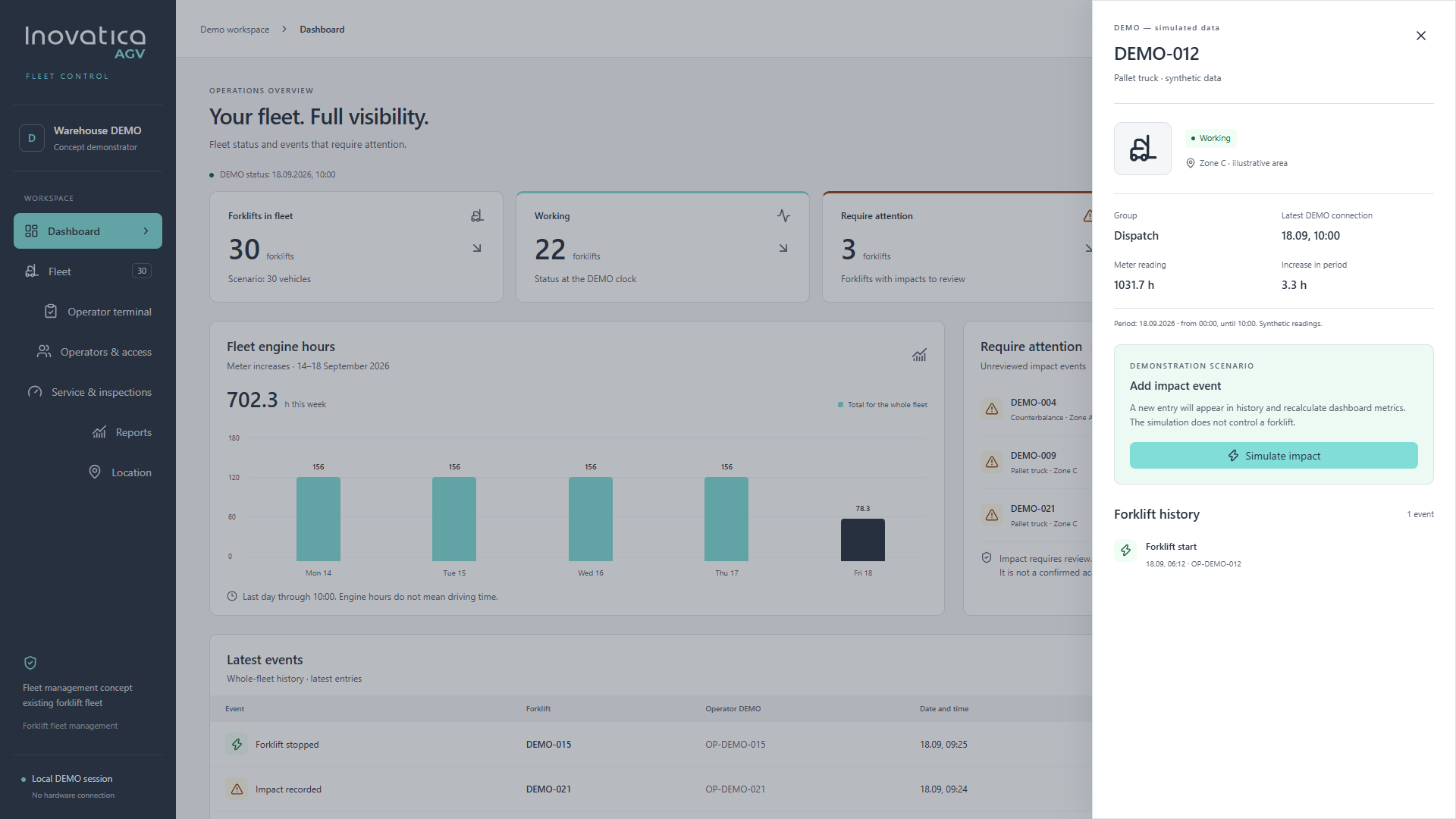
 A closer look at an individual forklift: status, group, meter reading and event history.
 Enlarge screenshot
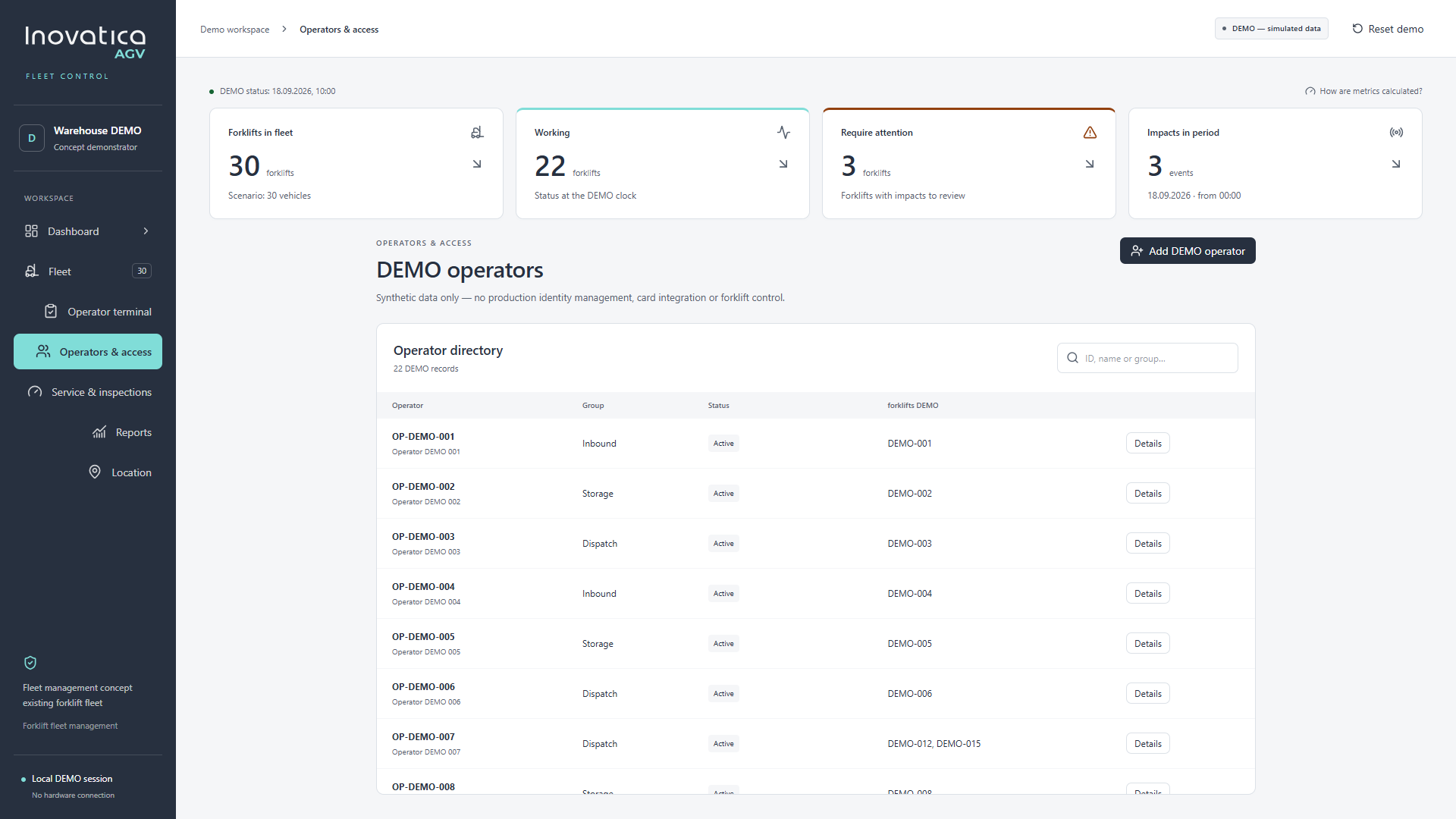
 Operator groups, active status and assigned vehicles in a single directory.
 Enlarge screenshot
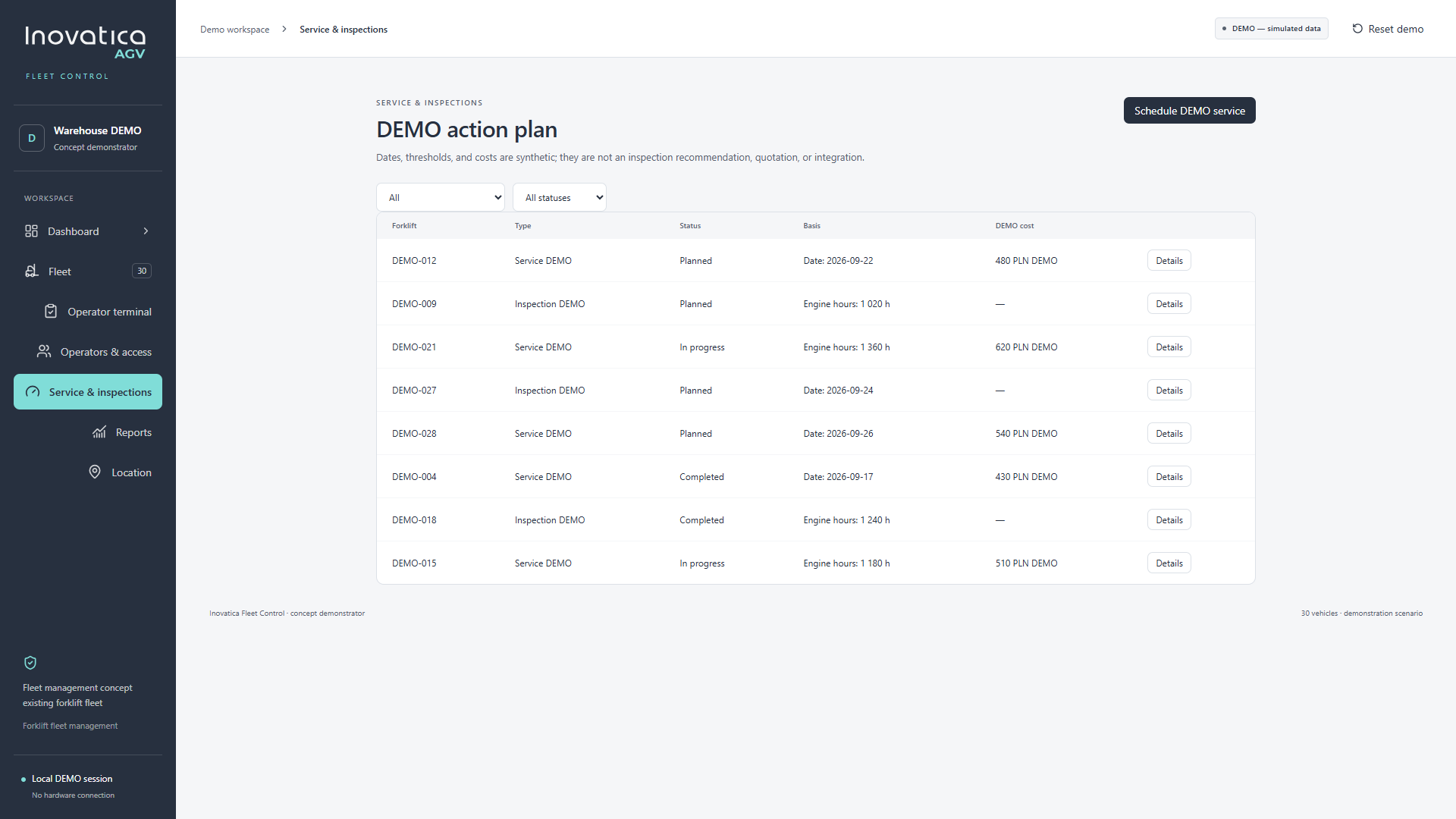
 An example action plan with service and inspection statuses, dates and engine-hour thresholds.
 Enlarge screenshot
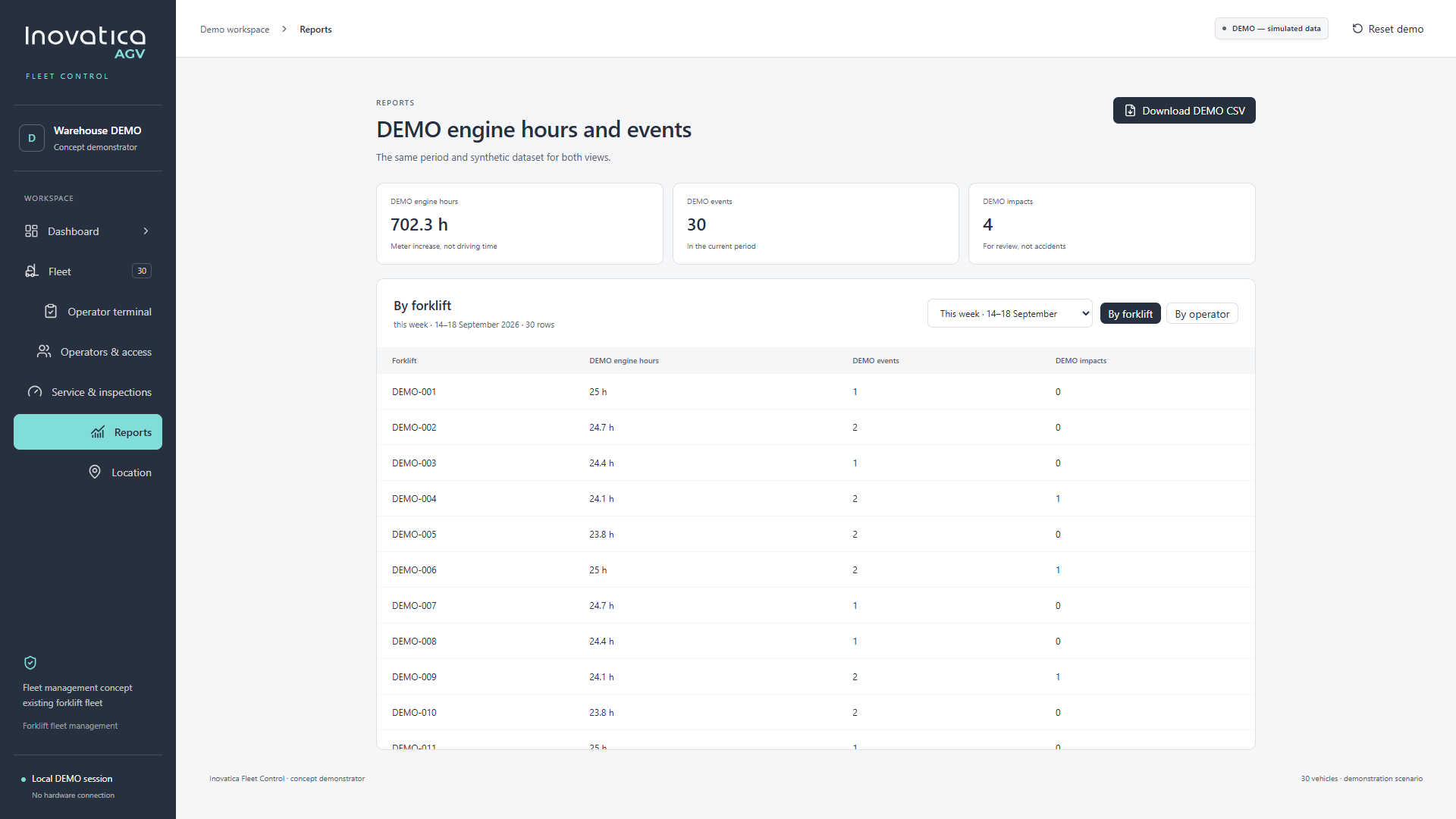
 A period-based report with forklift and operator views, plus a demo CSV export option.
 Enlarge screenshot
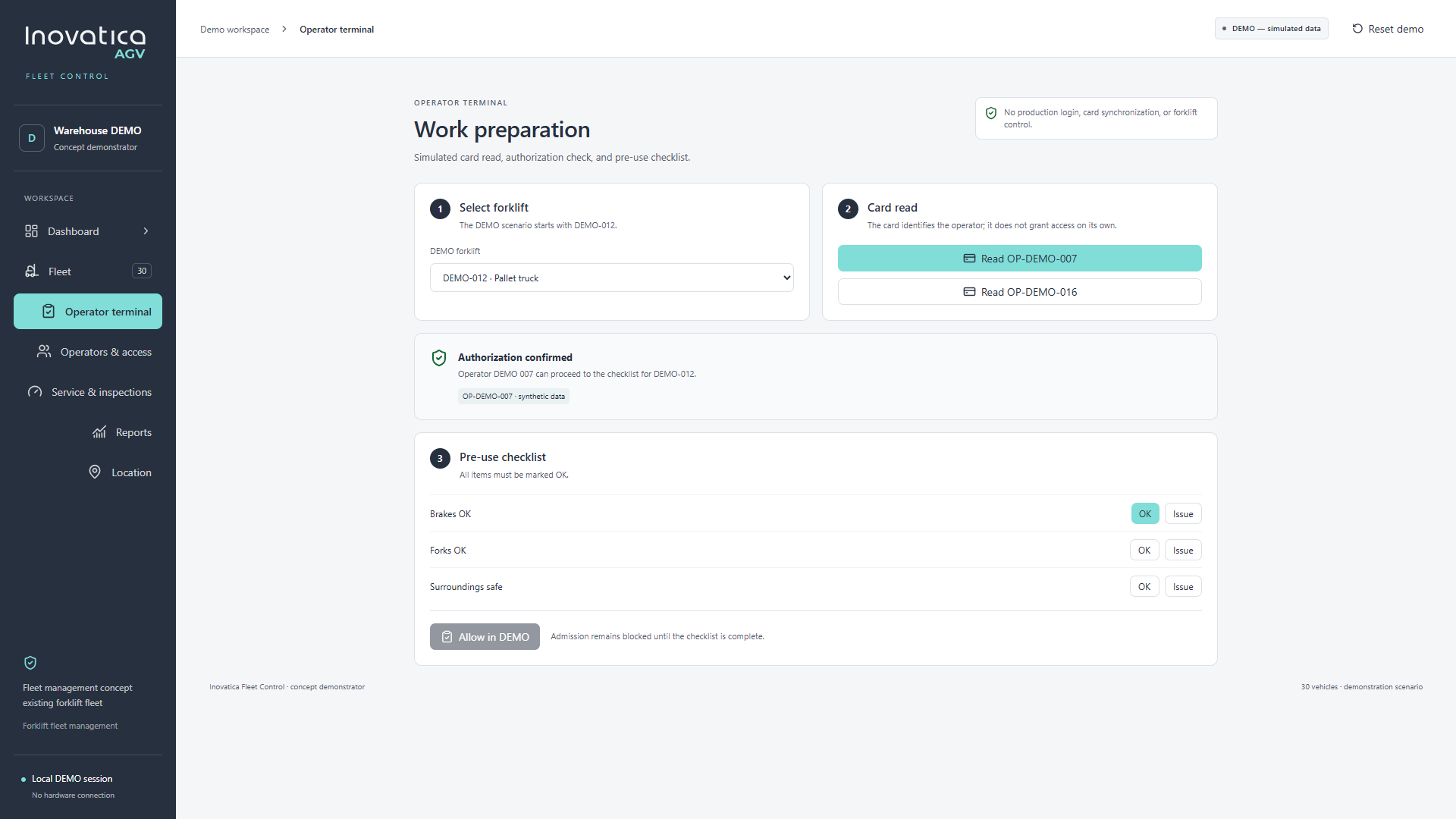
 Vehicle selection, simulated authorization and a checklist before starting work.
 Enlarge screenshot
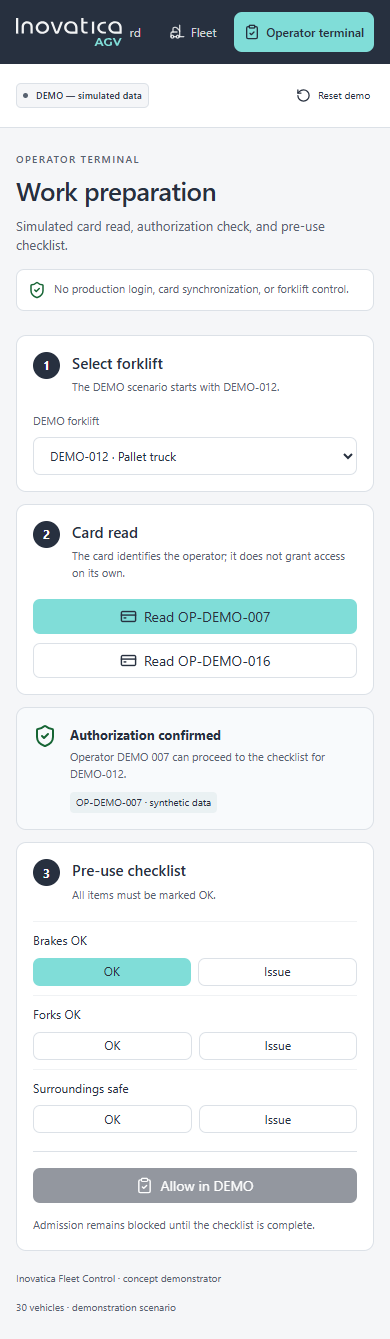
 The same preparation flow in a single-column mobile view, from selection to checklist.
Follow simulated vehicle positions, then explore occupancy across the same illustrative floor plan.
20-second simulated sequence. No live vehicle connection.
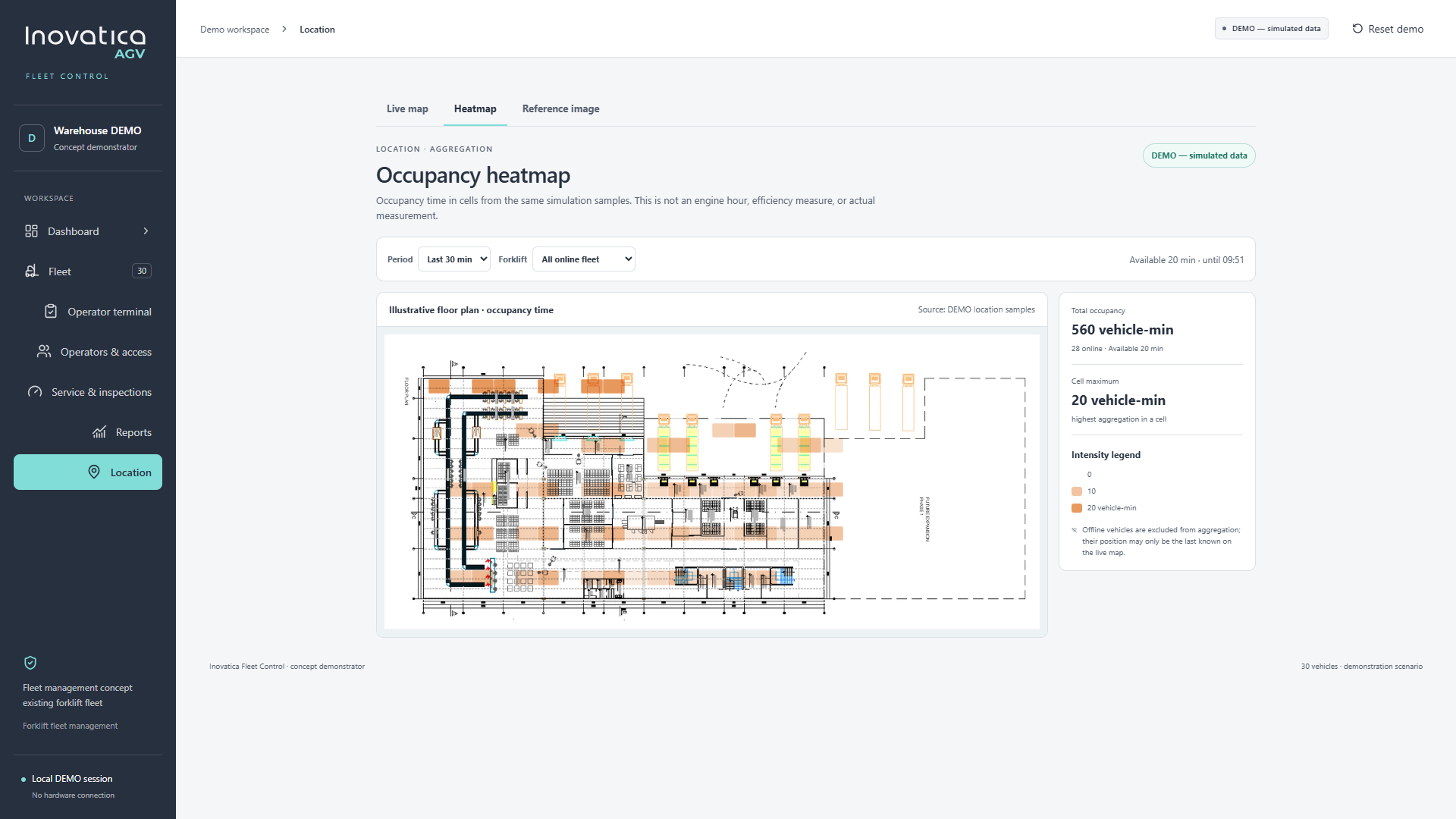 Enlarge heatmap
 Occupancy is shown in vehicle-minutes from simulated position samples, not engine hours or productivity.
Illustrative floor plan. Simulated vehicle positions.
See working vehicles, items requiring attention, engine-hour readings and recent events together. Open a vehicle record to review its status and history.
Explore a demo operator directory with groups, status and assigned forklifts, alongside a simulated card-read and authorization flow.
Follow the operator terminal through vehicle selection and a pre-use checklist covering brakes, forks and the surrounding area.
Review planned, in-progress and completed items, with example reminders based on dates or engine-hour readings.
Compare engine-hour readings and recorded events by forklift or operator. Engine hours represent meter increases, not driving time.
Tell us about your forklifts, operators and daily routines. Let’s discuss which visibility and monitoring needs matter to your team.
This site uses cookies for core functionality and basic analytics. By clicking "Got it", you accept their use.
Privacy policy