 Enlarge screen
 Loads and contents
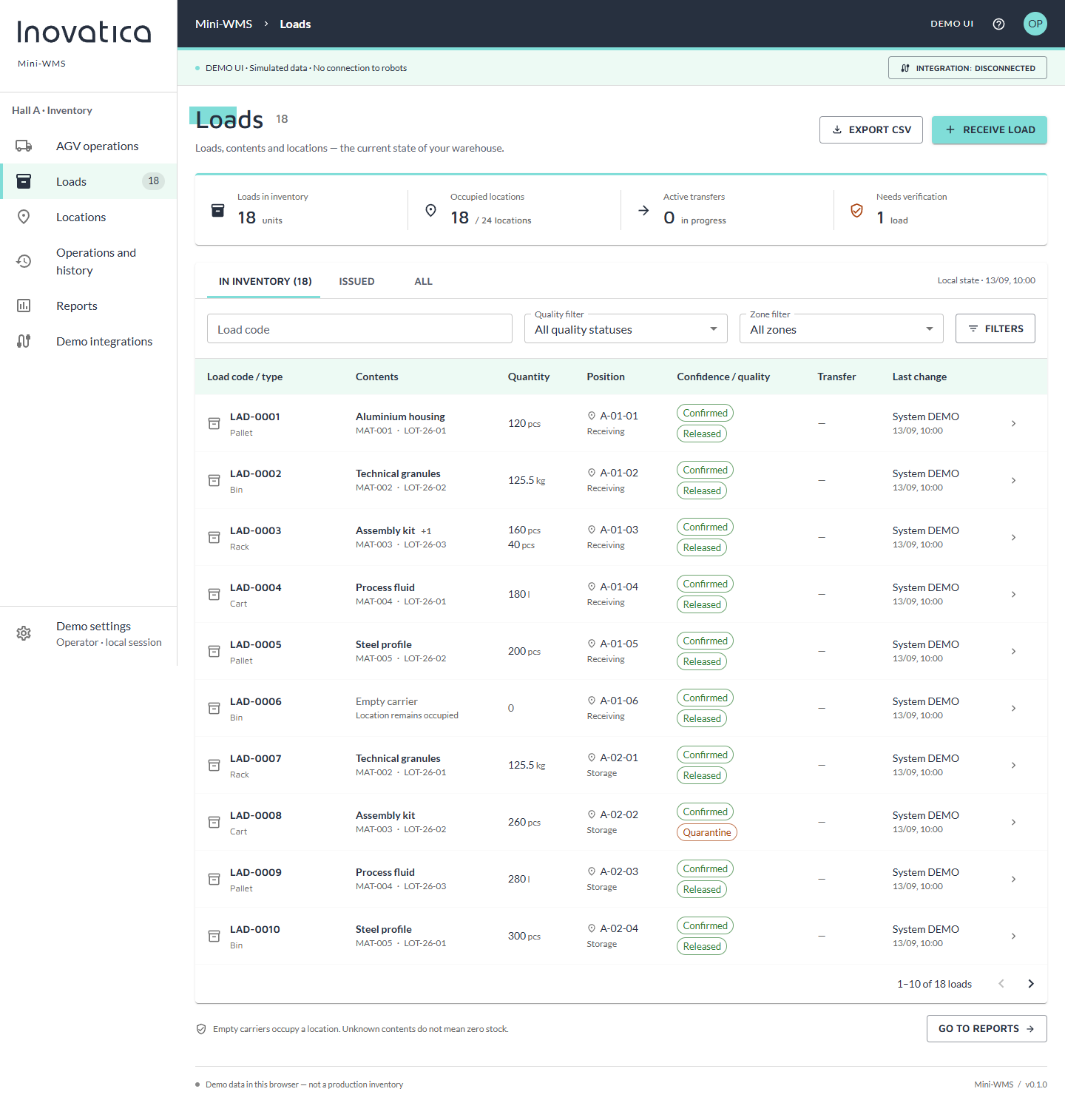
The list connects each carrier code with product, batch, quantity, location and quality status. Filters help find a specific load and flag records that need attention.

Find the right robot for your process.
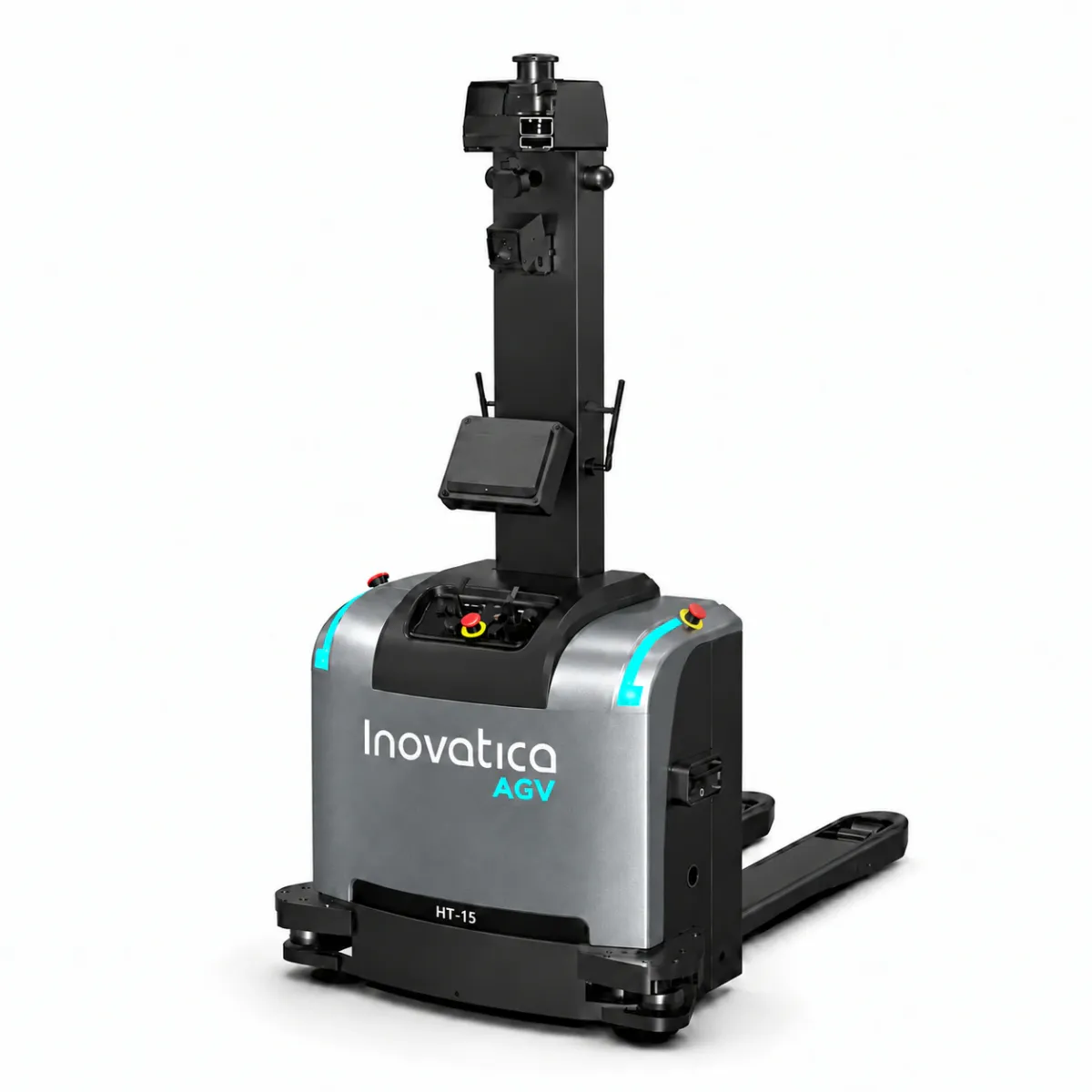
Pallets, containers and load carriers moved
between production and warehouse areas.
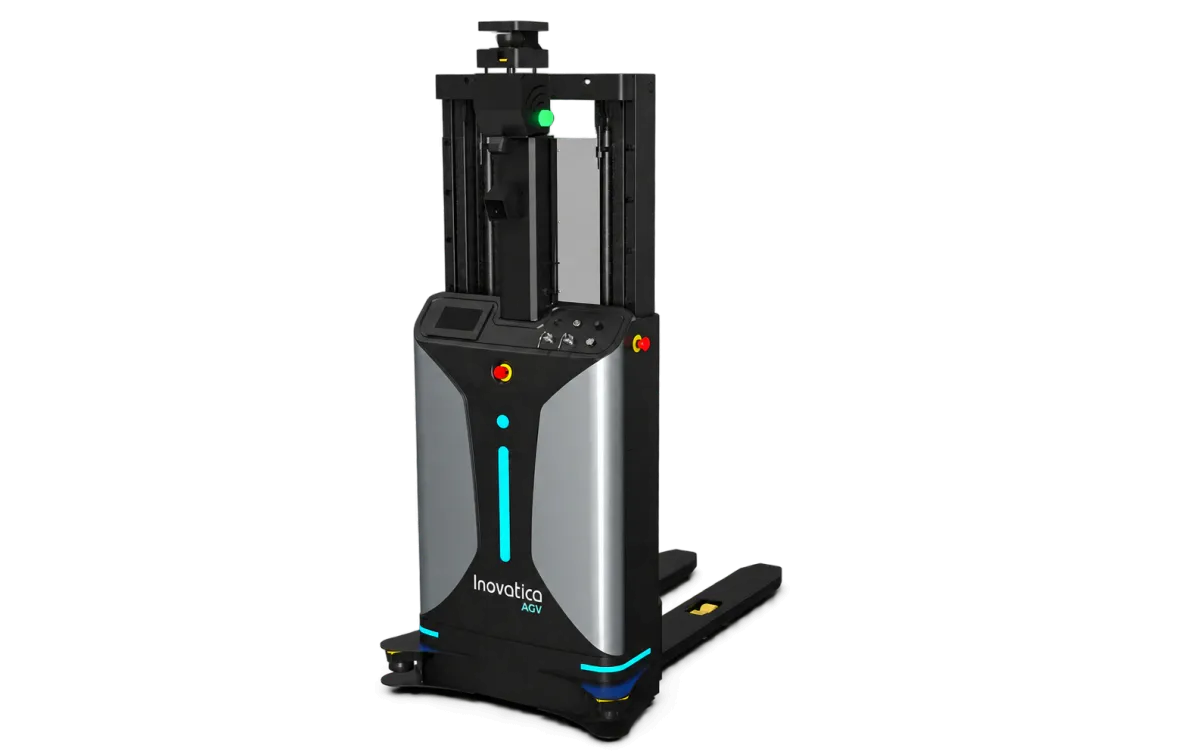
Pallet pickup and placement.
Matched to the load carrier and transfer height.
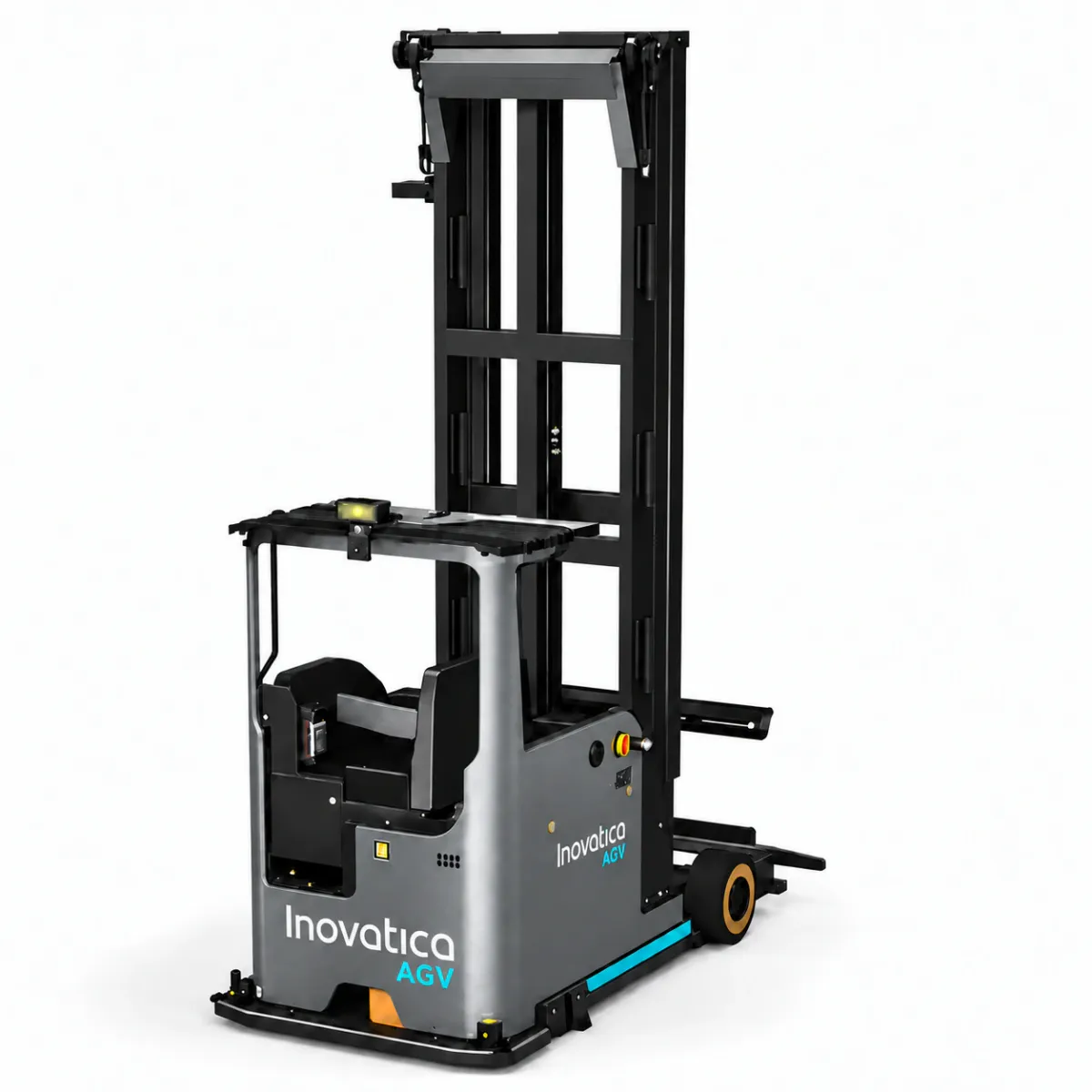
Handling higher rack levels
and warehouses with narrow aisles.
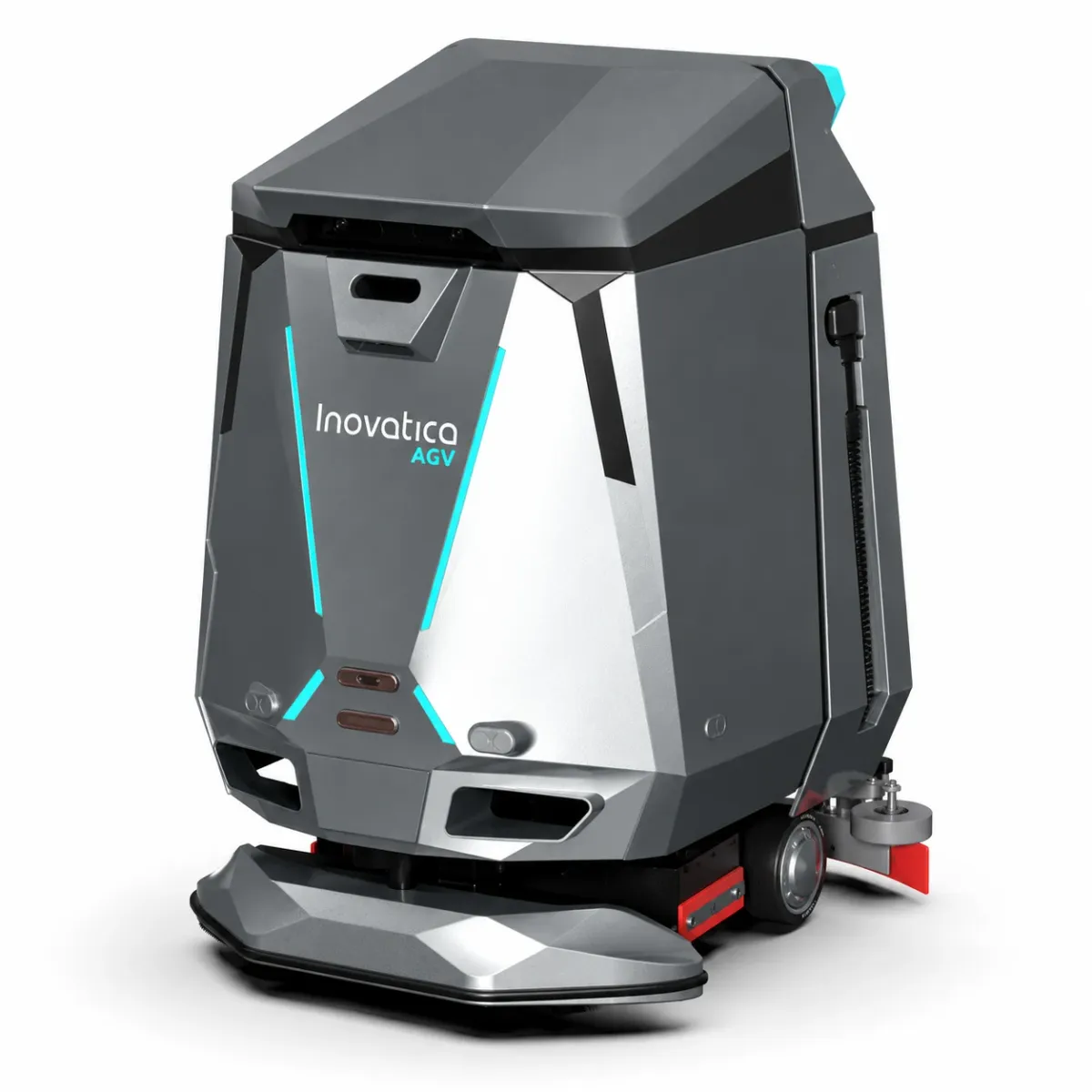
Automated floor care in warehouses and factories.
Projects across industries.
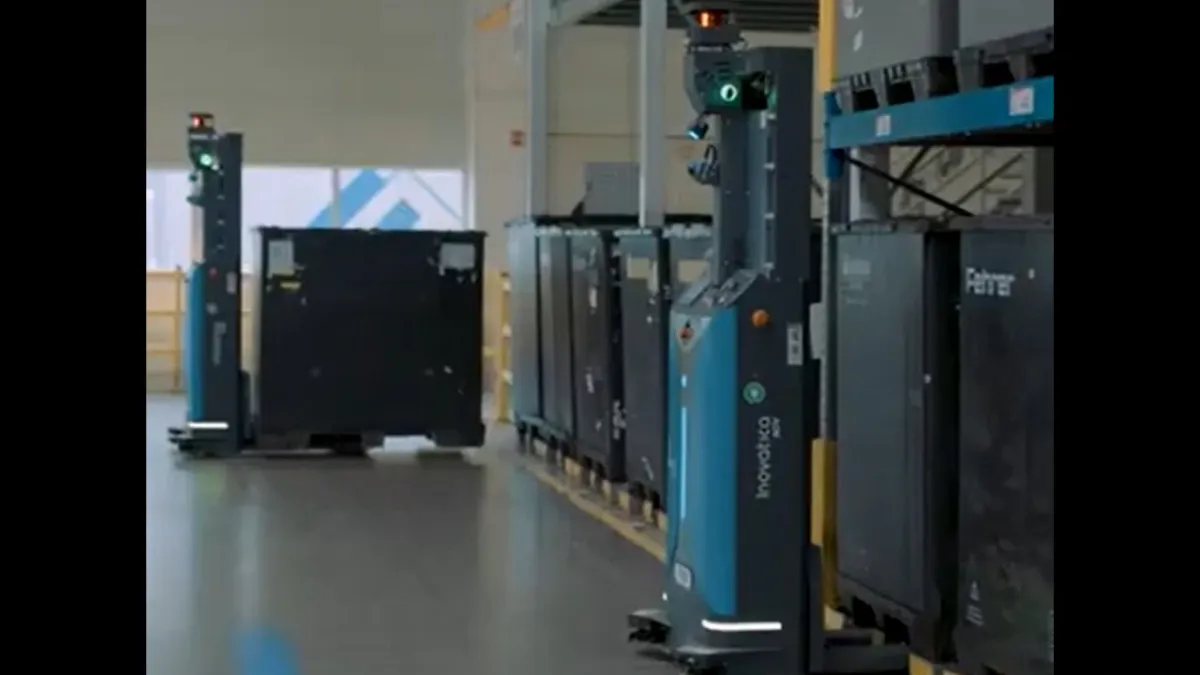
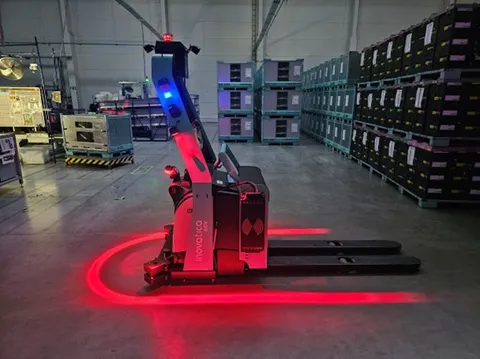
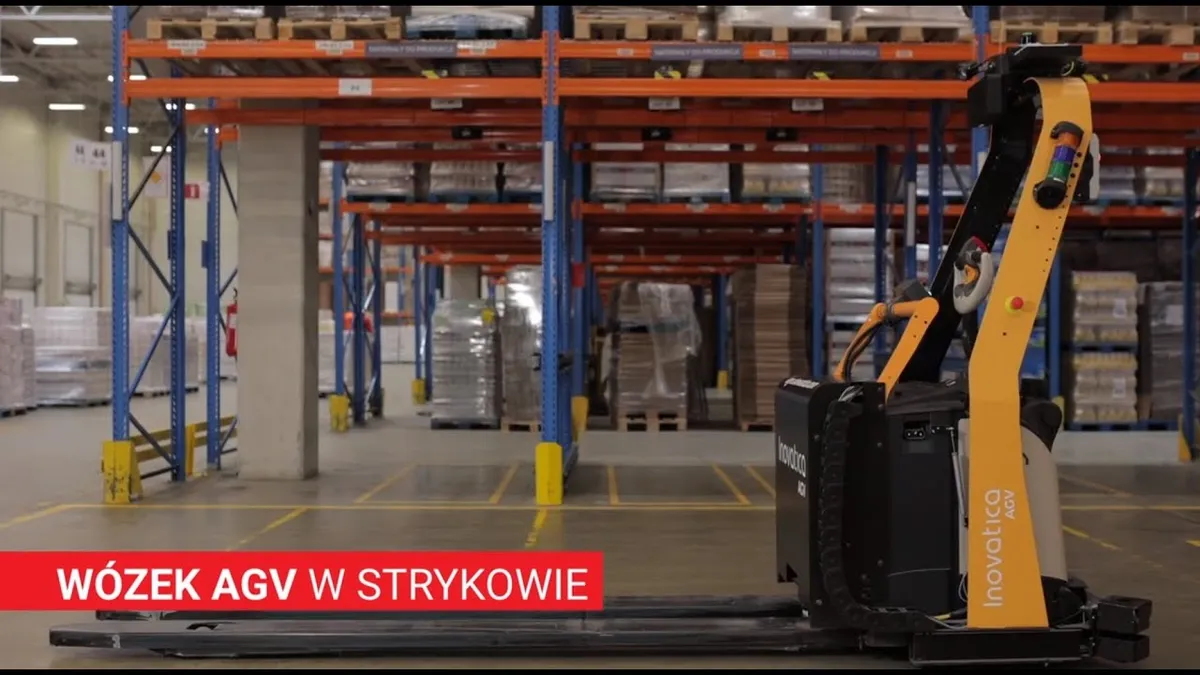
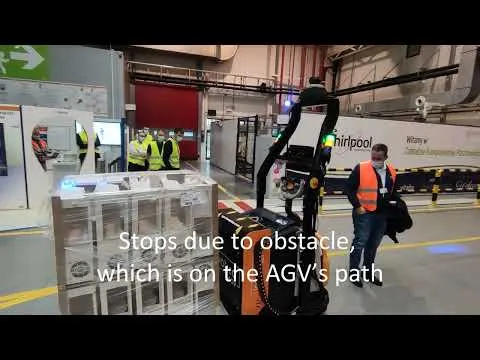
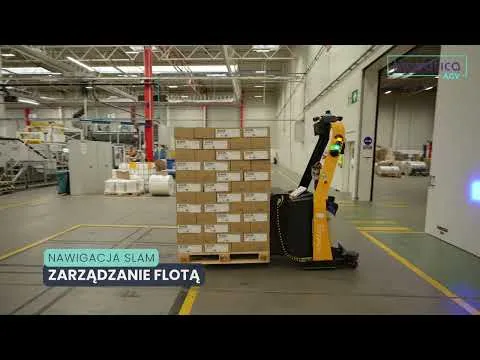
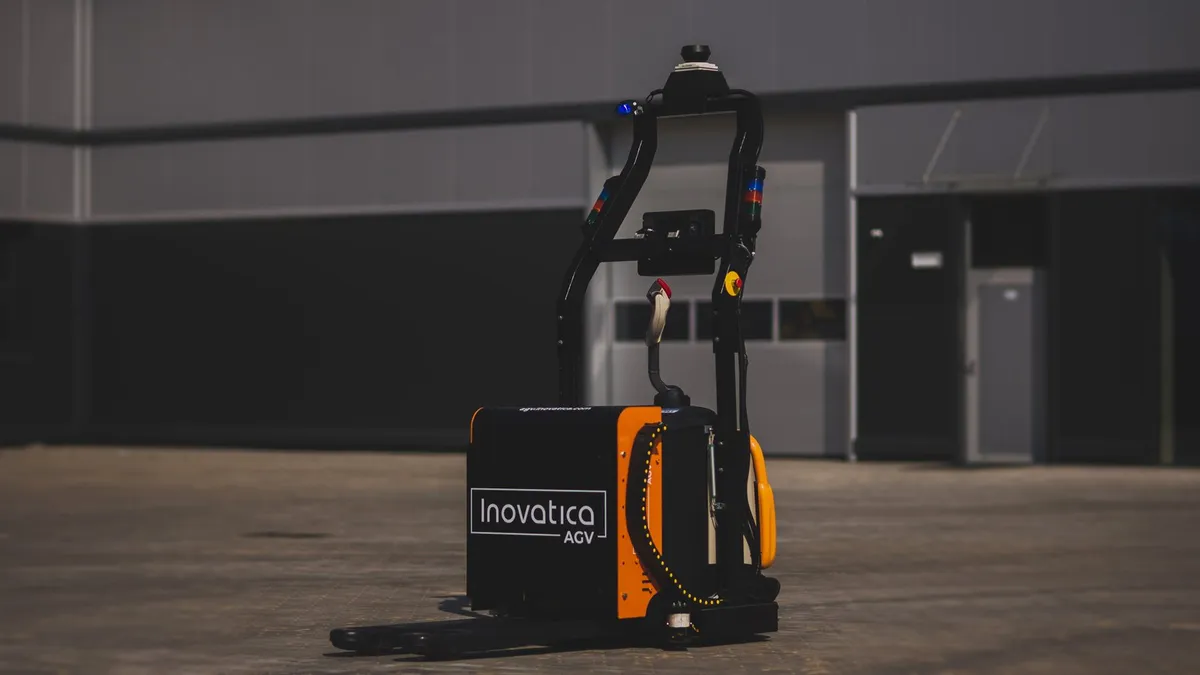
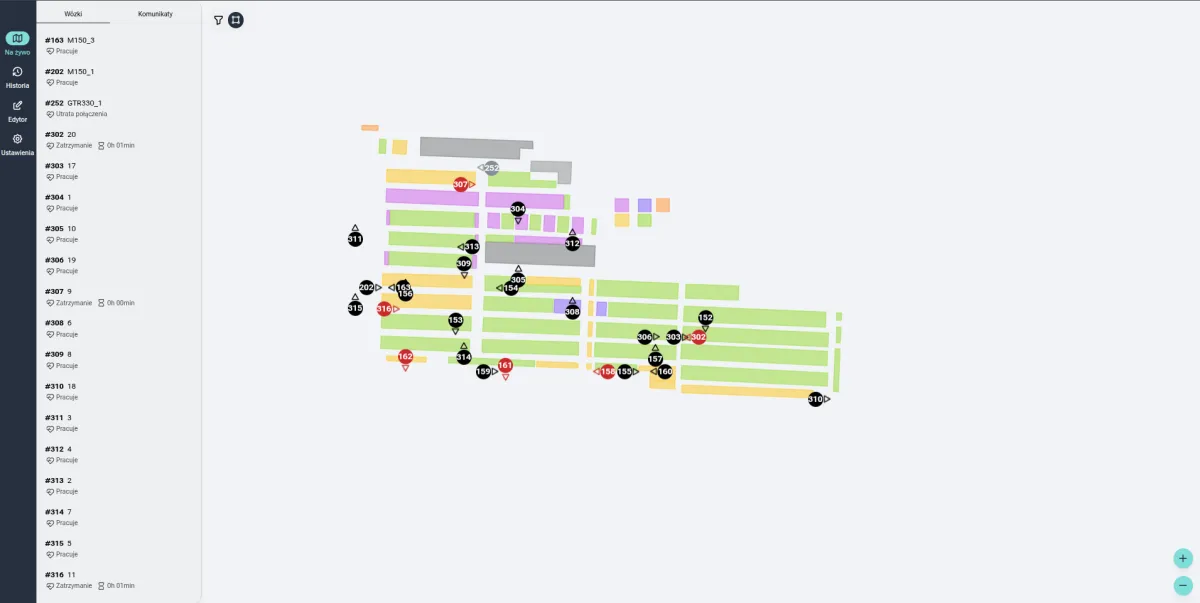
Plan, connect and manage.
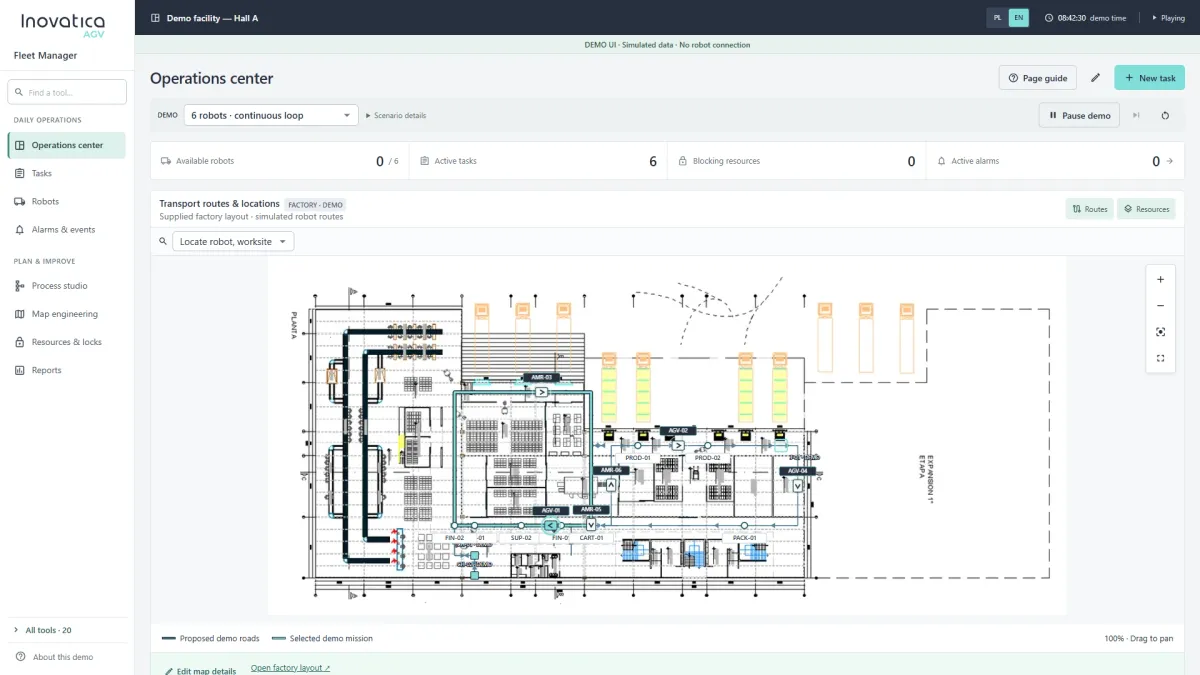
AGV tasks, vehicle assignment, traffic and fleet monitoring.
Explore the system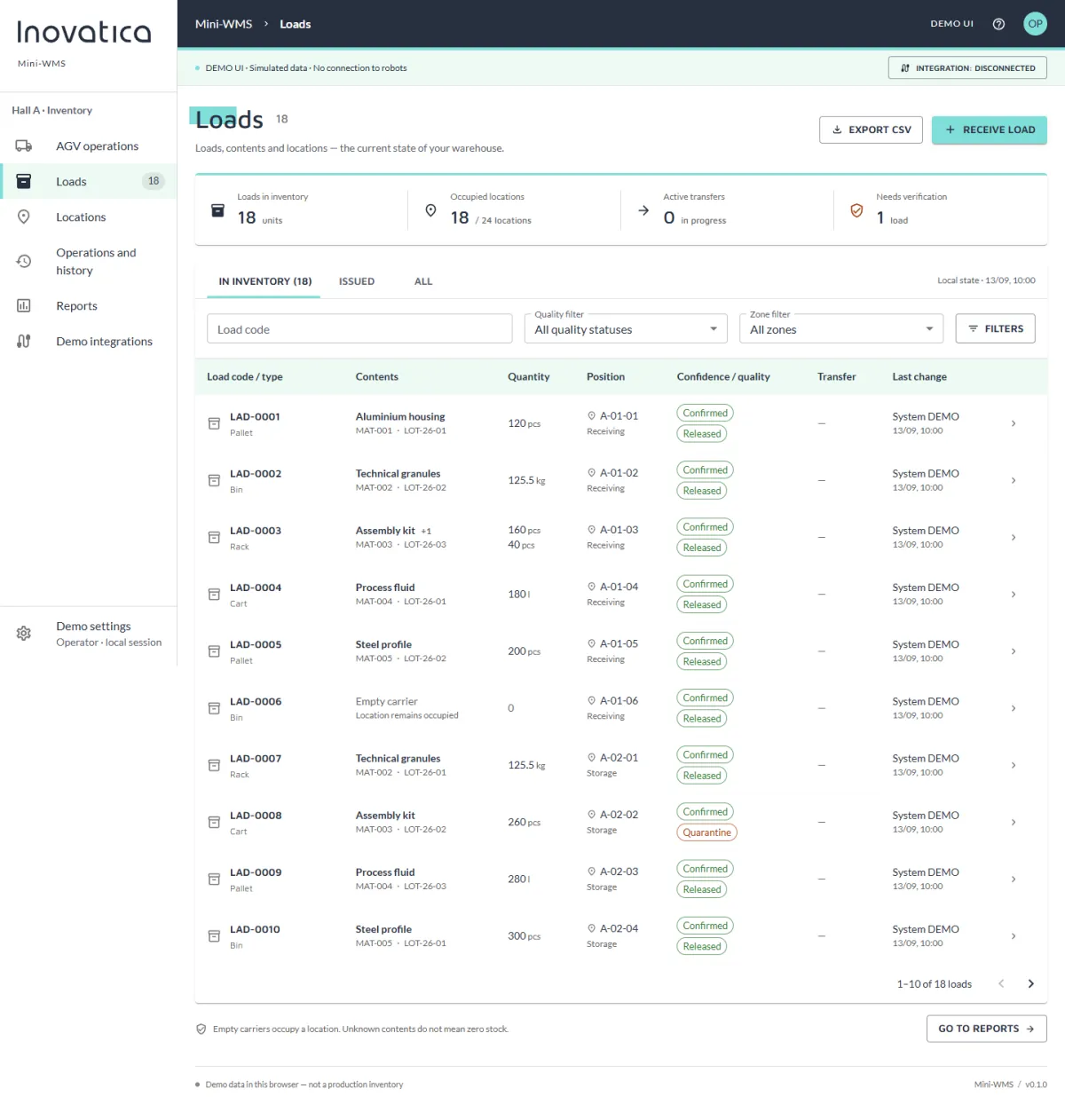
Loads, locations, transport requests and warehouse reports.
Explore the system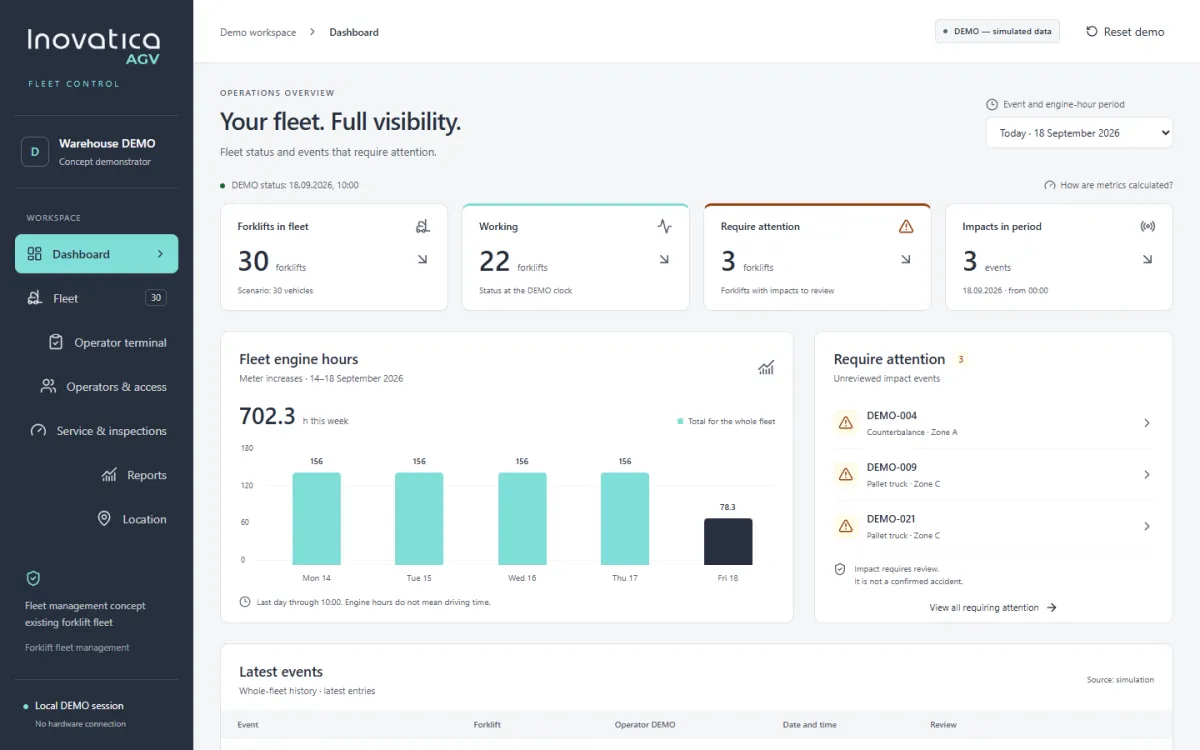
Fleet visibility, operators, checks, service and reporting.
Explore the system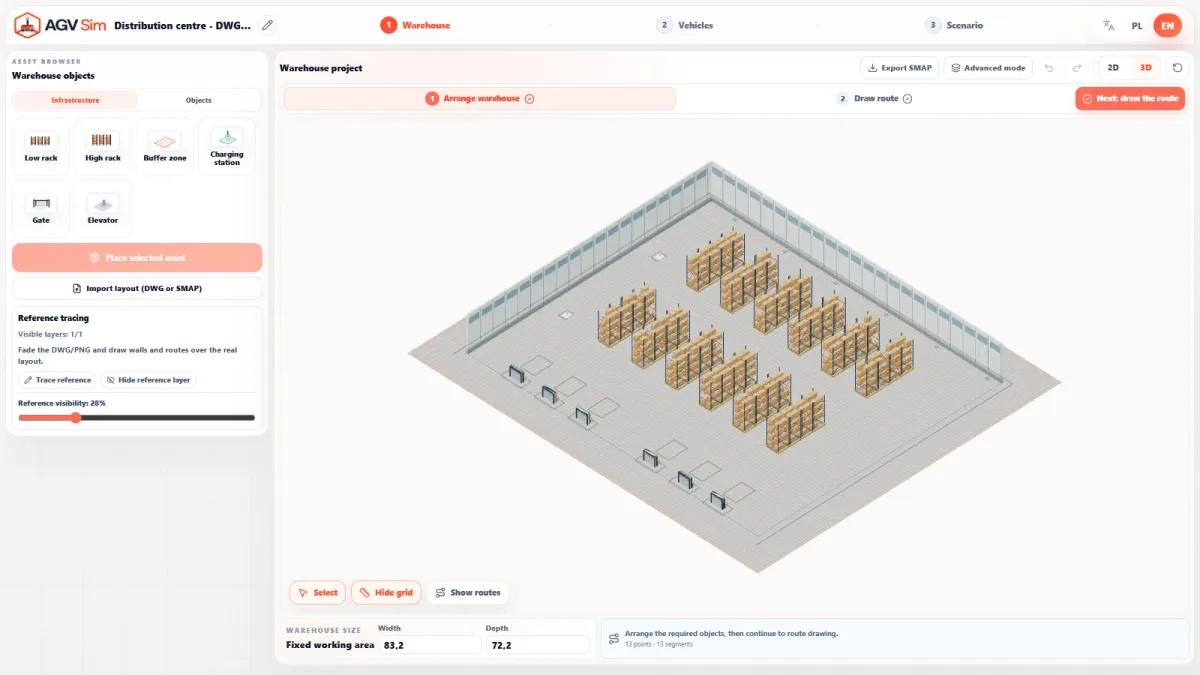
Simulate your warehouse, transport flow and AGV fleet scenarios.
Explore the systemFrom load records to confirmed delivery.
Mini‑WMS connects load and location records with AGV transport requests. Check location availability, prepare transport and track stock levels.
Carrier, product, batch, quantity and quality status create a coherent inventory record.
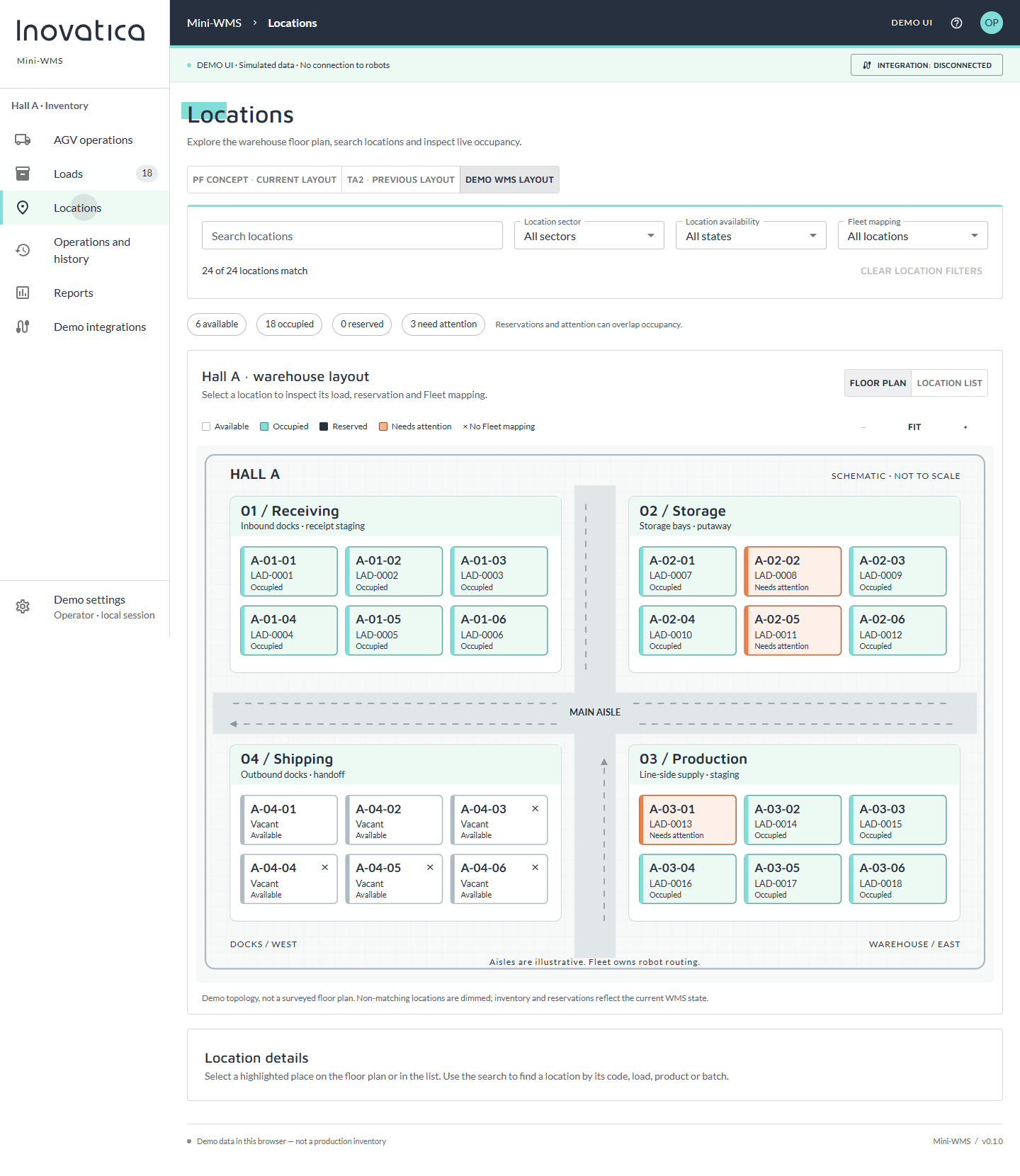
A floor plan and location list show occupancy, availability and fleet-point mapping.
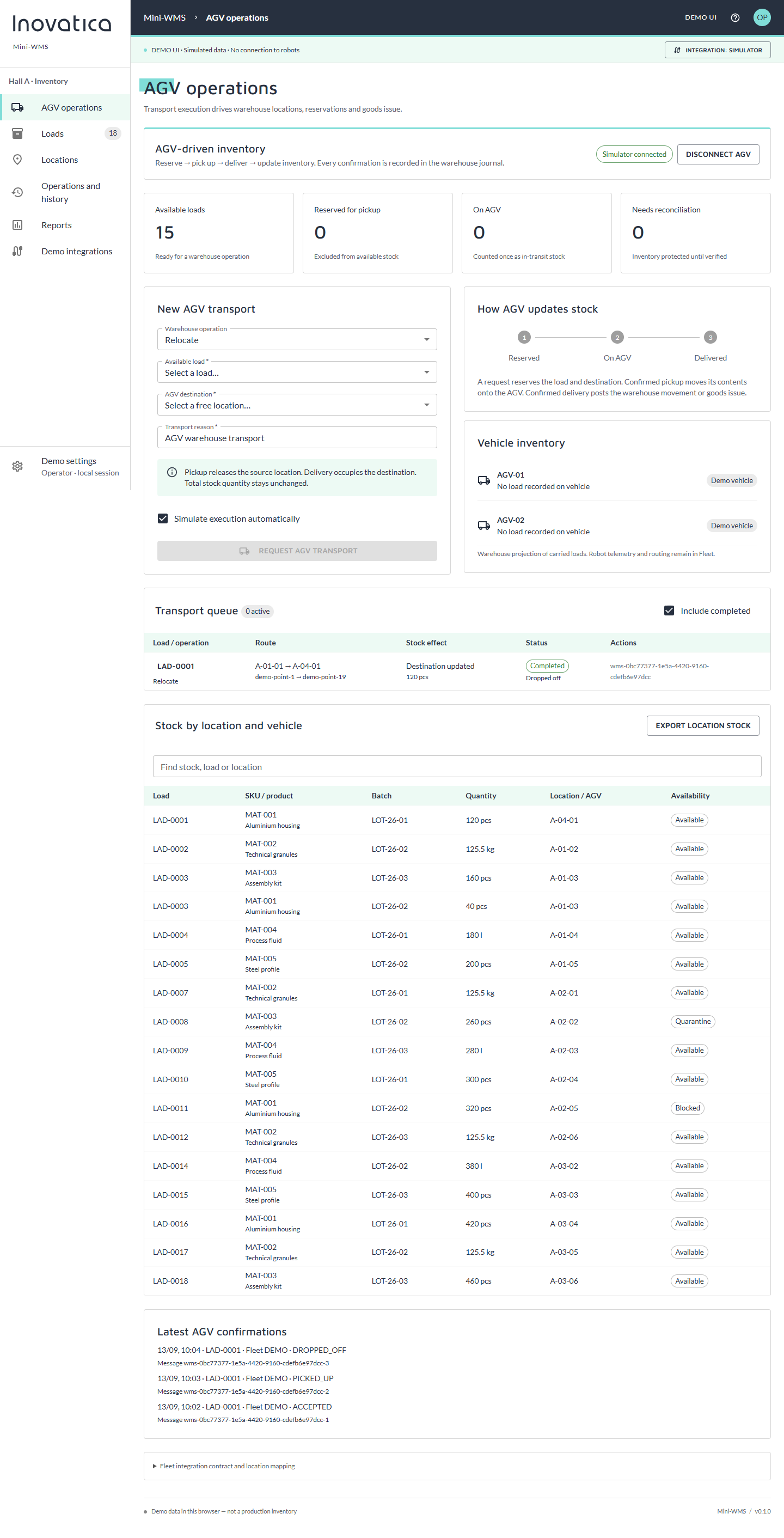
The system reserves the load and destination before a mission reaches the AGV execution layer.
Pickup moves the load onto the vehicle; confirmed delivery updates its location or goods issue.
Example interface screens using demonstration data.
Enlarge screen The list connects each carrier code with product, batch, quantity, location and quality status. Filters help find a specific load and flag records that need attention.
 Enlarge screen
 The hall view shows which places are occupied or available. Location details reveal inventory, transport reservation and the related fleet point.
 Enlarge screen
 A request reserves the load and destination. Pickup and delivery confirmations show whether the load is waiting, on a vehicle or delivered, and update the inventory record.
 Enlarge screen
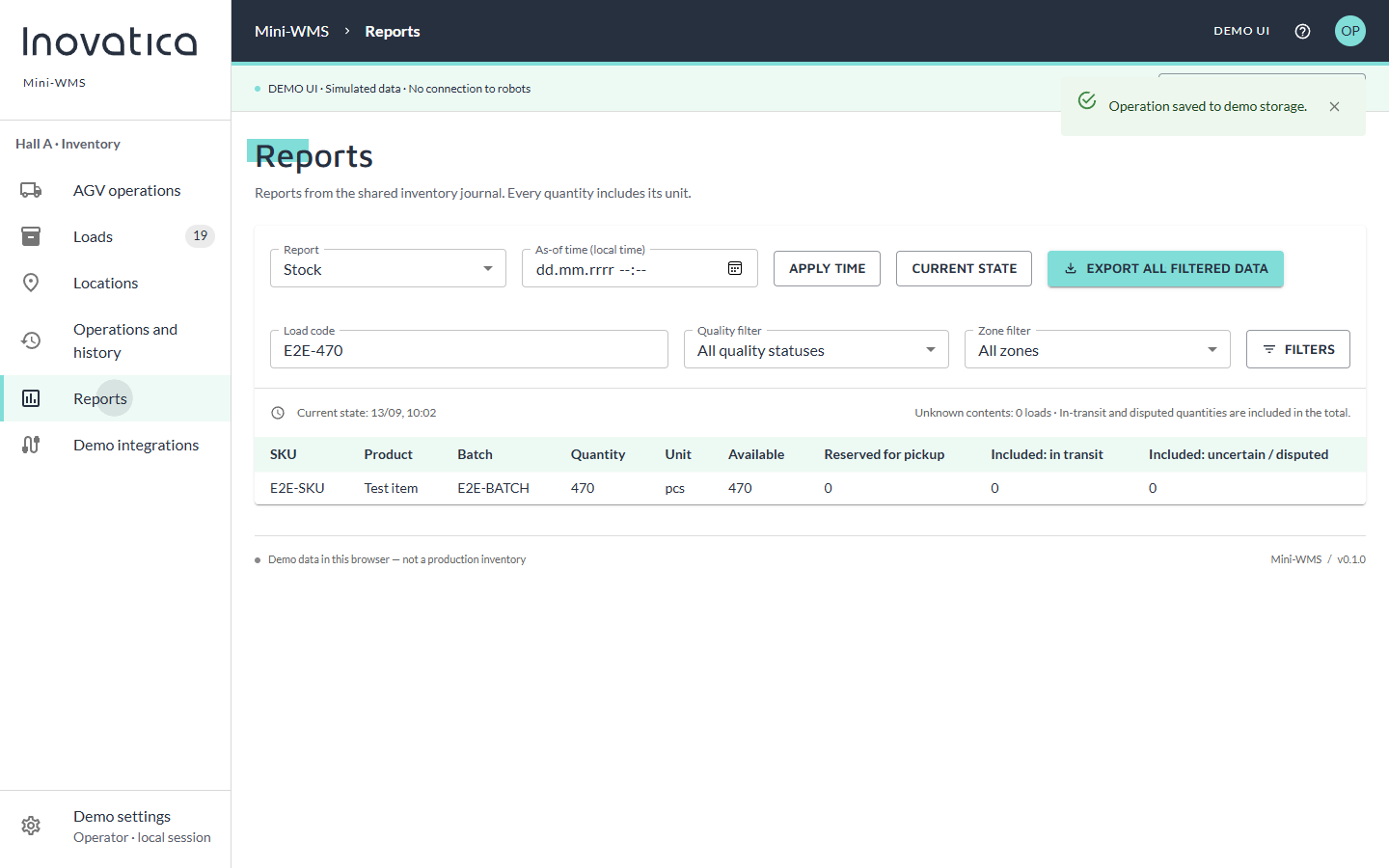
 The stock report separates total, available, reserved and in-transit quantities. Data can be filtered, reconstructed for a chosen time and exported.
Mini‑WMS manages loads, locations, reservations, availability and the transaction history. Fleet management assigns missions to vehicles and directs their movement on site. Connecting the two systems keeps physical transport aligned with inventory records.
Execution confirmations return to Mini‑WMS inventory.
These screenshots come from a standalone UI demo with simulated data. Fleet and ERP connections are simulators; the application is not connected to physical robots or a production database. Connecting a target system requires an adapter for its API, server-side inventory and agreed operating rules.
We can review loads, warehouse addresses, transport requests and the responsibilities of the warehouse and AGV fleet layers.
This site uses cookies for core functionality and basic analytics. By clicking "Got it", you accept their use.
Privacy policy