
AGV transport should remain connected to its business order and the actual delivery result. This article addresses architecture choices involving SAP Warehouse Robotics. The separate RDS–SAP implementation guide covers the communication contract.
This is a design model, not a claim that a ready-made or certified SEER connector exists for every SAP version.
Responsibilities across the systems
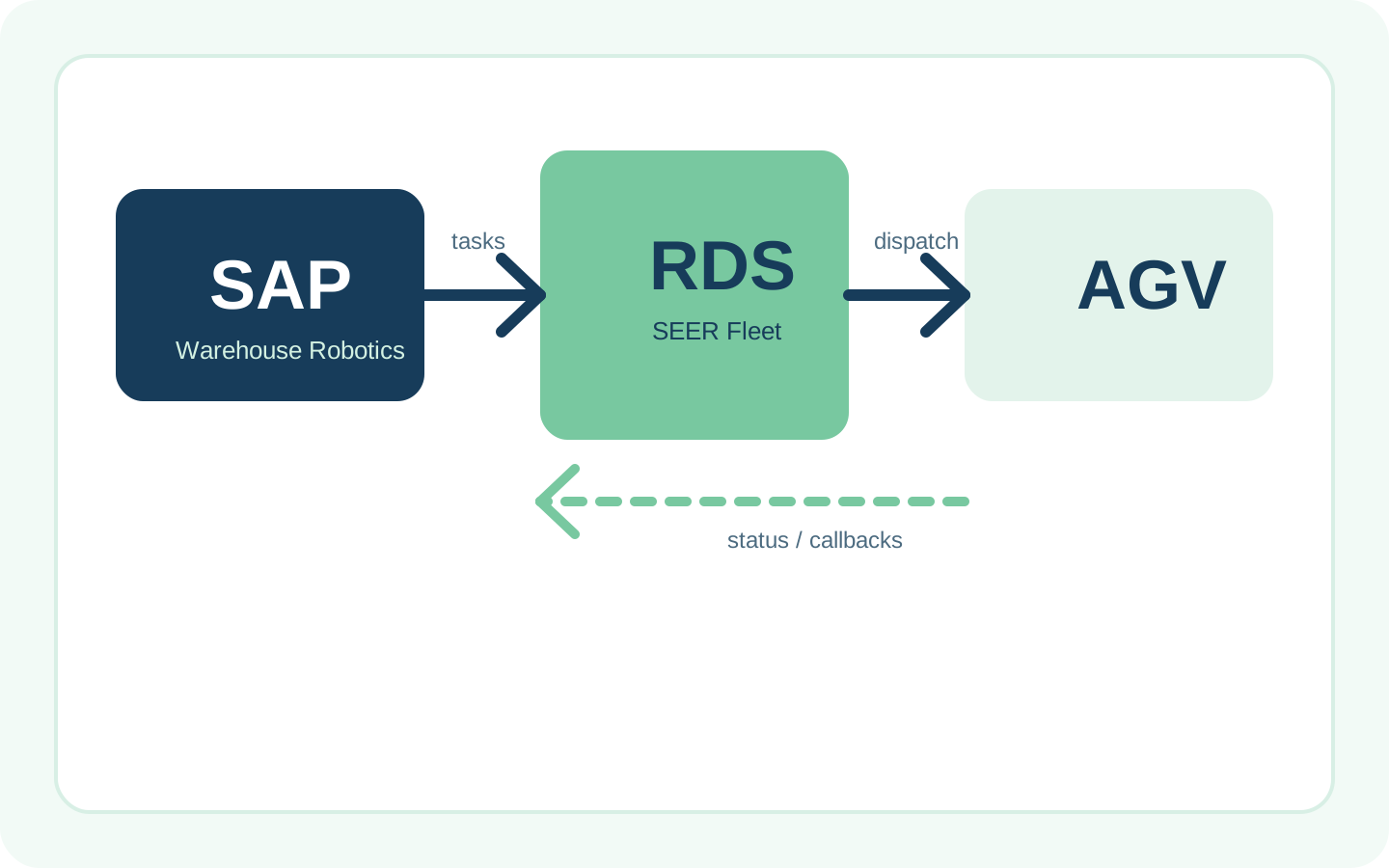
In the arrangement considered here, SAP EWM owns the warehouse operation. SAP Warehouse Robotics coordinates robot-task processing, an adapter translates messages and RDS coordinates physical execution by the fleet.
SAP EWM → SAP Warehouse Robotics → integration adapter → RDS → robot.
Feedback travels in the opposite direction. Location, handling-unit and order identifiers must retain their agreed meaning throughout the chain.
The SAP connection guide describes the adapter between Warehouse Robotics and a fleet management system: it translates tasks into the fleet API and reports task statuses back. Creating an HTTP endpoint in RDS does not by itself implement that whole contract.
The adapter and middleware choices
An adapter can directly implement the SAP Warehouse Robotics contract and the fleet API. Where several systems or fleets are involved, an additional integration layer can centralise mapping, queues and monitoring.
This is a choice about where the adapter runs and what it owns, not an option to omit it. SAP BTP is a platform of services and should not be equated with a single middleware product. SAP’s guide distinguishes cloud and on-premise adapter connections with the relevant connectivity configuration.
A bespoke ERP-to-RDS connection without Warehouse Robotics is a separate architecture. It needs its own order, status, authorisation and acceptance specification. REST or OData support in one layer does not establish compatibility across the complete integration.
From a task to a confirmed result
Agree the following flow before implementation:
- The warehouse system specifies the load, source, destination and priority.
- Warehouse Robotics dispatches the task to the fleet through the adapter.
- The adapter maps identifiers and checks for duplicate requests.
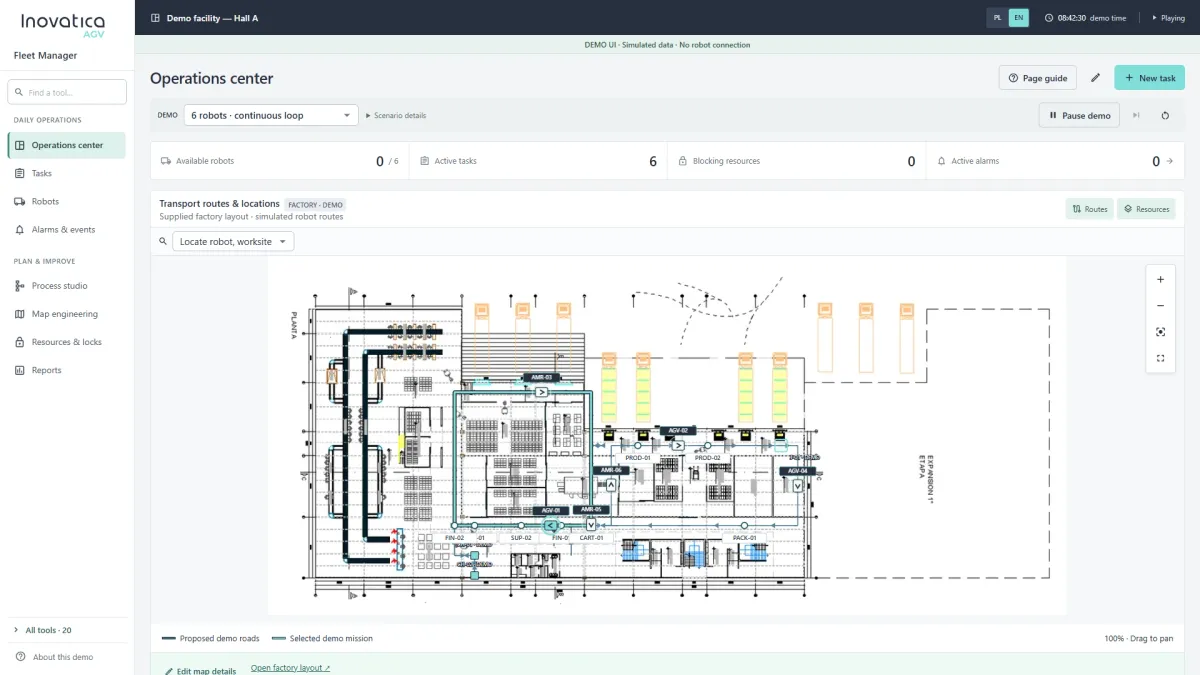
- RDS assigns the task and coordinates the agreed resources, such as routes, doors or lifts.
- Execution statuses return to the supervisory layer.
- The operation is confirmed against an agreed physical event and the warehouse system’s rules.
SAP describes confirmation based on fleet notifications in its robot-process documentation. Request acceptance is different from picking up a pallet or completing its delivery.
Design the exception paths
Include missing loads, occupied destinations, blocked routes, unavailable equipment and communication loss. Define error codes, the order identifier, event time and whether a retry is safe.
After a connection failure, establish the task’s current state before sending another transport request. Otherwise a retry can create a second physical movement. Agree who may cancel a mission, choose another destination or confirm manual recovery.
One purpose of the integration is to give operators and supervisory systems a consistent process state. Do not assume that every error can be resolved automatically without a designed recovery rule.
Evaluate the architecture before deployment
Compare the available SAP and RDS versions and licences, number of fleets, adapter maintenance model and network-access requirements. Assign ownership for business logic, traffic logic and incident handling.
Useful measures include order-to-delivery time, confirmation delay, exception rate, manual interventions and agreement between system statuses. These help establish whether the integration improves the process and supports its ROI assumptions.
Acceptance should cover normal execution, failure, retry, cancellation and reconnection. Those tests establish whether a configuration works; a list of protocols alone does not.
Continue with the implementation contract
The technical RDS–SAP guide covers a task payload, callbacks, polling and interface decisions. Version-specific RDS documentation is available through the SEER help centre. General fleet-management capabilities do not certify a particular adapter.
Supporting material: Original source ↗